
SpellType
Private AI autocomplete that runs locally on MacTab-complete your writing, on-device and private
Highlights
What you can do with it
- A professional cuts email writing time in Gmail with autocomplete
- A writer drafts an article faster in Google Docs
- A support agent replies quickly to customers on Slack
How to use it
- 1 Download and install SpellType from spelltype.app on your Mac
- 2 Grant macOS Accessibility permission once when prompted
- 3 Start writing in a supported app and accept suggestions with Tab
- 4 Upgrade to the paid plan in the app if you want more
Who it is for
Pros
- Free version gives 1000 completions per week
- Local processing keeps your writing private
- Simple setup with a single permission grant
- Light on battery and easy to accept or ignore suggestions
Limitations
- It is a Mac app, so other systems are not covered
- Free plan caps completions at 1000 per week
- Suggestions may not always match your intent
- Paid pricing and features may change over time
What SpellType is
SpellType is a private AI auto-completion application designed for Mac. While you write in apps such as Gmail, Slack, Google Docs, Outlook, and Messages, it suggests the next few words and you accept them by pressing Tab. It runs on a local model, does not record your screen, and does not send your writing to the cloud, which is the main privacy advantage. You grant Mac permission once and it handles supported apps without per-app setup, and it is designed for low battery use so it can run all day. The free version gives 1000 completions per week, and the paid professional plan is 4.99 dollars per month or 39.99 per year, with a lifetime option also offered.
What you can do with it
- Get inline word suggestions while writing in supported Mac apps.
- Accept a suggestion with Tab or keep typing to ignore it.
- Work across apps such as Gmail, Google Docs, Outlook, and Slack.
- Keep everything on-device for privacy, with no cloud upload.
Who it is for
- Professionals who write many emails in Gmail and similar apps.
- Office workers who handle documents in Google Docs and editors.
- People in chat-heavy roles and content creators who type a lot.
What to watch out for
SpellType is a Mac app, so it does not cover Windows, Linux, or mobile. The free plan caps you at 1000 completions per week, so heavy writers may need the paid plan. Suggestions are generated and may not always match your intent, so read before accepting, especially for important messages. Because it needs accessibility permission to work in other apps, review what that allows before installing. Paid pricing and features may change over time, and local performance depends on your Mac hardware.
FAQ
What is SpellType?
SpellType is a private AI auto-completion app for Mac that suggests the next words as you write, and you accept them with Tab.
Does it keep my writing private?
It runs on a local model, does not record your screen, and does not send your writing to the cloud.
Is there a free version?
Yes. The free version gives 1000 completions per week, and the paid plan is 4.99 dollars per month or 39.99 per year.
Why it is free
What the official page says: free version
Free limits, trial length and features are decided by the official site and can change at any time.
Product preview
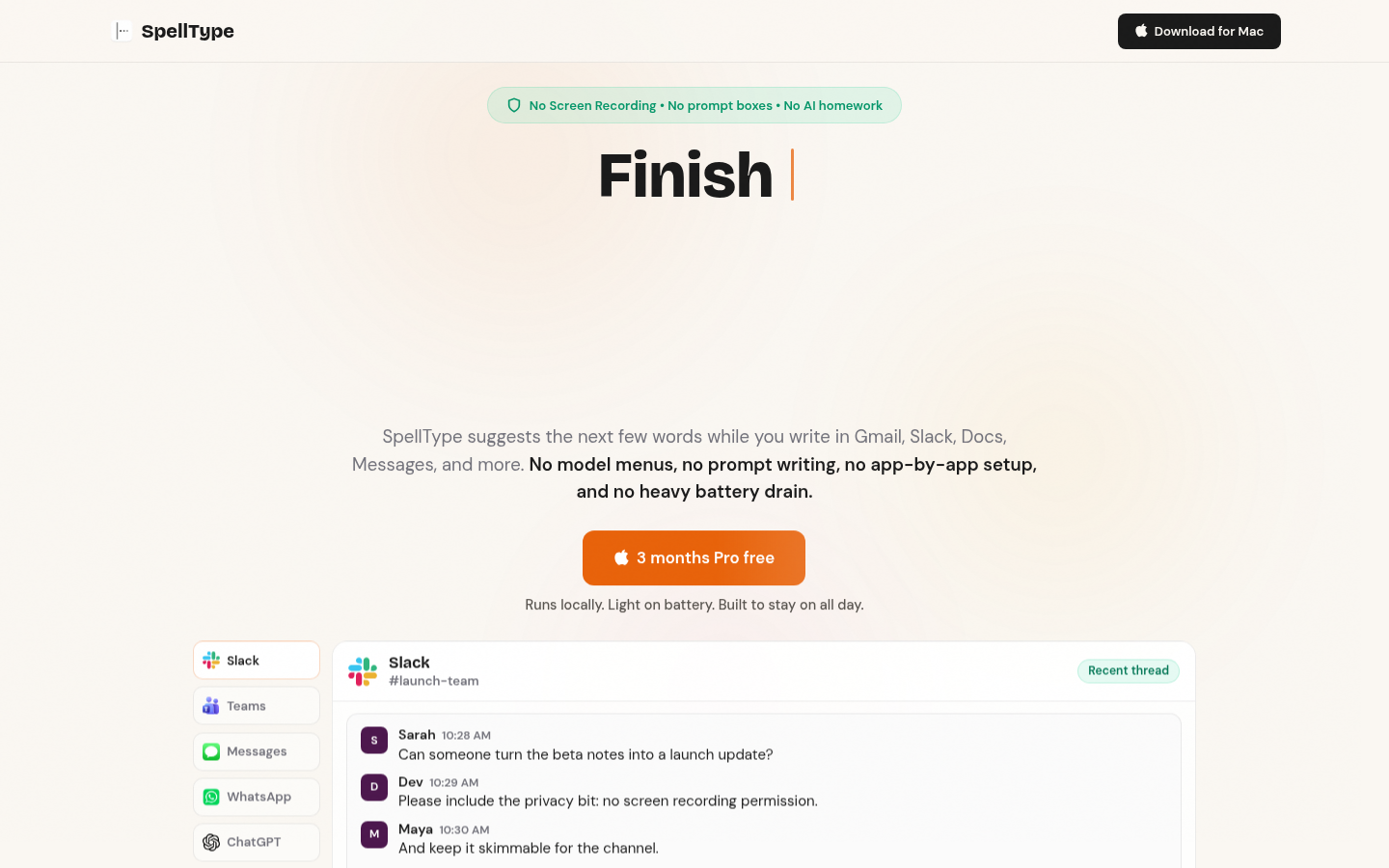
Screenshot archived from the listing page, for preview only.











