
SparkVid
Multi-model AI video makerOne platform, many AI video models
Highlights
What you can do with it
- A creator compared outputs from different models and raised posting frequency
- An e-commerce studio turned flat product photos into lifestyle videos
- An independent filmmaker used motion control to place reference performances on his own characters
How to use it
- 1 Choose a model such as Seedance, Kling, or Veo based on the look you want.
- 2 Describe the shot or upload images, or do both, so the video maker knows the goal.
- 3 Let SparkVid render the clip, then preview, refine, and export in high definition.
Who it is for
Pros
- Model comparison in one tab saves juggling several accounts
- Image and video steps connect, so concept art becomes footage
- Runs in the browser with no editing timeline to learn
Limitations
- The free trial is limited and paid plans are not detailed on the page
- Output quality varies between models, so expect to compare results
- Good results still need clear prompts and some patience
What SparkVid is
SparkVid is an online AI video creation tool that gathers multiple leading models in one place. Instead of signing up for several services, you pick the engine that suits the shot, whether that is Seedance, Kling, Veo, or another option, and work from a single screen. The tool accepts text descriptions, uploaded images, product photos, or artwork, and it reads that input to build a clip. Motion control lets you take camera movement from a reference clip and apply it to your own material, and plain-language editing can remove objects, swap backgrounds, or reconfigure the lens style. A free trial is available, which lets you judge the output quality before you commit to a plan.
What you can do with it
- Generate video from text prompts, images, or both together
- Compare results from different models on the same idea
- Apply motion and camera control from reference clips
- Edit clips by describing the change in normal language
- Build images first and send any frame into the video maker
Who it is for
- Creators who post often and need a faster production loop
- Marketers who test creative concepts and build ad variations
- E-commerce sellers who want engaging video from flat product shots
- Educators and filmmakers who need pre-visualization and shot prototypes
What to watch out for
The free trial is a trial, and the pricing behind it is not spelled out on the page, so confirm current plan costs before you plan a content calendar around it. Different models return different looks, which means the first result is not always the one you keep. Prompt writing matters: vague instructions produce vague clips, and you should budget time for comparing outputs. Rendering also depends on the service side, so queue times can vary during busy periods.
FAQ
Is there a free trial?
Yes, SparkVid offers a free trial so you can try the video tools before paying.
Can I start from a photo instead of a prompt?
Yes. You can upload images, product photos, or artwork as references, or combine them with text.
Which models are included?
The page lists models such as Seedance, Kling, and Veo, and you can switch between them.
Why it is free
What the official page says: free trial
Free limits, trial length and features are decided by the official site and can change at any time.
Product preview
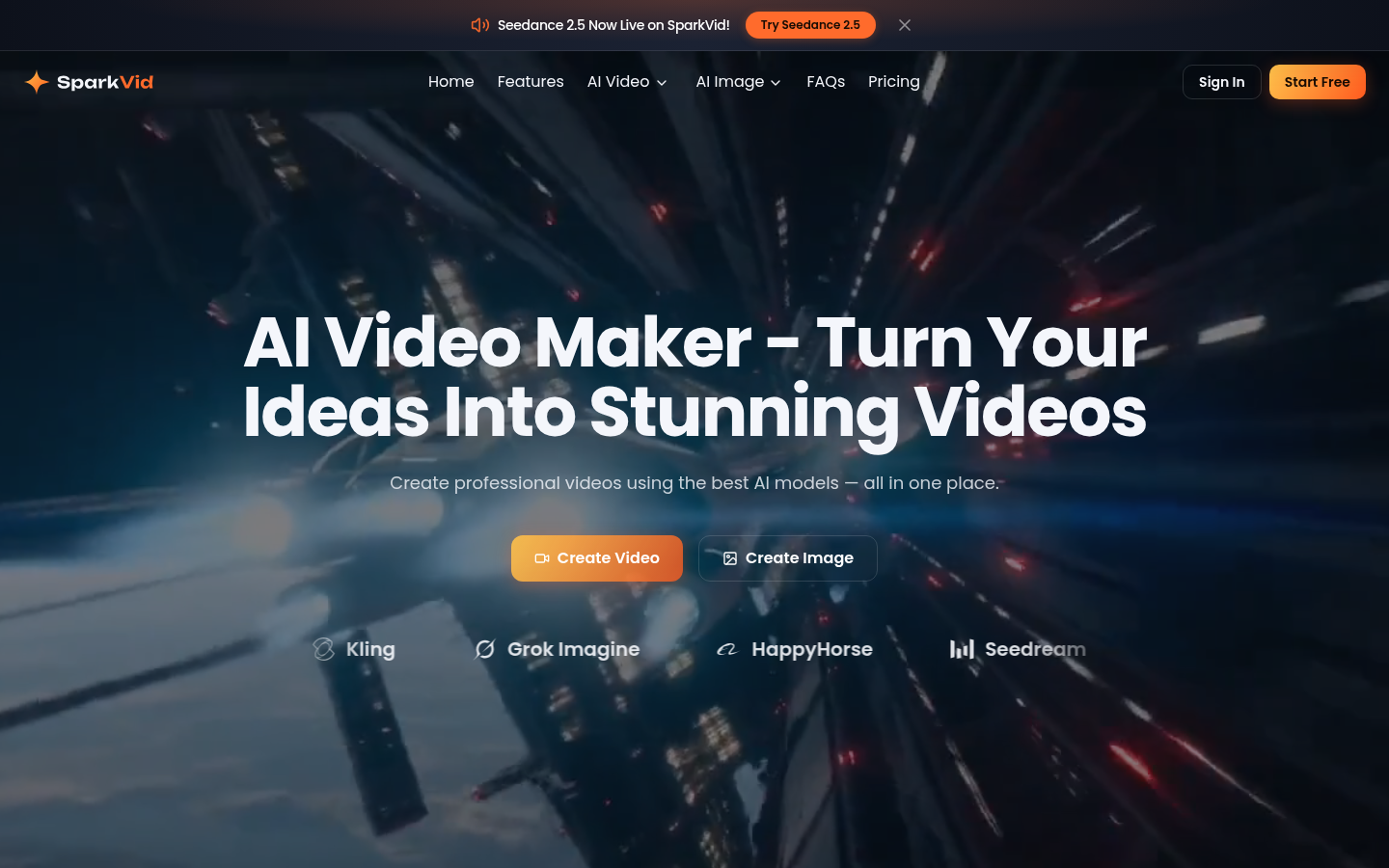
Screenshot archived from the listing page, for preview only.











