
Spanly
Observability and monitoring for MCP serversReal-time MCP traffic tracking for production teams
Highlights
What you can do with it
- SaaS teams monitor MCP performance in production
- Developers profile tool calls and resource reads while building
- Operations staff get alerts and respond to incidents fast
How to use it
- 1 Register on the Spanly site
- 2 Choose the free, professional, or enterprise plan
- 3 Install the Spanly SDK and CLI tools
- 4 Connect it to your existing APM such as Datadog, Sentry, or New Relic
- 5 Enable monitoring on the MCP server and set alert rules
Who it is for
Pros
- Free plan available with no credit card
- Real-time monitoring without code changes
- Error tracking keeps prompts and parameters for faster debugging
- Works alongside existing APM tools
Limitations
- Professional and enterprise plans cost $49 and $249 per month, so real use is expensive and free terms can change
- It only helps if you actually run MCP servers, otherwise there is nothing to monitor
- Setup requires installing the SDK and CLI and connecting your APM
- It complements rather than replaces your existing observability stack
What Spanly is
Spanly is an observability tool built specifically for Model Context Protocol servers. It was made by a SaaS engineering team for situations where MCP runs in production. It tracks MCP traffic in real time and is designed to sit next to your existing APM tools such as Datadog, Sentry, and New Relic rather than replace them. The site lists three plans: free, professional at $49 per month, and enterprise at $249 per month, and the free plan does not require a credit card. The pitch is detailed performance analysis and error tracking without changing your code.
What you can do with it
- Track every MCP request in real time and see its status
- Monitor tool calls and resource reads across the server
- Keep prompts and parameters when an error happens for faster debugging
- Analyze per-tool latency with p50 and p95 numbers
- Send alerts through email, Slack, or Webhook and share a read-only dashboard
Who it is for
- SaaS engineering teams running MCP in a production environment
- Developers profiling tool calls and latency while they build
- Operations staff who need timely alerts and a clear status view
What to watch out for
The free plan is limited, and the professional and enterprise plans cost $49 and $249 per month, so serious use is a real expense and free terms can change. Spanly only helps if you actually run MCP servers; without that traffic there is nothing to observe. Setup means installing the SDK and CLI and connecting your existing APM, so it is not a zero-effort add-on. It complements your current stack instead of replacing it, so budget for running both.
FAQ
What is Spanly for?
It provides observability for Model Context Protocol servers in production.
Is there a free plan?
Yes. The free plan does not require a credit card, with professional at $49 per month and enterprise at $249 per month.
Does it replace my APM?
No. It is designed to work alongside tools such as Datadog, Sentry, and New Relic.
Do I need to change code?
The site says you can monitor MCP traffic in real time without code changes.
Why it is free
What the official page says: free plan
Free limits, trial length and features are decided by the official site and can change at any time.
Product preview
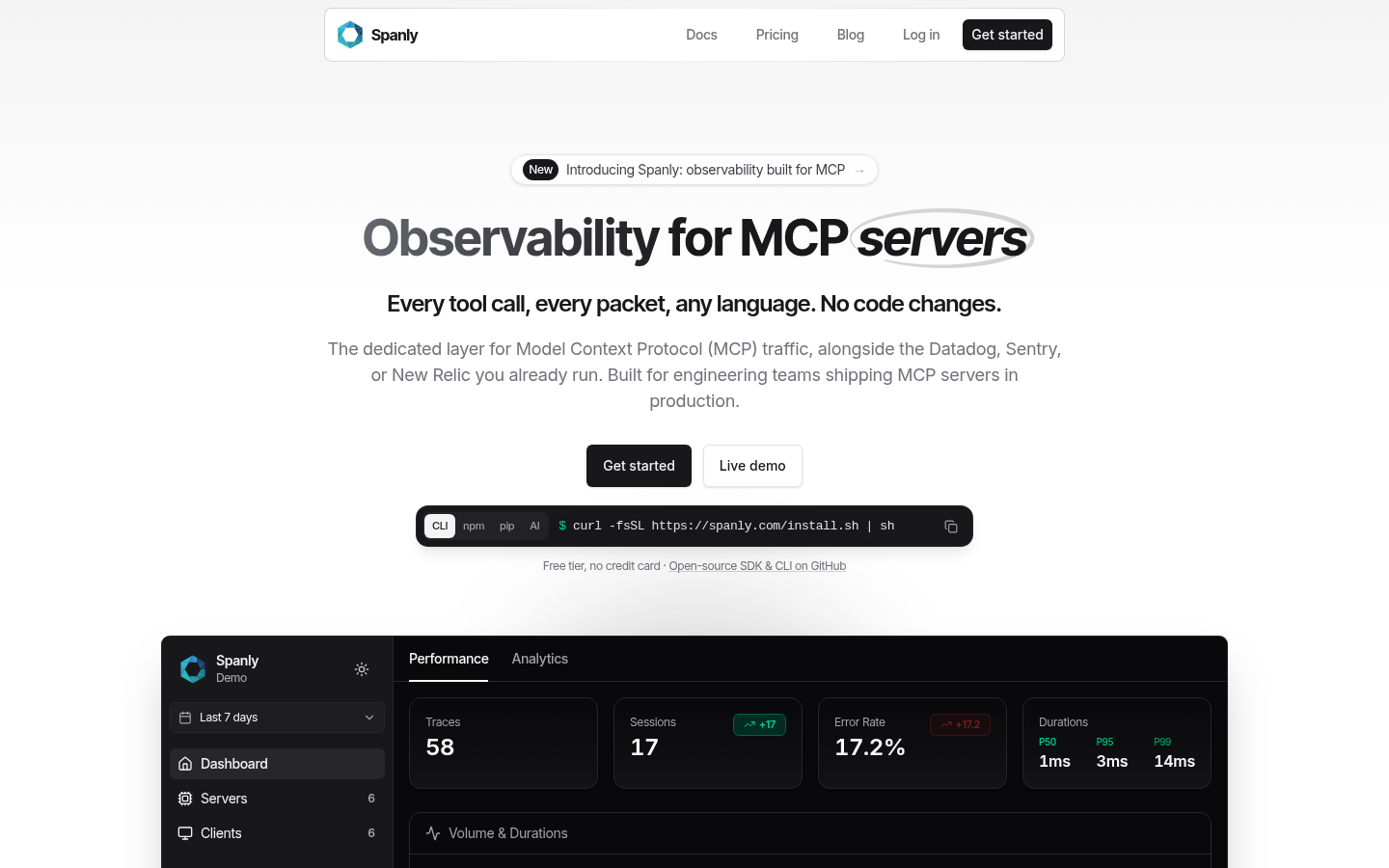
Screenshot archived from the listing page, for preview only.











