
SoundBoost
Online AI music mixing platformMix a track from a prompt or a reference song
Highlights
What you can do with it
- Mix a band's track to release standard without a studio
- Separate vocals, drums and bass for rehearsal or remix work
- Match the loudness and width of a reference release
How to use it
- 1 Register on SoundBoost.ai or start the free trial
- 2 Click Master My Track and upload a WAV or MP3
- 3 Describe the sound you want or paste a Spotify reference link
- 4 Optionally choose an AI mixing engineer personality
- 5 Wait about a minute, then A/B compare and revise if needed
- 6 Download the mixed file or use the free separation and removal tools
Who it is for
Pros
- Mixing from a text description removes the need for plugin chains
- Reference matching targets a specific commercial sound
- Free separation and vocal removal tools are useful on their own
- A/B comparison makes the change audible rather than theoretical
Limitations
- The free trial is limited and formal use needs a subscription
- Automated mixing is a starting point and cannot replace a producer's judgement
- Results depend on the quality of the source recording
What SoundBoost is
SoundBoost is an online AI music mixing platform aimed at musicians, producers and audio professionals. The core interaction is unusual: instead of moving faders, you describe the sound you want in plain text, for example that you want a wide stereo field or the character of a particular artist, and the AI mixing engine processes the track and adjusts the processing chain to match. Alternatively you can paste a Spotify link and it mixes toward that reference's loudness, width and pitch. You can switch between different AI mixing engineer personalities for different results, rendering takes about a minute, and there is an A/B comparison so you can hear exactly what changed. A free trial is available, formal use needs a subscription, and there are iOS and Android apps.
What you can do with it
- Mix a track from a text description of the desired sound
- Mix toward a reference song using a Spotify link
- Switch AI mixing engineer personalities for different results
- A/B compare the original and processed versions before committing
- Separate vocals, drums, bass and instruments with the free tools
- Remove vocals from a track for rehearsal or remix work
Who it is for
- Audio professionals and mixing engineers handling volume work
- Musicians, singers and songwriters preparing tracks for release
- Bedroom producers without formal mixing training or a treated room
- Anyone who needs a quick, consistent mix without opening a DAW
What to watch out for
The free trial is limited and formal mixing use requires a subscription, so this is a recurring cost rather than a one-off tool. Automated mixing is a strong starting point, not a substitute for a producer: it cannot hear the arrangement, fix a bad performance or make the judgement calls that define a record, and it works from the recording you give it, so a poorly captured track will still sound poor. Treat the output as a fast draft mix to react to, and check it on more than one playback system before you call it done.
FAQ
Is SoundBoost free?
There is a free trial and some free tools such as audio separation and vocal removal. Formal mixing use requires a subscription.
How long does mixing take?
The rendering process takes about one minute, according to the vendor.
Can I mix to match a reference song?
Yes. You can paste a Spotify link and the platform mixes toward that track's loudness, width and pitch.
Which file formats can I upload?
Formats such as WAV and MP3 are supported.
Why it is free
What the official page says: free trial
Free limits, trial length and features are decided by the official site and can change at any time.
Product preview
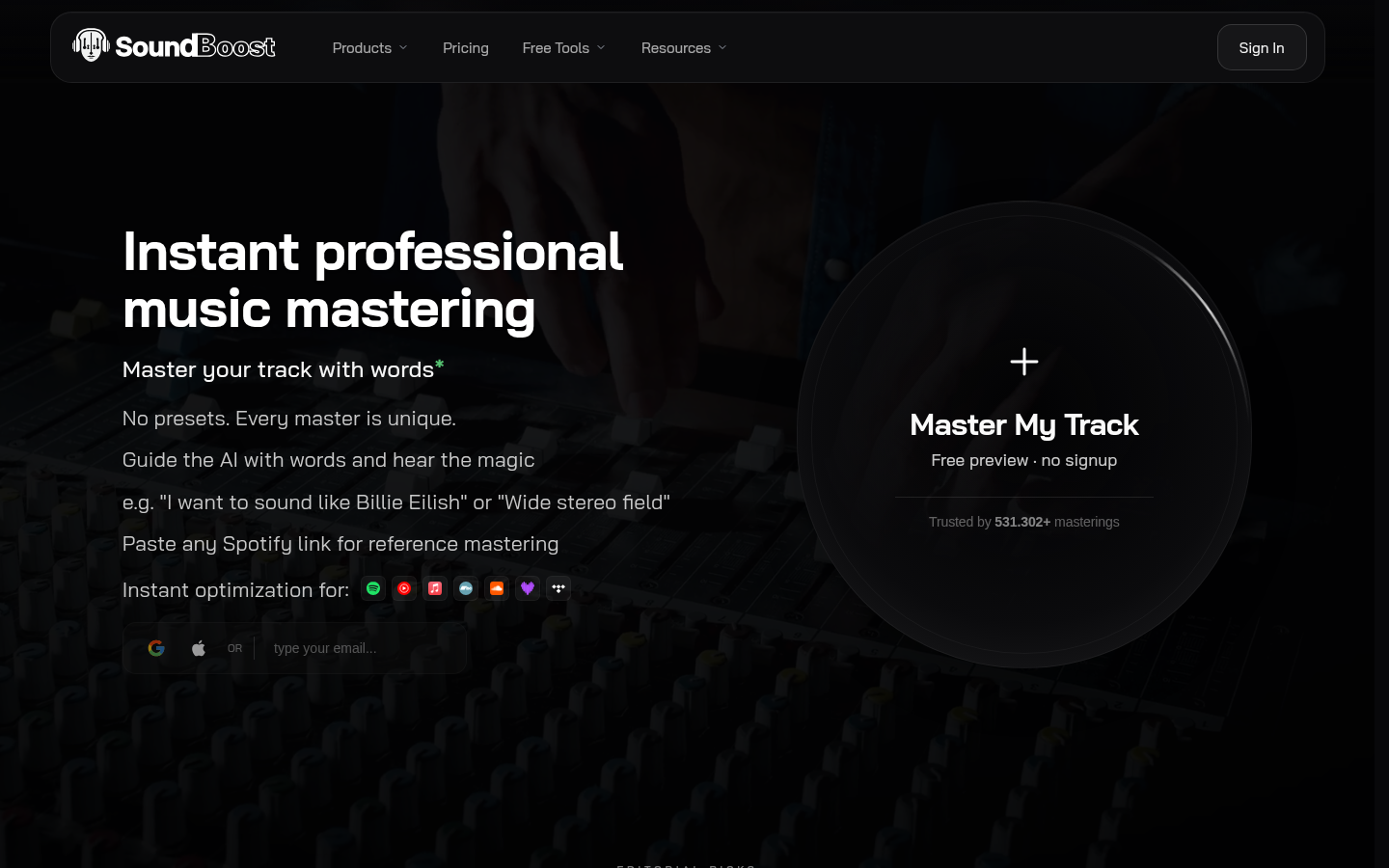
Screenshot archived from the listing page, for preview only.










