
SoundBetter
Tool that makes workplace messages sound professionalSay it better at work, right inside Slack and Telegram
Highlights
What you can do with it
- Rewriting a short Slack message so it reads as calm and clear
- Turning bullet point notes into a professional update
- Softening a blunt message before it goes to a client
How to use it
- 1 Connect SoundBetter to Slack or Telegram
- 2 Write your message as you normally would
- 3 Run it through SoundBetter to get a professional version
- 4 Send the rewritten message from the same app
Who it is for
Pros
- Free to use
- Works inside Slack and Telegram, so no window switching
- Focused on one job and quick to apply
Limitations
- Scope is narrow, it rewrites messages and does not do much else
- Only Slack and Telegram are listed as integrations
- Rewrites still need a human read before you send them
What SoundBetter is
SoundBetter is a workplace communication tool. Its job is narrow and specific: take what you are thinking, along with the text you have already typed, and turn it into professional language. That matters because a message can be technically correct and still read as abrupt, vague or too casual. The tool is built for people who know what they want to say but find tone hard to judge, and for anyone writing to colleagues, managers or clients. It integrates with Slack and Telegram, so the rewrite happens inside the app you are already using instead of in a separate window. The listing describes it as free.
What you can do with it
- Rewrite a rough message into professional wording
- Keep your point intact while improving how it lands
- Adjust tone before sending to a colleague or a client
- Use it directly inside Slack and Telegram
Who it is for
- People who find workplace tone hard to judge
- Non native speakers writing in English at work
- Managers and team leads sending frequent updates
- Anyone messaging clients where first impressions matter
What to watch out for
The scope is deliberately narrow. It rewrites messages and does not cover documents, email threading or longer writing. Only Slack and Telegram are listed as integrations, so if you work elsewhere you will be copying text in and out. Automated rewrites still deserve a human read, because a tool can smooth a sentence and quietly change its meaning. It is described as free now, and free terms can change, so check the site before you build a habit around it. Run one full task end to end first, then expand once you are comfortable with the workflow and the result quality.
FAQ
Does SoundBetter cost anything?
The listing describes it as free to use.
Where can I use it?
It integrates with Slack and Telegram so you can rewrite messages inside those apps.
What does it actually change?
It converts your thoughts and work text into a more professional expression while keeping your point intact.
Why it is free
What the official page says: 免费
Free limits, trial length and features are decided by the official site and can change at any time.
Product preview
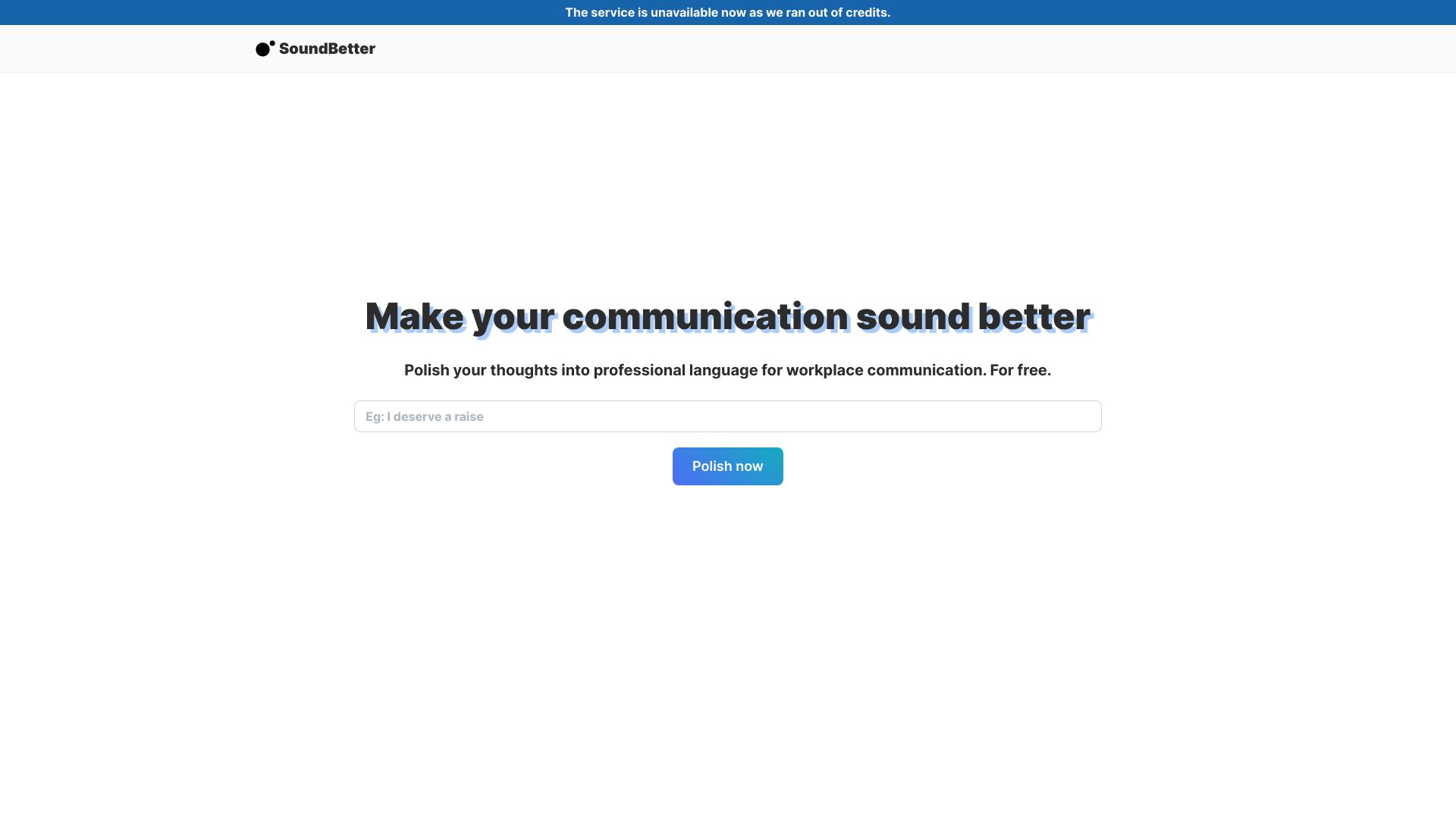
Screenshot archived from the listing page, for preview only.











