
Sort Feed for TikTok, Instagram & Pinterest
Social feed sort toolSort social feeds and export data
Highlights
What you can do with it
- Filter Instagram and TikTok posts by views and likes for weekly audits.
- Sort Pinterest by collections to find strong content ideas.
- Export only high performing rows for cleaner reports.
How to use it
- 1 Add the Sort Feed extension to Chrome.
- 2 Open a supported TikTok, Instagram, or Pinterest page.
- 3 Sort visible posts by views, likes, comments, or date.
- 4 Select posts to keep, then export the data or download files.
Who it is for
Pros
- Completely free with no credit card.
- Sorts and exports in a few clicks.
- Supports three major platforms at once.
- Lets you download high quality posts directly.
Limitations
- It is a Chrome extension, so it needs Chrome and supported pages.
- Sorting only covers posts visible on the page you open.
- A free extension can change or break as platforms update their sites.
- Export depends on what each platform exposes, so fields may vary.
What Sort Feed for TikTok, Instagram & Pinterest is
Sort Feed is a free Chrome extension built for TikTok, Instagram, and Pinterest. Its main job is to sort the posts and Pins you see on supported pages by interaction metrics such as likes, views, comments, and collections, or by date. After sorting, you can compare performance at a glance, export structured data like links, captions, dates, and metrics to a file, and even download high quality posts or Reels on supported pages. It works on profile, search, collection, and discovery pages. The extension is described as completely free and needs no credit card, and it is designed not to slow down the browser.
What you can do with it
- Sort TikTok, Instagram, and Pinterest posts by metric or date.
- Export links, captions, and metrics to a file for analysis.
- Download high quality posts and Reels on supported pages.
- Filter down to top performing content in minutes.
Who it is for
- Creators looking for high performing posts and ideas.
- Social media teams running weekly content audits.
- Data analysts who need clean, exportable metrics.
- Operators who plan content around what already works.
What to watch out for
Sort Feed is a Chrome extension, so you need Chrome and a supported page for it to work, and it will not sort content on apps or unsupported layouts. It only sorts the posts visible on the page you have open, so you may need to load more content before exporting. Because platforms change their sites often, a free extension can break or lose features after an update, and what you can export depends on what each platform exposes. Confirm the current terms on the store page before relying on it for client work.
FAQ
Is Sort Feed free?
Yes. It is described as completely free and needs no credit card.
Which platforms does it support?
It works on TikTok, Instagram, and Pinterest on supported pages.
What can I export?
You can export links, dates, views, likes, comments, and captions to a file.
Can I download videos?
Yes. On supported TikTok and Instagram pages you can add posts to a list and download videos or Reels.
Why it is free
What the official page says: completely free
Free limits, trial length and features are decided by the official site and can change at any time.
Product preview
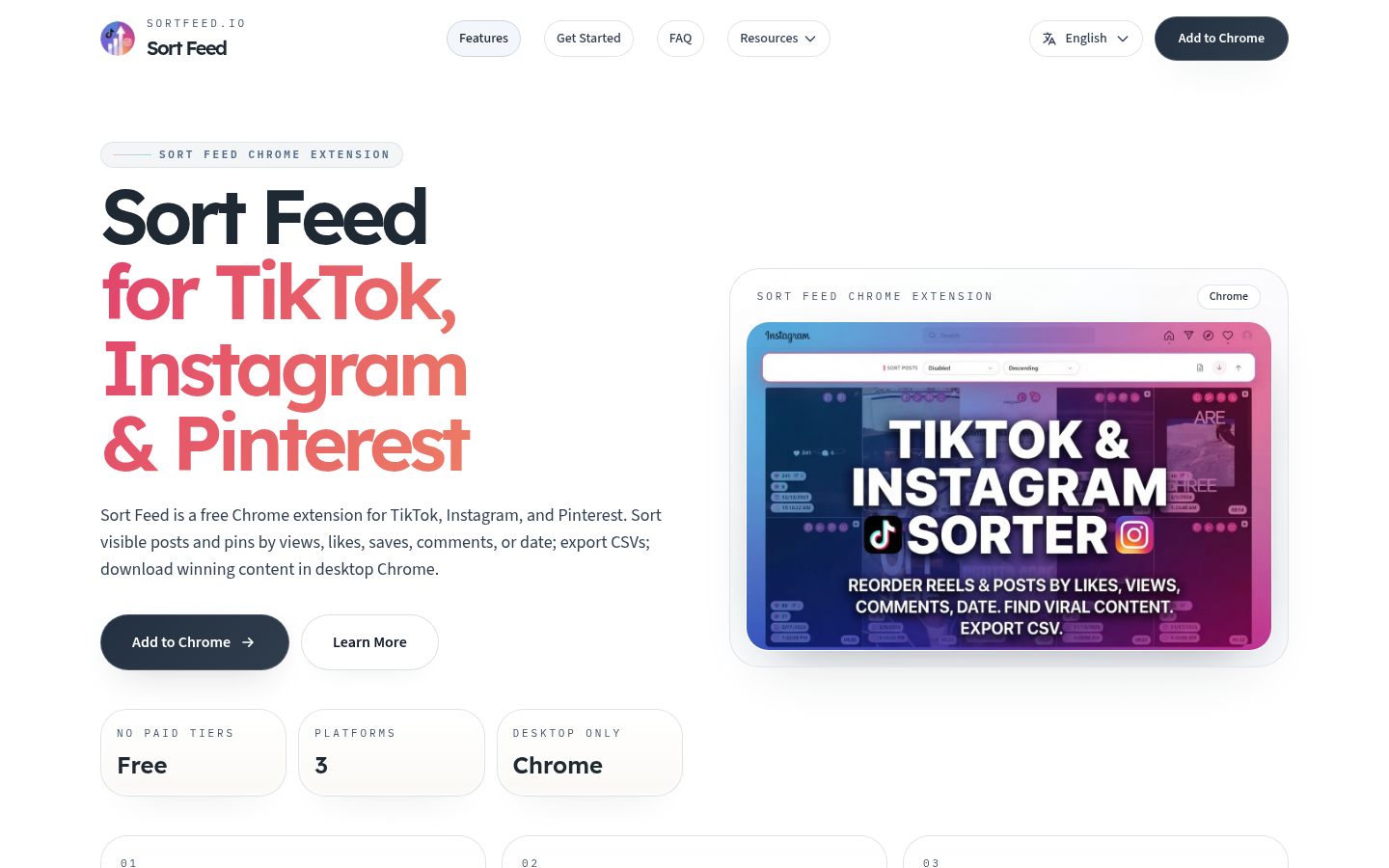
Screenshot archived from the listing page, for preview only.











