
Sora2Video
AI video and audio makerAccurate video with synced audio
Highlights
What you can do with it
- Build accurate science demo videos
- Turn story text into anime episodes
- Produce brand ad videos in any style
How to use it
- 1 Get the Sora app or visit sora.com
- 2 Record cameo content if you want it
- 3 Describe the video and pick quality
- 4 Generate, then share or remix
Who it is for
Pros
- Free access at launch with generous limits
- Audio generated in sync with the picture
- Strong control over multi-shot instructions
Limitations
- Cameo uploads your likeness, so share only what you may
- Free access and limits can change after launch
- Credits are used per generation
- Detailed prompts need iteration
What Sora2Video is
Sora2Video is built around OpenAI's Sora 2, a video and audio generation model. It creates video that follows physical laws, and it generates dialogue, sound effects, and music synchronized to the picture. A cameo feature lets you record your appearance and voice once, then place them into generated scenes. You can generate from text prompts or reference images, in styles that range from realistic film looks to anime. The product initially offers free access with generous usage limits, and ChatGPT Pro users can reach an experimental version. Generation runs on credits, so heavy use depends on your plan.
What you can do with it
- Generate video from a text description or a reference image
- Add synchronized dialogue, sound effects, and background music
- Place your own appearance and voice into a scene with cameo
- Follow complex multi-shot instructions for controlled sequences
- Switch between realistic film styles and anime looks
Who it is for
- Professional video creators who need high-quality output
- Content producers publishing video on a regular schedule
- Anime enthusiasts turning written stories into animation
- Brands and teams producing short ad films
What to watch out for
The cameo feature means uploading your own appearance and voice, so only use material you have the right to share, and think before you put your likeness into generated scenes. Free access and usage limits can change after launch. Detailed prompts give better results, so expect to iterate rather than getting a perfect clip on the first try. As with any generated video, review the output before you publish it anywhere public. Free tiers and usage limits can change, so check the current rules on the official page before relying on it long term.
FAQ
Is Sora 2 free to use?
Initially yes, with generous limits; Pro users get an experimental build.
What is cameo?
You record your look and voice once, then place them in scenes.
What inputs work?
Text prompts or reference images, in film or anime styles.
Why it is free
What the official page says: 免费
Free limits, trial length and features are decided by the official site and can change at any time.
Product preview
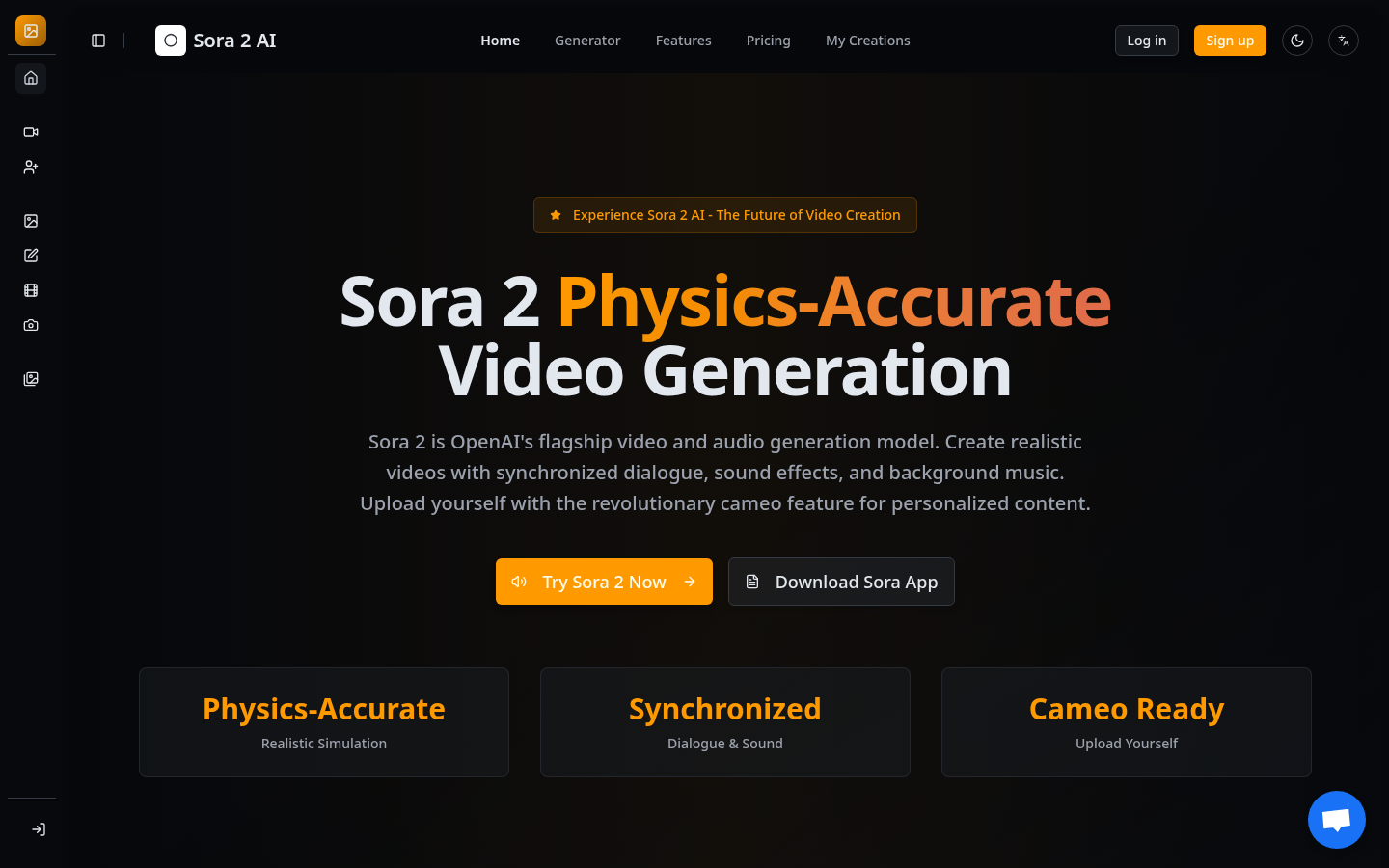
Screenshot archived from the listing page, for preview only.











