
Sora2 AI
AI video generator with physics aware motion and audioTurn text or images into video with synced sound
Highlights
What you can do with it
- Turn a landscape photo into a short video with sound for social media
- Make product images into promotional clips for an online store
- Animate textbook diagrams into dynamic learning videos for class
How to use it
- 1 Input a creative idea as text or upload an image
- 2 Customize style, duration, aspect ratio, and quality settings
- 3 Click generate and wait for the video to render
- 4 Preview the result and make adjustments if needed
- 5 Download the finished video
Who it is for
Pros
- Some functions are free to try
- Physics aware motion and synced audio make clips feel real
- Works from text or a single image, no editing skills needed
Limitations
- Free use is limited; advanced models and watermark free video need payment
- It integrates real people and objects, so you must have the rights to what you upload
- Generated video should be checked, since physics and audio can still look off
What Sora2 AI is
Sora2 AI is a next generation AI video generator built on OpenAI Sora2 technology. Its focus is realism and control: it tries to follow real world physics so gravity, buoyancy, and momentum look believable, and it creates synchronous audio, voices, and sound effects that match the picture. You can start from a plain text prompt or upload an image, and it supports multi shot continuity to keep a consistent world across shots. Some functions are free to use, while paid plans unlock more advanced models and watermark free, higher resolution output. It is aimed at creators, marketers, and educators who want short, realistic clips without a crew.
What you can do with it
- Convert text prompts or still images into short video clips
- Add synchronized audio, voices, and sound effects to your video
- Keep a consistent world and story across multiple shots
- Create low cost marketing or learning videos from simple inputs
Who it is for
- Social media creators turning photos into video posts
- Marketers and startups that need affordable promotional video
- Educators and students who want dynamic visual explanations
What to watch out for
Free use is limited, and the more advanced models and watermark free output sit behind paid plans. Because the tool can integrate real people, animals, and objects into generated scenes, you must have the rights and consent for anything you upload, and generated video should be reviewed before you publish it. Physics and audio are getting better but are not perfect, so clips can still look or sound slightly off, and it is wise to check each render before sharing.
FAQ
Is Sora2 AI free?
Some functions can be used for free. Paid users get more advanced services, such as priority access to newer models and watermark free videos.
What can I generate from?
You can start from a text prompt or upload an image, and the tool can also work from start and end frames for transitions.
What makes it different from other video tools?
It emphasizes physics aware motion, synchronous audio, and multi shot continuity so generated clips follow real world dynamics and stay coherent across shots.
Why it is free
What the official page says: for free
Free limits, trial length and features are decided by the official site and can change at any time.
Product preview
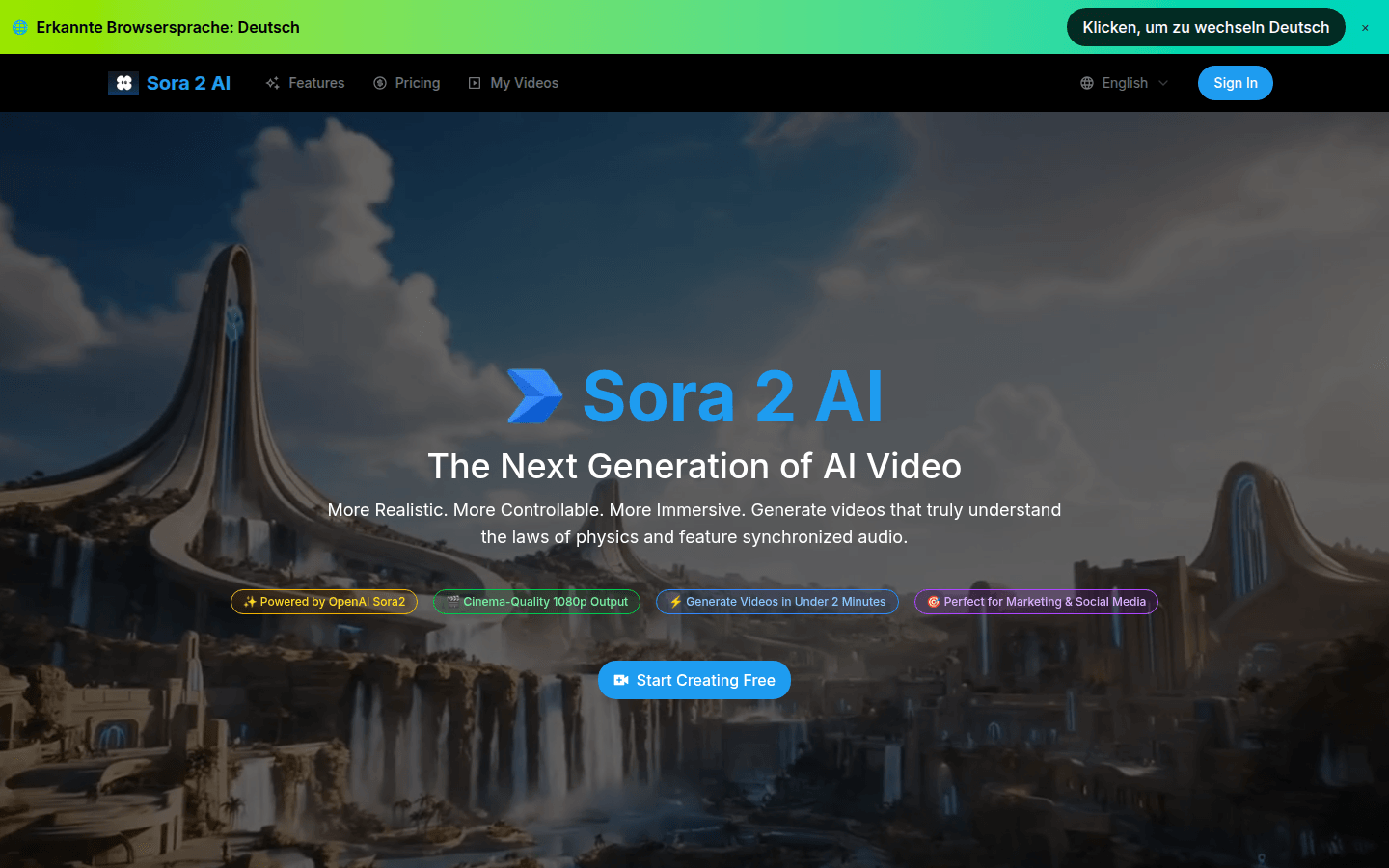
Screenshot archived from the listing page, for preview only.











