
Sora2
Sora2 powered HD video generation with audio and no watermarks.From prompt to HD video with synchronized audio, free to try.
Highlights
What you can do with it
- Generate marketing and social media videos directly from written prompts
- Animate a still image into a moving video sequence with sound
- Produce dialogue driven clips with synchronized audio for storytelling
How to use it
- 1 Open the Sora2 platform and start with the free trial
- 2 Write a descriptive prompt or upload an image as the starting frame
- 3 Generate the video and let the model produce synchronized audio automatically
- 4 Review the HD output and refine the prompt if needed
- 5 Download the watermark free video; upgrade to a package for more generation
Who it is for
Pros
- Audio comes synchronized with the video, including dialogue and ambient sound
- No watermarks or regional restrictions on output
- Free trial lowers the barrier to testing quality
Limitations
- Advanced features require payment beyond the free trial
- Output quality depends on prompt detail and may need iterations
- Free rules and package pricing may change over time, so verify current terms
What Sora2 is
Sora2 is a professional video generation platform powered by the Sora2 AI model. Its core function is transforming prompts or images into high quality videos with perfectly synchronized audio, covering sound effects, dialogue, and ambient noise, so the clips it produces are not silent placeholders but complete pieces. The platform highlights fast generation speed, high output quality, and a user friendly interface, and two points matter especially for people publishing video commercially: there are no watermarks on the output and no regional restrictions on access. Its pricing system is flexible, offering a free trial, with advanced features requiring payment, and different packages such as Basic, Creator, and Creator Pro suited to individual creators and business users. In short, it packages the Sora2 model into an accessible web service for turning ideas and still images into finished, sound complete video.
What you can do with it
- Write a prompt describing a scene and receive an HD video with synchronized sound effects, dialogue, and ambience.
- Upload an image and animate it into a moving sequence with generated audio.
- Create clips for marketing, social media, or storytelling without cameras or editing software.
- Publish the output directly, since videos carry no watermark and access has no regional restrictions.
Who it is for
- Individual creators who want to produce video content from ideas alone, without filming equipment.
- Business and marketing users who need clean, watermark free video for commercial campaigns.
- Users located in regions where they have had trouble accessing similar tools, given the stated lack of regional restrictions.
What to watch out for
The free trial is a starting point, and advanced features require payment through one of the available packages, with free rules and pricing potentially changing over time, so confirm the current terms on the official site. Generated audio and visuals depend heavily on how precisely you write your prompt, so expect to iterate. If you generate content featuring real people, brands, or copyrighted material, ensure you have the rights to use it commercially, as misuse may violate laws or platform policies, with consequences falling on the user.
FAQ
Do the videos include audio?
Yes. Generated videos include perfectly synchronized audio with sound effects, dialogue, and ambient noise.
Are there watermarks on the output?
No. The platform states its output has no watermarks and no regional restrictions.
Is there a free trial?
Yes. The pricing system offers a free trial, while advanced features require payment through packages such as Basic, Creator, and Creator Pro.
Why it is free
What the official page says: 免费试用免费
Free limits, trial length and features are decided by the official site and can change at any time.
Product preview
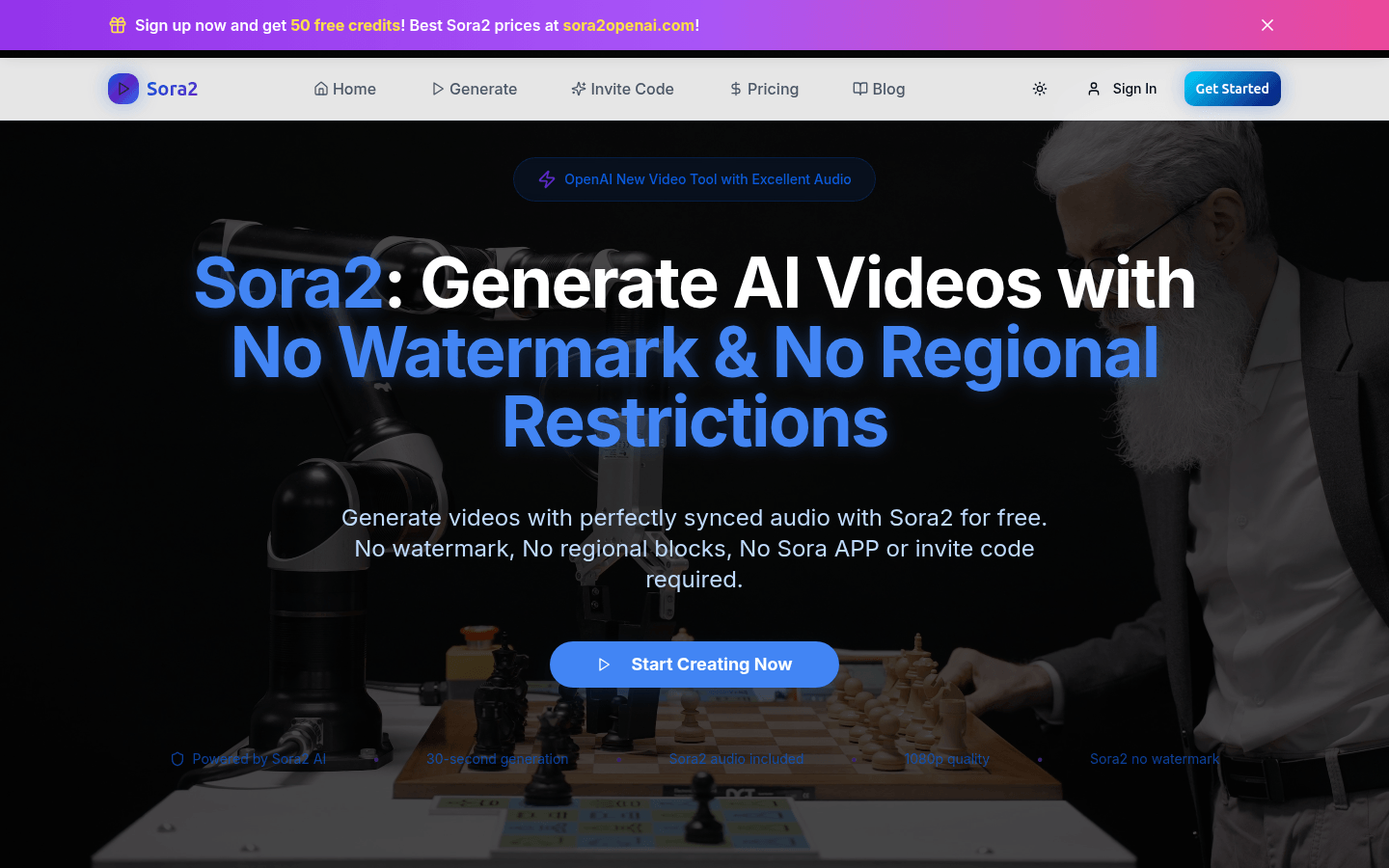
Screenshot archived from the listing page, for preview only.