
Sora Watermark Remover
Sora watermark removerRemove Sora watermarks in 2 minutes
Highlights
What you can do with it
- Strip a Sora watermark from a clip you generated
- Clean up footage before a client review
- Handle a small daily volume on the free tier
- Scale to hundreds of removals on a paid plan
How to use it
- 1 Open the tool in your browser.
- 2 Upload the Sora video you want to clean.
- 3 Run the removal and wait for processing to finish.
- 4 Download the watermark-free file.
- 5 Upgrade to Pro or Unlimited if you exceed two removals a day.
Who it is for
Pros
- Purpose-built for Sora output
- Browser based, nothing to install
- Fast processing, stated at within two minutes
- A usable free tier of two removals per day
Limitations
- Removing watermarks may violate the terms of the platform that produced the video, and any consequences are yours to carry
- Free tier is capped at two removals per day
- Uploading video to a third-party service is a privacy consideration
- Plan prices and free limits can change
What Sora Watermark Remover is
Sora Watermark Remover is an online tool made for one job: taking watermarks off Sora-generated videos. It runs in the browser, so there is nothing to install, and the page leads with secure processing, fast handling and privacy protection, claiming a job is finished within two minutes. The stated purpose is to give creators cleaner, more professional-looking footage. On pricing, there is a free trial that allows two free removals per day, a Pro plan listed at 9.9 dollars per month covering 500 removals, and an Unlimited plan at 59 dollars per month with no removal cap. It is aimed at creators who care about both video quality and privacy.
What you can do with it
- Remove the watermark from a Sora-generated clip.
- Clean up footage before sending it for review.
- Handle a couple of removals a day at no cost.
- Move to a paid plan when your volume grows.
- Do all of it in a browser without installing software.
Who it is for
- Creators who generate video with Sora and want clean files.
- Editors preparing clips for client or team review.
- Users whose removal volume stays low.
- Teams that need hundreds of removals each month.
What to watch out for
The most important point is contractual rather than technical. Watermarks exist because the platform that produced the video put them there, and removing them may breach that platform's terms of service or the licence attached to the footage. Any consequences, including account action or a takedown request, fall on you as the user, so read the terms of the generating service before you rely on this tool. Beyond that, uploading video to any third-party service is a privacy decision worth making deliberately, especially for client or unreleased material. The free tier is capped at two removals per day, paid plan prices can change, and removal quality will vary with resolution, compression and how the watermark is embedded.
FAQ
Is it free?
There is a free trial with two free watermark removals per day, plus Pro and Unlimited paid plans.
How much are the paid plans?
Pro is listed at 9.9 dollars per month for 500 removals and Unlimited at 59 dollars per month with no removal cap.
How long does a removal take?
The page says processing is completed within two minutes.
Is removing a watermark allowed?
That depends on the terms of the service that produced the video. Check them first, because breaking them is your responsibility.
Why it is free
What the official page says: 免费试用免费
Free limits, trial length and features are decided by the official site and can change at any time.
Product preview
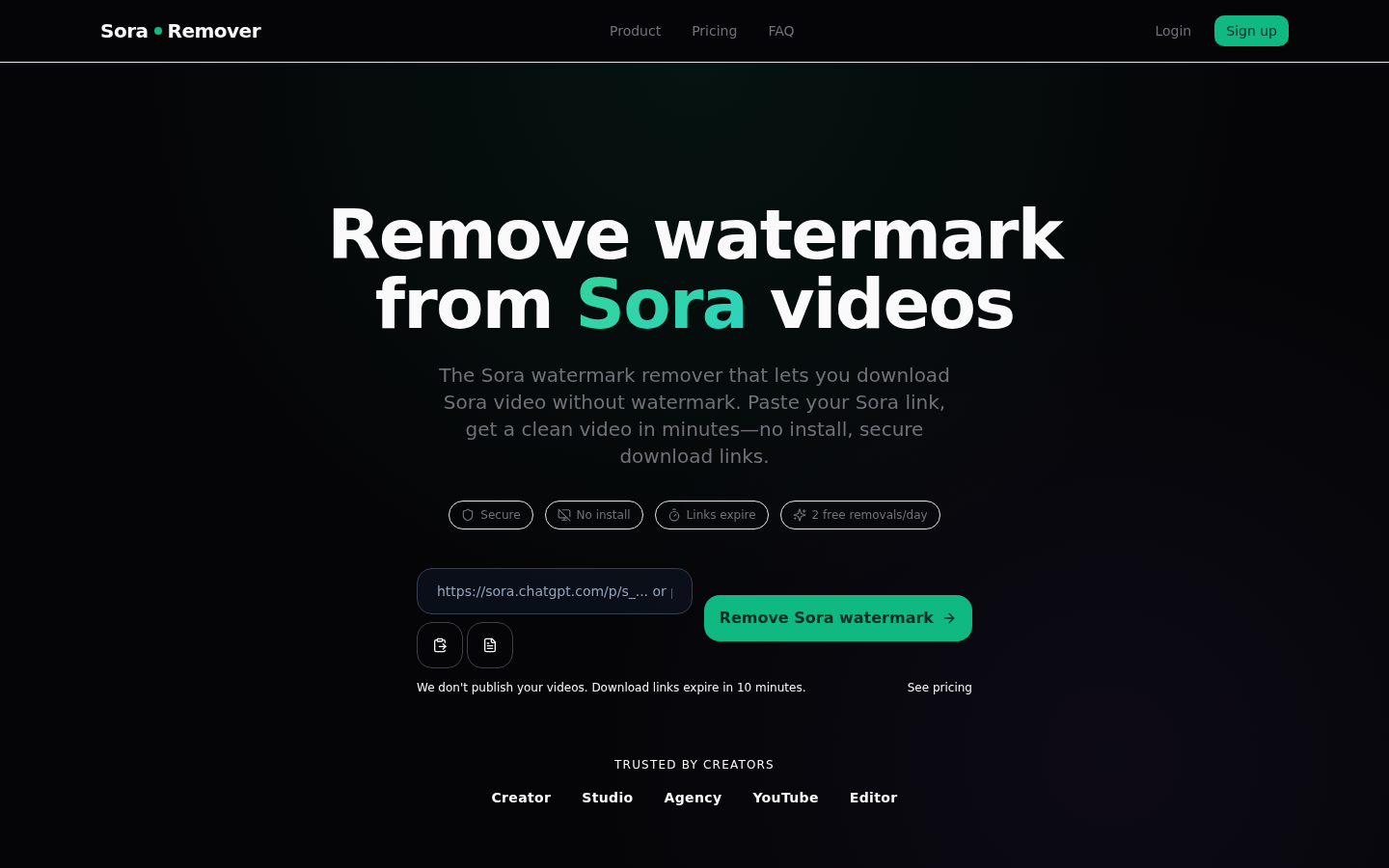
Screenshot archived from the listing page, for preview only.