
Highlights
What you can do with it
- Generate 4K footage with realistic physical behaviour
- Produce video with synchronised audio for campaigns
- Feed professional post-production workflows
- Evaluate the model on a no-card free trial
How to use it
- 1 Open the Sora 3 site and start the free trial, no card needed.
- 2 Describe the scene, including motion and physical interaction.
- 3 Generate and check physics accuracy and audio sync.
- 4 Export at 4K if your workflow needs it.
- 5 Move to an enterprise support plan for team use.
Who it is for
Pros
- Physics-aware generation reduces broken motion
- Native 4K support suits professional delivery
- Audio and video are synchronised in output
- Free trial requires no credit card
Limitations
- Free trial limits are not detailed
- Enterprise plan pricing is not published
- Real-time and 4K claims are vendor statements
- Complex physics scenes still need iteration
What Sora 3 is
Sora 3 is described as an AI video generation platform based on OpenAI technology. Its headline capability is physically accurate scene generation: the page says it can simulate real-world gravity, momentum and object interactions, and it pairs that with audio-visual synchronisation so the sound follows what happens on screen. The platform's neural network architecture is said to support native 4K resolution and real-time processing, which the site links to both quality and speed. The target user is a professional creator or a business working inside a professional video workflow. Pricing is a free trial with no credit card required, plus enterprise support plans for larger deployments.
What you can do with it
- Generate 4K video where motion follows plausible physics.
- Produce footage with synchronised audio in the same pass.
- Simulate gravity, momentum and object interactions in a scene.
- Feed output straight into a professional post-production workflow.
- Trial the platform without entering card details.
Who it is for
- Professional creators who need 4K masters.
- Businesses producing video as part of regular marketing.
- Studios and post houses evaluating an AI pipeline.
- Teams that want enterprise support alongside the software.
What to watch out for
Native 4K and real-time processing are the two claims most worth testing yourself, because both depend on scene complexity, server load and your connection, and neither is guaranteed for every prompt. The free trial needs no card, but its generation limits, watermark rules and export restrictions are not spelled out here, so check them before you plan a deliverable. Enterprise pricing is not published, which means budget planning requires a conversation with the vendor. Physics accuracy also has limits: multi-character interaction, fine hand motion and fast camera moves remain difficult, and generated footage should always be reviewed before it is used publicly.
FAQ
What makes Sora 3 different?
Physically accurate scene generation, audio-visual synchronisation and native 4K support are the stated highlights.
Is the free trial really free?
The page says a free trial is offered with no credit card required.
What resolution does it support?
Native 4K resolution, with real-time processing claimed.
Who is it for?
Professional creators and businesses, with enterprise support plans available.
Why it is free
What the official page says: 免费试用免费
Free limits, trial length and features are decided by the official site and can change at any time.
Product preview
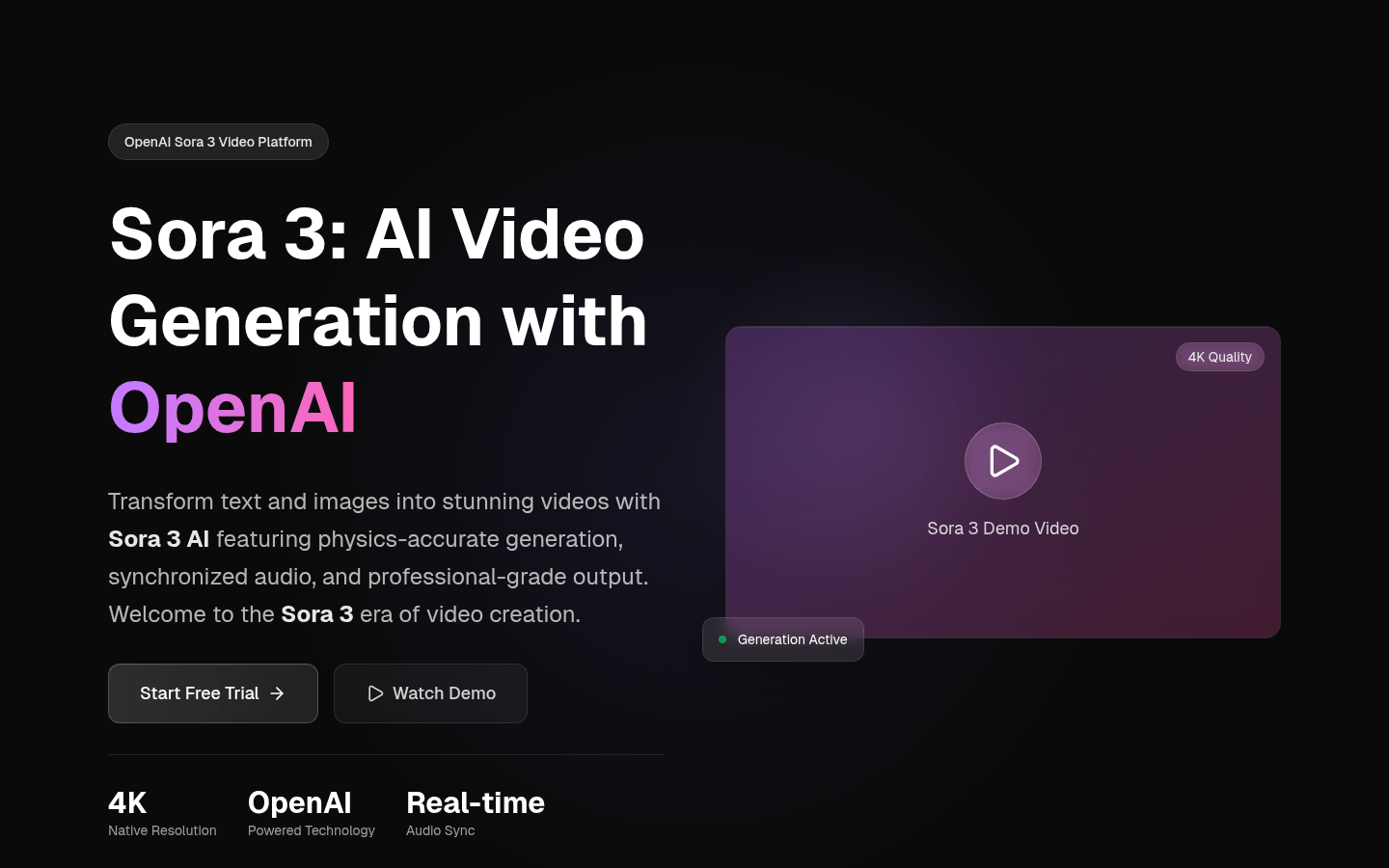
Screenshot archived from the listing page, for preview only.