
Sora 2 AI Video
AI video generator from text and imagesPrompts turned into realistic video
Highlights
What you can do with it
- Create product promotion videos for social media campaigns
- Turn teaching content into engaging explainer videos
- Produce personalized videos for travel records and greetings
How to use it
- 1 Enter the concept text for your video
- 2 Customize settings such as style, duration, and quality
- 3 Let the AI generate the video and watch the status in real time
- 4 Export and share the finished video
Who it is for
Pros
- Both text and image input are supported
- Editing, style transfer, and enhancement are built in
- Batch processing helps with volume work
- A free basic version lowers the entry cost
Limitations
- Realistic AI video can be misused for misleading content
- Generation quality and length limits depend on the plan
- Free basic features are limited compared with the paid version
- Trial terms and pricing can change, so confirm current details
What Sora 2 AI Video is
Sora 2 AI Video is an AI video generation platform built on the Sora 2 model. You enter a text description or upload an image, and it produces a high-quality, realistic video, with real-time status shown while it works so you know what is happening. Beyond generation it offers intelligent editing for effects, transitions, and filters, style transfer for cinematic and artistic looks, one-click quality enhancement, and batch processing for multiple videos at once. Customization covers style, duration, quality preferences, and visual elements. The basic version is free, and advanced users can choose the paid professional version for more capability.
What you can do with it
- Turn text prompts or images into finished videos.
- Add effects, transitions, and filters with built-in editing.
- Apply movie and artistic styles through style transfer.
- Enhance quality in one click and process several videos in batch.
Who it is for
- Video creators who need fast concept-to-video output.
- Marketers producing promotional clips at volume.
- Educators turning lessons into watchable video.
- Individual users making personal or hobby videos.
What to watch out for
Realistic AI video can be misused to create misleading content, and you are responsible for how you use and label what you generate, so avoid deceptive depictions of real people or events and disclose AI-generated material where appropriate. Generation quality, duration, and features depend on the plan, and the free basic version is limited compared with the paid professional tier, so check the limits before you plan a campaign. Rendering times and output quality vary with prompt complexity, so expect to iterate rather than getting a perfect clip on the first try. Free terms and pricing can change, and because it relies on the Sora 2 model, availability and capabilities can shift with upstream updates.
FAQ
What is Sora 2 AI Video?
It is an AI video generation platform built on the Sora 2 model that turns text or images into videos.
Is there a free version?
Yes. The basic version is free, and advanced users can choose the paid professional version.
Can I edit the video after generation?
Yes. It offers editing for effects, transitions, and filters, plus style transfer and one-click enhancement.
Does it handle multiple videos?
Yes. Batch processing supports simultaneous processing of multiple videos.
Why it is free
What the official page says: free trial
Free limits, trial length and features are decided by the official site and can change at any time.
Product preview
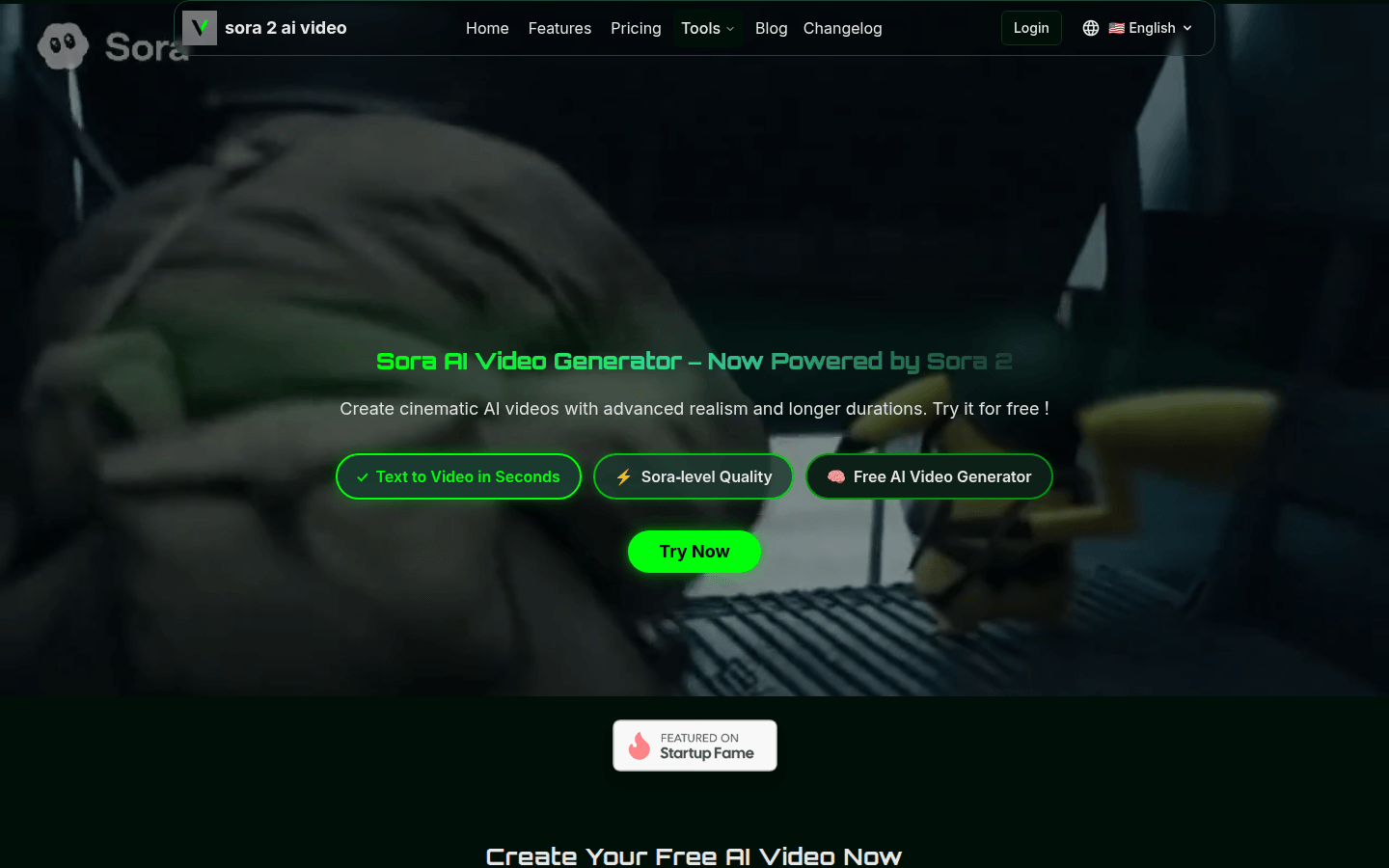
Screenshot archived from the listing page, for preview only.











