
SongCleaner
AI lyric cleaner for songsClean versions, ready to play
Highlights
What you can do with it
- Parents clean songs their children enjoy for home playback
- Radio stations ensure played tracks meet broadcasting standards
- Schools provide suitable background music for student activities
How to use it
- 1 Open the SongCleaner website
- 2 Upload the MP3 or WAV file you want cleaned
- 3 Wait while the AI analyses and edits the track
- 4 Watch the upload and processing progress
- 5 Download the cleaned version
Who it is for
Pros
- Automatic analysis and editing, no audio software needed
- Aims to keep the original style and audio quality
- Download is available as soon as processing finishes
- Site is stated to be ad-free
Limitations
- Cleaning quality depends on the track and how the lyrics sit in the mix
- You should still check the result against the rules of wherever it will be played
- Free availability and processing limits can change
What SongCleaner is
SongCleaner is a platform that uses AI to remove inappropriate lyrics from songs. You upload an MP3 or WAV file, the system analyses the track and edits out the words that make it unsuitable, and you download a cleaned version that the product describes as appropriate for all ages. The stated goal is to keep the original character of the music intact, since a clean edit that ruins the song is not useful to anyone. The service is presented as fast, free, and user-friendly, with an ad-free site and real-time progress feedback while a file is processed.
What you can do with it
- Upload an MP3 or WAV track for analysis
- Get a version with inappropriate lyrics removed automatically
- Keep the original style and audio quality where possible
- Download the cleaned file immediately after processing
Who it is for
- Parents preparing music for children and family settings
- Radio stations and venues that need broadcast-appropriate audio
- Schools providing background music for student activities
What to watch out for
The result depends on the track. Dense mixes, heavy processing, and lyrics buried under instrumentation are harder to edit cleanly, and some songs will sound more patched than others, so always listen to the whole cleaned file before you use it in public. You should also check the output against the actual rules of wherever it will be played, since standards differ between a school hall, a radio broadcast, and a commercial venue. As a free service, availability and any processing limits can change. Behavior may vary across browsers and devices, so test before production use and consult the help docs if errors appear.
FAQ
Is SongCleaner free?
It is described as a fast, free, and user-friendly solution. Check the site for current limits.
What files can I upload?
MP3 or WAV audio files.
Does it change the music?
The aim is to remove inappropriate lyrics while keeping the original style and audio quality intact.
Why it is free
What the official page says: 免费
Free limits, trial length and features are decided by the official site and can change at any time.
Product preview
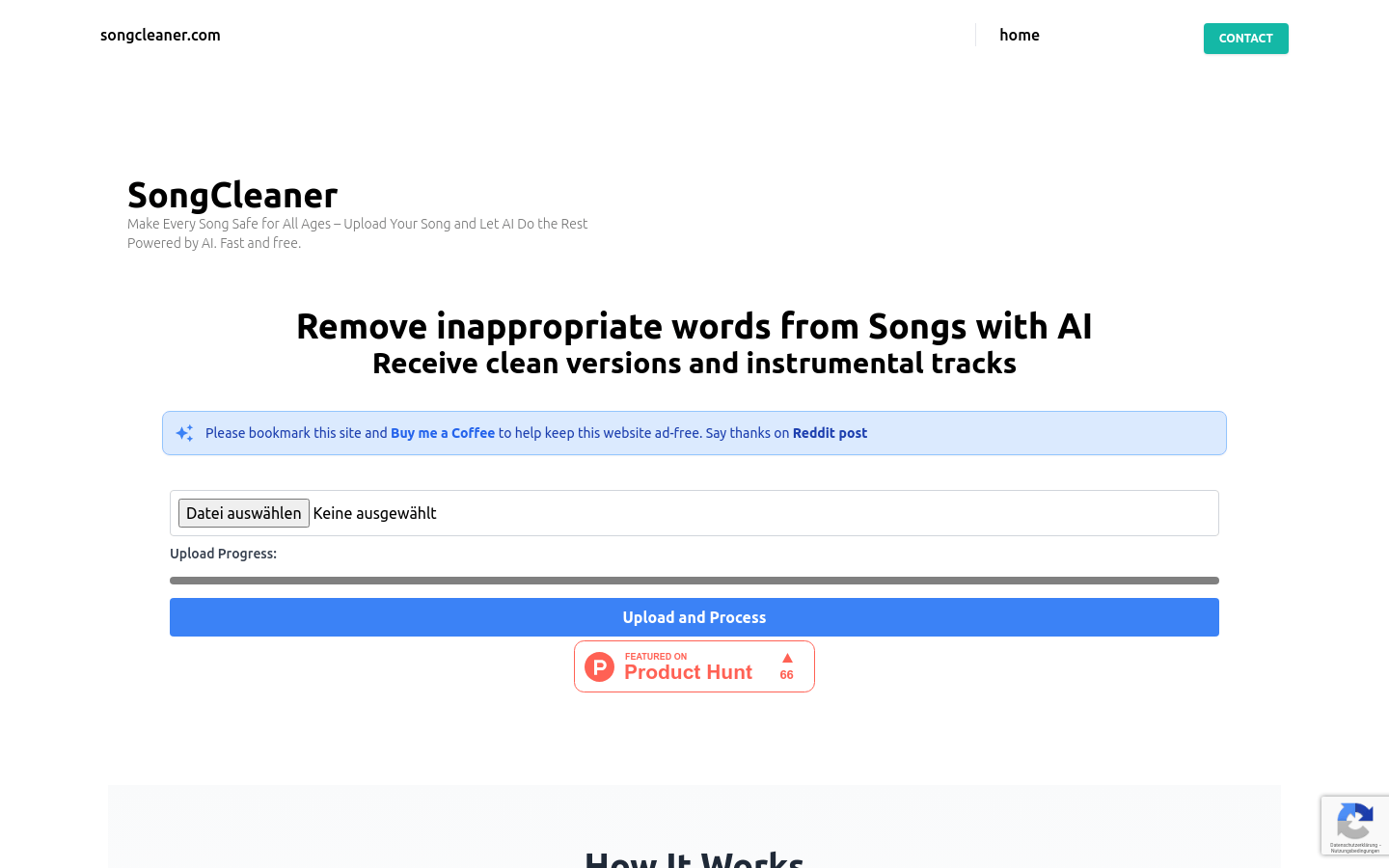
Screenshot archived from the listing page, for preview only.










