
SnapEdit - All-in-One AI Photo Editor
Free AI photo object removerRemove people, objects, and watermarks free
Highlights
What you can do with it
- Remove unwanted people from photos
- Erase objects and distractions
- Clean up watermarks and text
How to use it
- 1 Open SnapEdit on web or mobile
- 2 Upload the photo you want to edit
- 3 Let AI mark the people or objects
- 4 Select what to remove and apply
- 5 Download the edited photo
Who it is for
Pros
- Completely free
- AI marks objects for you
- Also restores old photos
- Works on web and mobile
Limitations
- Removing watermarks may break copyright or platform rules, and the consequences are borne by the user
- Free rules may change over time
- Results depend on image complexity
What SnapEdit is
SnapEdit is an AI-powered online photo editing tool. It can automatically recognize and remove people and objects from photos. The flow is simple: you upload a photo, the AI marks what it finds, and you select the parts to edit so you can remove people or erase objects. SnapEdit also offers watermark removal and text erasing to make photos clearer and more visually pleasing, and it can restore old photos by repairing scratches and blemishes. It supports high-resolution editing, is completely free, works on both web and mobile apps, and needs no download or installation.
What you can do with it
- Recognize and remove people and objects with AI
- Remove watermarks and erase text
- Restore old photos and repair scratches
- Edit high-resolution images
- Use it on web or mobile without installing software
Who it is for
- People cleaning up personal photos
- Sellers polishing product images
- Anyone removing distractions from pictures
- Users who want free editing on web or mobile
What to watch out for
Removing watermarks or content you do not own may violate copyright or platform terms, and the consequences are borne by the user, so only edit images you have the rights to. SnapEdit is completely free, so its rules and limits may change over time, and the exact features can differ between the web and mobile versions. Because it relies on AI recognition, results depend on how complex the image is, and fine details may need extra work. Photos are processed online, so avoid uploading sensitive images and keep a backup of your originals. For best results, start with a small test file and review the output carefully before working on anything important.
FAQ
Is SnapEdit free?
Yes, it is completely free.
What can it remove?
People, objects, watermarks, and text.
Does it restore old photos?
Yes, it can repair scratches and blemishes.
Is removing watermarks safe?
Only edit images you own. Removing watermarks may violate copyright or platform terms, and the user bears the consequences.
Why it is free
What the official page says: completely free
Free limits, trial length and features are decided by the official site and can change at any time.
Product preview
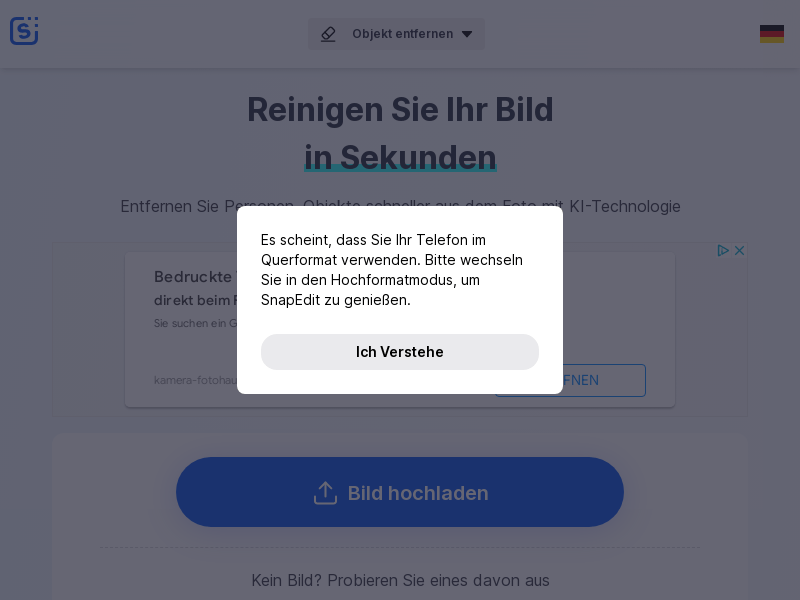
Screenshot archived from the listing page, for preview only.











