
SmartPrep.ai
AI curriculum plannerPlan lessons faster with AI
Highlights
What you can do with it
- Draft a lesson plan and pull related teaching resources.
- Build project-based learning tasks for class.
- Track curriculum progress and run evaluations.
How to use it
- 1 Visit smartprep.ai and register an account.
- 2 Choose a curriculum plan template that fits your needs.
- 3 Fill in the content, using AI-generated resources or your own.
- 4 Add assessments, activities, or discussion topics.
- 5 Save and publish the plan, and update it anytime.
Who it is for
Pros
- Free templates lower the barrier to trying it.
- Cuts repetitive prep so teachers can focus on teaching.
- Resources, assessments, and models in one place.
Limitations
- Free access and templates can change over time.
- AI-generated content still needs teacher review.
- Fits education planning, so it is narrow outside that.
What SmartPrep.ai is
SmartPrep.ai is an AI curriculum planner built for teachers. It is designed to simplify planning, cut down on repetitive prep work, and give teachers more time to focus on actual teaching. The tool can generate curriculum plan templates, search for related teaching resources, and create customizable assessments and rubrics. It supports project-based learning, offers multiple teaching models, provides standard classroom activities, and can generate discussion topics to round out a lesson. It also helps organize learning resources in one place. The listing highlights free templates and a free option, which lowers the barrier to trying it. School administrators can use it to follow curriculum progress and run evaluations, so it serves both planning and oversight.
What you can do with it
- Generate curriculum and lesson plan templates quickly.
- Search for and organize teaching resources.
- Build customizable assessments, rubrics, and activities.
- Create project-based learning tasks and discussion topics.
Who it is for
- Teachers who want faster lesson and curriculum planning.
- Educators building project-based learning experiences.
- Administrators monitoring progress and running evaluations.
What to watch out for
Free access and the free templates can change over time, so confirm the current terms before you build your planning around the tool. AI-generated content is a starting point, not a finished lesson: templates, assessments, and discussion topics still need a teacher's review to make sure they fit your students, standards, and context. The tool is focused on education planning, so it is narrow outside that use case and will not replace your own judgment about what works in your classroom. Because you register an account and store plans there, consider how comfortable you are with that before uploading sensitive student or school information. Keep local copies of anything important, and treat the AI output as a draft you refine rather than a final plan you publish unchanged.
FAQ
Is SmartPrep.ai free?
The listing highlights free templates and a free option; check the site for current terms.
What does it help with?
It generates curriculum plans, teaching resources, assessments, rubrics, activities, and discussion topics.
Who is it for?
It is built for teachers, and administrators can use it to track curriculum progress and evaluations.
Why it is free
What the official page says: 免费
Free limits, trial length and features are decided by the official site and can change at any time.
Product preview
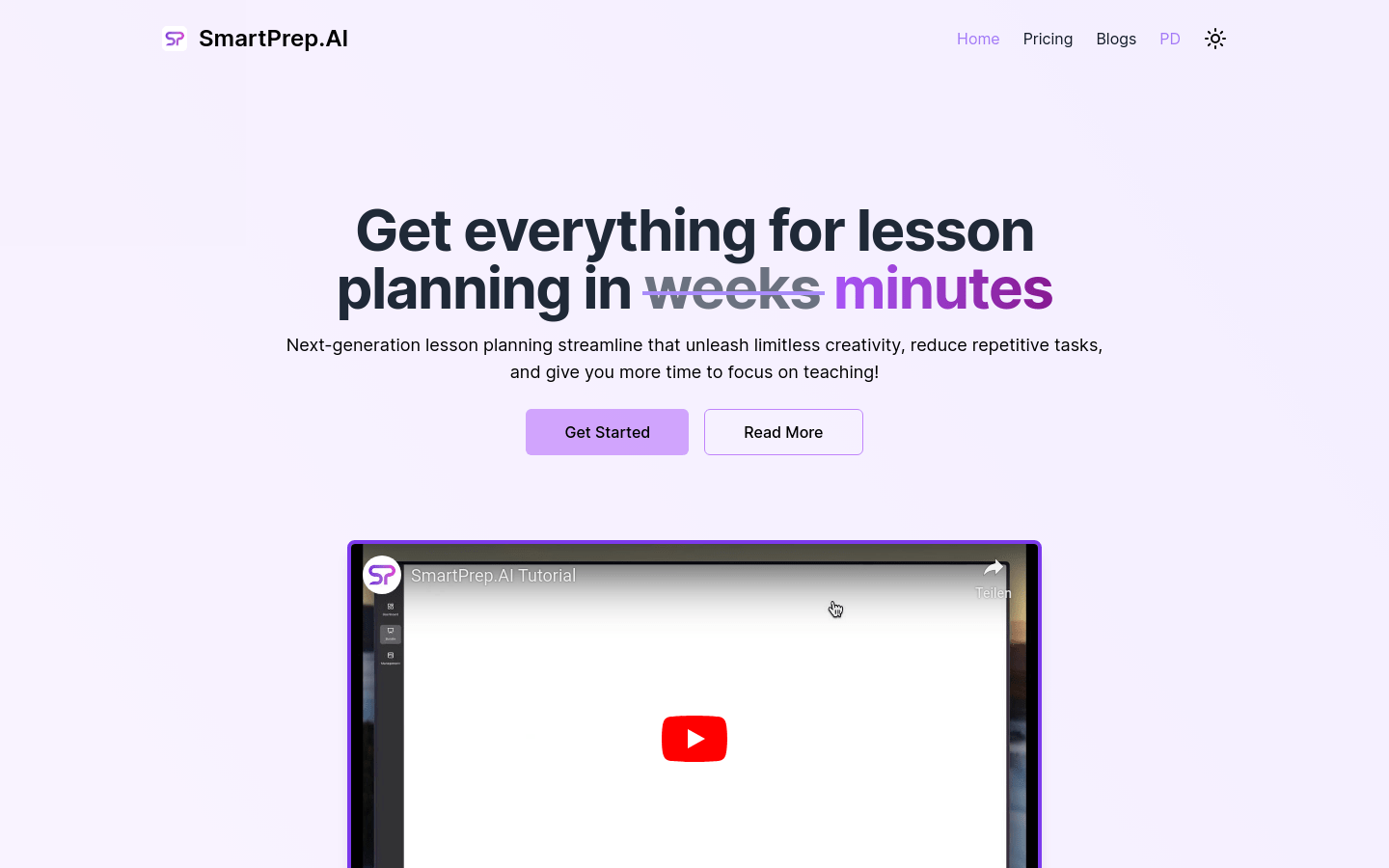
Screenshot archived from the listing page, for preview only.











