
Highlights
What you can do with it
- Turning an outline into a designed slide deck
- Producing business or class presentations fast
- Redesigning an existing deck with better layouts
How to use it
- 1 Open SlidesGo and start with the free tools
- 2 Describe your topic or paste your outline
- 3 Let the AI generate the deck and layout
- 4 Review, edit text, and export the presentation
Who it is for
Pros
- Fast generation from an idea or outline
- Automatic layout and content structure
- Free tools and resources to start
- Design quality aimed at professional results
Limitations
- The larger package costs 200 points and pricing can change
- Automatic layouts still need review and adjustment
- Content accuracy is your responsibility
- Export options and template availability should be confirmed in the tool
What SlidesGo is
SlidesGo is an AI presentation generator that handles design, layout, and content structure for you. Instead of building slides by hand, you describe your ideas and the AI turns them into a finished deck. The page stresses fast generation, intelligent layout options, and design quality it compares to work from human designers. It is aimed at busy professionals and offers free PPT tools and resources, plus a package priced at 200 points, so you can get started for free before paying for more. For anyone facing a deadline, the appeal is skipping the manual work of aligning boxes and picking fonts.
What you can do with it
- Turn ideas into a designed slide deck quickly
- Let the AI handle layout and content structure
- Use free PPT tools and resources
- Buy a points package when you need more
Who it is for
- Busy professionals who need decks fast
- Teachers and students preparing presentations
- Anyone who finds manual slide design slow
- Teams that need a consistent look quickly
What to watch out for
Free tools and resources let you start at no cost, but the larger package costs 200 points and pricing can change. AI-generated layouts still need review, since automatic structure can misplace emphasis or produce generic slides that do not fit your message. Content accuracy is your responsibility, so check facts and figures before presenting. Export options and template availability should be confirmed in the tool before a deadline. Keep your text concise so slides stay readable after the AI lays them out. Generated suggestions are for reference only, so verify anything that affects professional judgment or important data.
FAQ
What is SlidesGo?
It is an AI PPT generator that automatically handles design, layout, and content structure.
Is there a free option?
Yes. It offers free PPT tools and resources, and you can get started for free.
What does the paid package cost?
The page lists a package priced at 200 points.
Who is it for?
It is aimed at busy professionals who need to turn ideas into slides quickly.
Why it is free
What the official page says: 免费
Free limits, trial length and features are decided by the official site and can change at any time.
Product preview
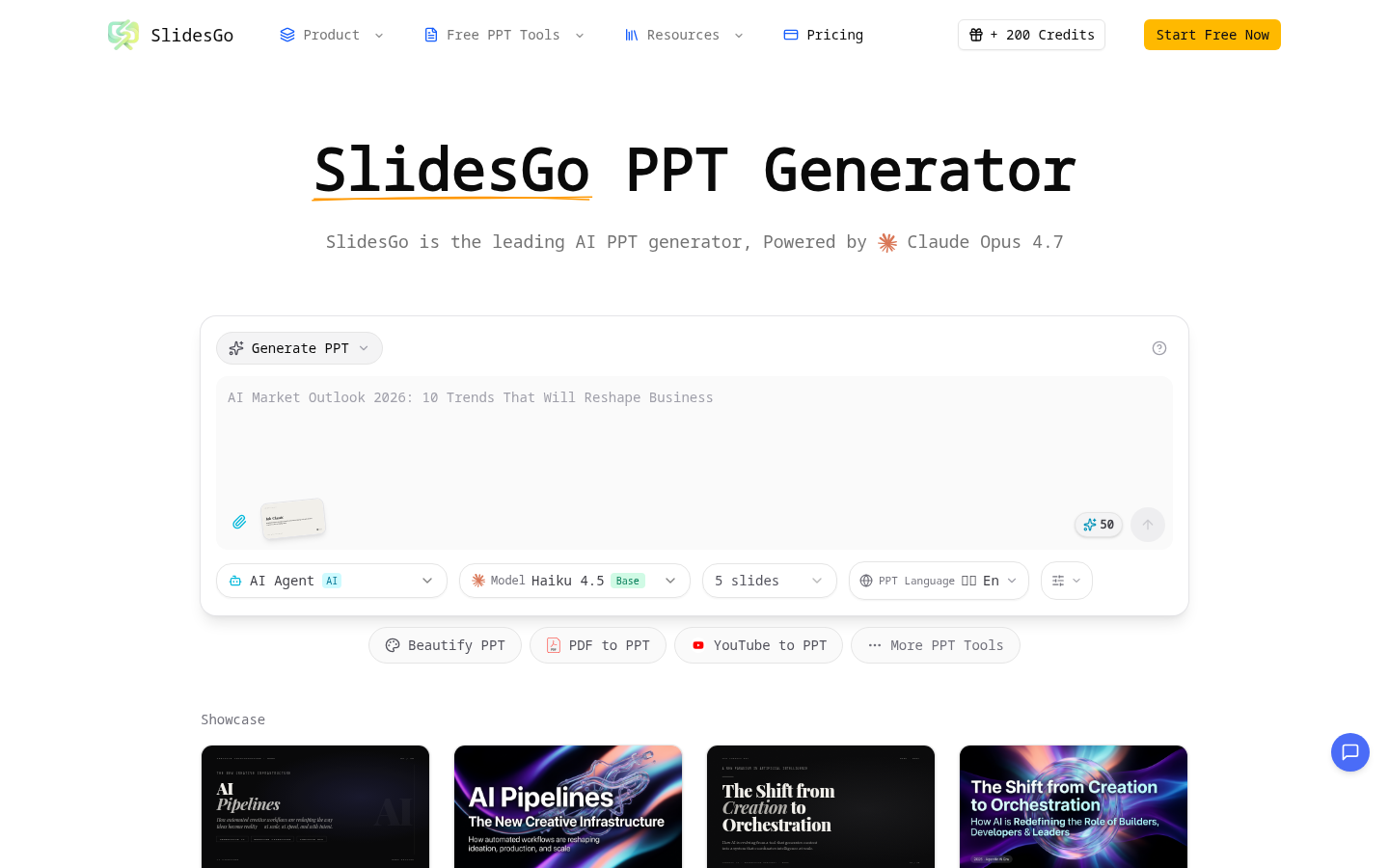
Screenshot archived from the listing page, for preview only.