
SkyReels
AI comic creation for every skill levelBuild comics in four simple steps
Highlights
What you can do with it
- Create a short comic and share it on social media to gather feedback
- Design a series of character illustrations for a game project
- Enter a comic competition and present original work to judges
How to use it
- 1 Download the SkyReels app and register an account
- 2 Select the type of creation and start a new project
- 3 Use image reference mode to upload images and optimize AI output
- 4 Set characters, backgrounds, and styles so the project stays uniform
- 5 Make detailed adjustments to actions and expressions until the result looks right
- 6 Share the finished comic on social media or send it to friends
- 7 Keep exploring new features to build your creative skills
Who it is for
Pros
- Listed as free to use, with features for different creative needs
- Consistency tooling saves time when a project has recurring characters
- Reference images and detail edits give you real control over the look
- Multi-platform support means you can create on more than one device
Limitations
- You must download the app and register before you can start
- AI output is a starting point and still needs manual detail adjustment
- Free availability and the feature set can change as the product updates
What SkyReels is
SkyReels is a comic creation app that uses AI to help people build their own comic worlds. The idea behind it is simple: anyone can become a comic artist, even without professional drawing training. The app is listed as available for free, and it runs on multiple devices so you can start a project on one screen and continue on another. At the core of the product is a consistency algorithm that keeps characters, styles, and backgrounds looking the same across a project, which is one of the hardest parts of making a comic on your own.
What you can do with it
- Upload reference images to steer the AI toward the backgrounds and characters you already have in mind
- Edit details such as a character's action or expression without changing the overall style or image quality
- Control the composition when two characters share the same frame
- Move from a blank project to a finished comic in four steps, then share the result on social media
Who it is for
- Comic creators who want a faster pipeline from idea to finished page
- Illustrators who need to produce character sets or concept images for client work
- Art enthusiasts at any skill level who want to experiment with storytelling and share the results
What to watch out for
You need to download the app and register an account before you can start, so this is not a browser-only tool. AI generation is a starting point rather than a finished page: the detail adjustment tools exist because you will usually want to fix expressions, poses, or framing yourself. Output also depends on how clearly you describe what you want, so vague prompts tend to produce vague panels. Since the app is offered for free, the feature set and any usage limits can change as the product is updated, so check the current listing before you build a long project around it.
FAQ
Is SkyReels free?
The app is described as available for free, with features aimed at different creative needs. Check the current listing before you rely on it for a long project.
Do I need drawing experience?
No. The four-step flow is designed for creators of all levels, from complete beginners to experienced artists.
How does it keep characters looking the same?
A consistency algorithm holds characters, styles, and backgrounds coherent across the project so pages match each other.
Can I share finished comics?
Yes. There is a social sharing feature built in, and you can also send work directly to friends.
Why it is free
What the official page says: for free
Free limits, trial length and features are decided by the official site and can change at any time.
Product preview
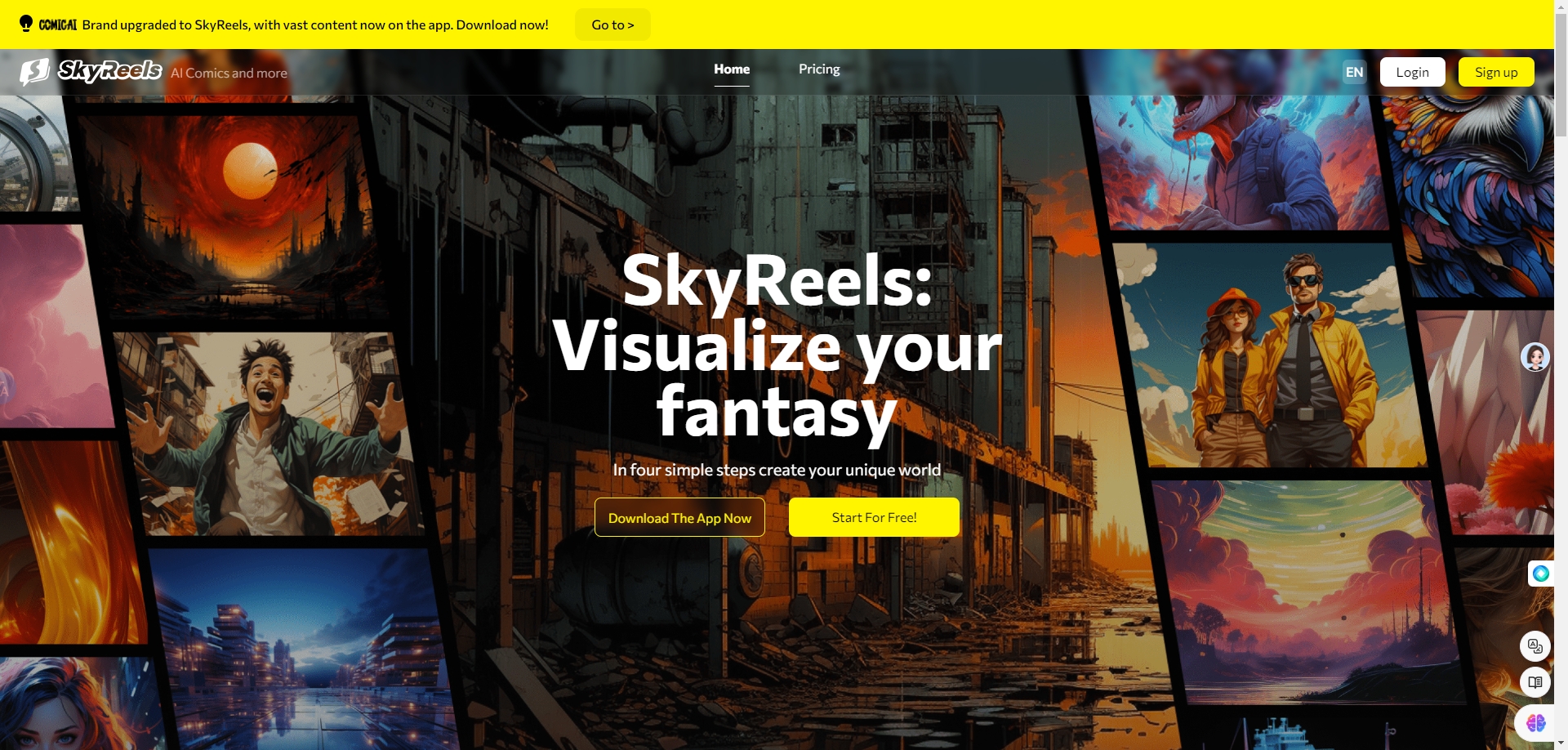
Screenshot archived from the listing page, for preview only.











