
Skeylight
Element level feedback for web reviewsPin feedback to the exact page element
Highlights
What you can do with it
- Designers mark button spacing and copy issues on a prototype while engineers reply in the same thread.
- A tester flags a broken form in staging and console warnings attach themselves to the note.
- A client uses a guest link to circle a problem area without creating an account.
How to use it
- 1 Sign up for a Skeylight account and pick a plan.
- 2 Install the browser extension and open the page, prototype, or staging URL.
- 3 Press the annotation shortcut and click the element you want to comment on.
- 4 Write the comment, add status and owner, and invite your team or reviewers.
- 5 Optionally connect build integration and the Model Context Protocol service for code context and agent handoff.
Who it is for
Pros
- Comments attach to elements instead of floating in screenshots.
- Console warnings and failed requests are captured for free with each note.
- Reviewers can join for free, and guest feedback exists on higher plans.
Limitations
- The free plan manages one project only, so multi project work needs a paid tier.
- Without build integration, annotations lack source and commit context.
- AI agents acting on feedback should be reviewed before changes ship.
What Skeylight is
Skeylight is a feedback tool for website and prototype reviews. Through a browser extension you click any element on a live page, prototype, staging site, or production site, including pages behind a login, and pin a comment to that exact element. Comments become threads with owners, statuses, and replies, and the tool captures the element, URL, browser details, console warnings, and failed requests around the moment you clicked. Optional build integration adds source file, line number, commit, and branch to each note. A Model Context Protocol service lets AI coding agents read the feedback and act on it. There is a free plan covering one project, with Pro and Team tiers above it.
What you can do with it
- Annotate elements directly on a live page instead of marking up screenshots.
- Turn feedback into threads with owners and statuses that close in place.
- Attach source file, line number, commit, and branch through build integration.
- Hand threads to AI coding agents through the Model Context Protocol service.
Who it is for
- Freelancers collecting client feedback on a site or prototype.
- Product and design teams closing the loop between review and development.
- Agencies running reviews across several client projects.
What to watch out for
Screenshots are off by default and form fields are redacted before storage, which is good, but you should still avoid annotating pages that hold sensitive personal data and set the toggle deliberately. The free plan covers one project only, so multi project work needs a paid tier. Setup is quick, yet build integration is optional, so without it annotations lack code context and much of the gain shrinks. AI agents acting on feedback should be reviewed before changes ship, since an agent can misread a note just as a person can. Pricing and plan limits can change.
FAQ
Do I need to change my code to use it?
No. It works through a browser extension, though build integration is optional if you want source and commit details attached.
Is there a free plan?
Yes. The free plan covers one project, with paid tiers above it for multiple projects and guest feedback.
Can AI agents use the feedback?
Yes. A Model Context Protocol service lets AI coding agents read workspaces, projects, and threads and act on them.
Why it is free
What the official page says: free planfor free
Free limits, trial length and features are decided by the official site and can change at any time.
Product preview
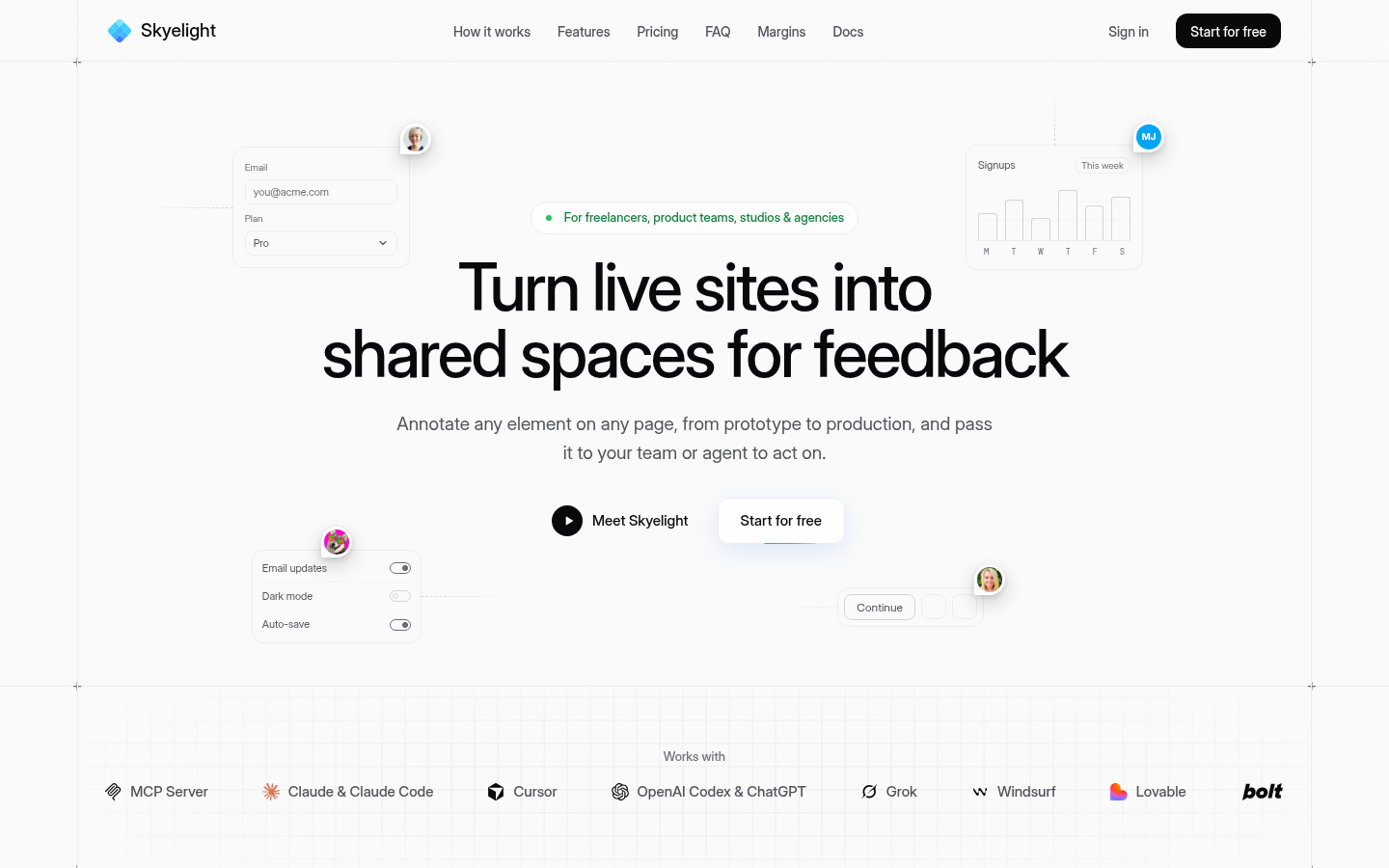
Screenshot archived from the listing page, for preview only.











