
Sketchflow.ai
AI design to code for web and mobileFrom idea to prototype to code
Highlights
What you can do with it
- Validate a startup idea with a prototype in an afternoon.
- Speed up freelance design work with templates and AI generation.
- Hand generated code to a development team as a starting point.
How to use it
- 1 Go to sketchflow.ai and register an account.
- 2 Choose description based or image based creation.
- 3 Let the AI generate the design, then refine it.
- 4 Preview the interactive prototype.
- 5 Generate the code and deploy it to your platform.
Who it is for
Pros
- Design and code in one continuous flow.
- Templates and reference images lower the starting barrier.
- A free tier is available to try the workflow.
Limitations
- Generated code needs review before production use.
- Simulated operation for iOS and Android is still under development.
- Free tier limits are not spelled out on the site.
What Sketchflow.ai is
Sketchflow is an AI design tool that shortens the path from an idea to working code. You describe a product, choose a platform and style, and the AI generates user flows, screens, and design elements in one pass. The result can be previewed as a fully interactive prototype, which makes it far easier to show a team or a client what the product actually feels like before anyone writes code, and that feedback loop is where most projects either save or waste weeks. When the design is settled, Sketchflow generates code for multiple platforms, including web projects that work with common frameworks and native iOS and Android builds. It offers two ways in: start from a text description, or upload reference images and let the tool convert them into editable designs. A template library covers styles such as soft neumorphism, glass morphism, and dark mode. Sketchflow is free to use, with paid details listed on the official website.
What you can do with it
- Generate UI screens and user flows from a short written description.
- Preview a clickable prototype before development work begins.
- Export code for web, iOS, and Android from the same design.
- Work from reference images instead of starting on a blank canvas.
Who it is for
- Developers who want a starting codebase rather than an empty file.
- Designers who need fast mockups and a library of styles to pull from.
- Founders validating an idea before committing engineering time to it.
What to watch out for
Generated code is a starting point, not a finished product. Expect to review it for structure, accessibility, naming, and edge cases before anything ships, because the output is optimised for speed rather than for the conventions of your codebase. The site also notes that simulated operation for iOS and Android apps is still under development, so mobile testing through the tool is limited and you will need a real device or emulator to confirm behaviour. Free usage is offered, but the exact limits of the free tier are not spelled out, and those terms can change, so check current pricing before you plan a project around it.
FAQ
What does Sketchflow generate?
User flows, UI screens, interactive prototypes, and multi platform code for web, iOS, and Android.
Do I have to start from a blank canvas?
No. You can describe your product idea or upload reference images and let the tool convert them into editable designs.
Is Sketchflow free?
It offers free use, with paid service details available on the official website.
Why it is free
What the official page says: 免费使用免费
Free limits, trial length and features are decided by the official site and can change at any time.
Product preview
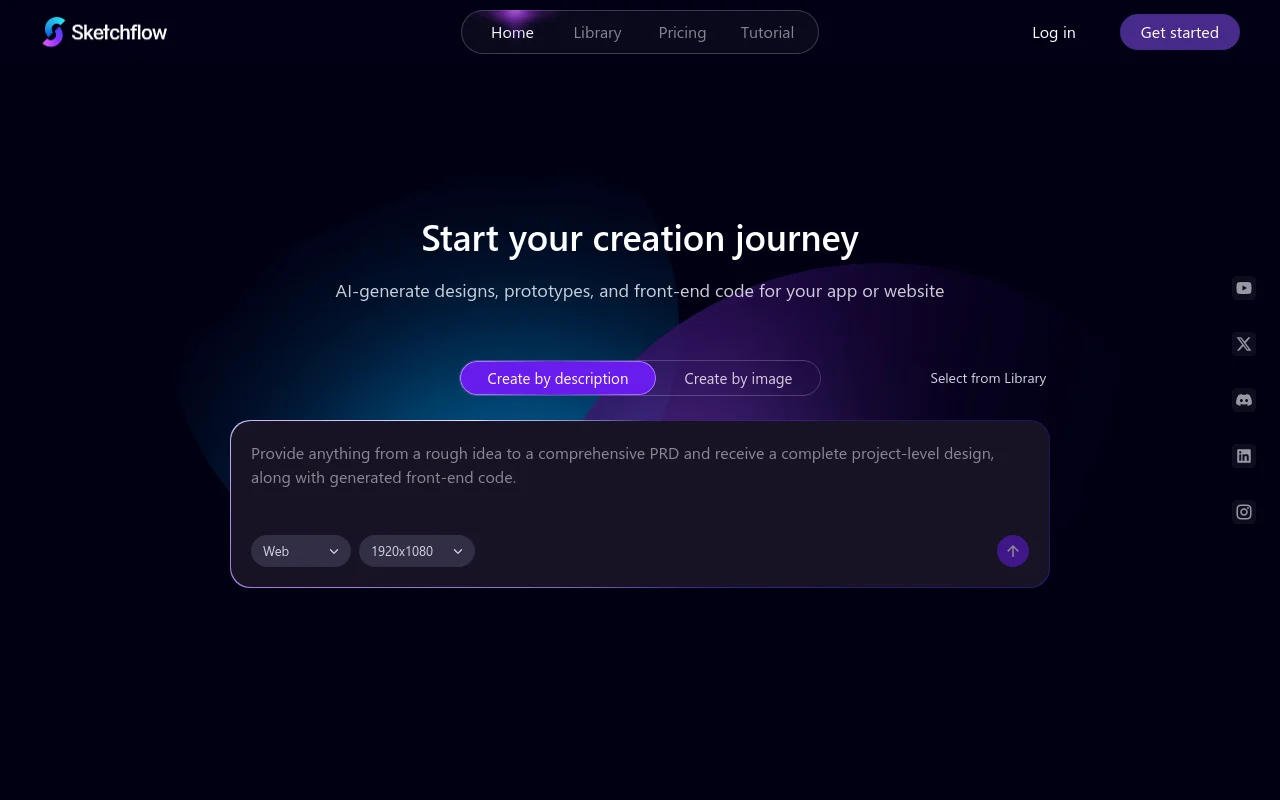
Screenshot archived from the listing page, for preview only.











