Sketch To
AI image and sketch converterPhotos to sketches, sketches to images
Highlights
What you can do with it
- Bloggers create sketch content for posts
- Digital artists convert sketches to realistic images
- Students complete assignments with the standard model
How to use it
- 1 Upload a photo or sketch file
- 2 Select the style and model
- 3 Click generate and preview the result
- 4 Download the converted image
Who it is for
Pros
- Works in both directions
- Free trial credits to start
- High-resolution output for print
Limitations
- Professional quality requires a paid plan
- Credits are consumed per conversion
- Conversion quality depends on your source image
What Sketch To is
Sketch To is an AI tool for converting between images and sketches. It works in both directions: a photo can become a pencil-style sketch, and a sketch can become a realistic image. There are two models. The standard model is free for everyday creative needs and gives new users trial credits to start with. The professional model is paid and is aimed at commercial work, unlocking higher detail, texture, and realism. Processing happens in seconds on a cloud-based infrastructure, and output is high-resolution and suitable for printing. Plans start at 9.99 US dollars per month for basic and 19.99 US dollars per month for professional.
What you can do with it
- Convert a photo into a pencil sketch
- Turn a sketch into a realistic image with the professional model
- Choose different artistic styles for conversion
- Upload multiple image formats and download high-resolution results
For a blogger, image-to-sketch gives visual content for a post without a drawing. For a digital artist, sketch-to-image turns a rough idea into a detailed piece. For a student, the standard model is enough to finish coursework, especially with trial credits. The instant processing means you can test several styles quickly rather than waiting on a slow render.
Who it is for
- Amateur enthusiasts who want to try it for free
- Professional artists and designers who need commercial quality
- Students completing assignments and projects
- Photographers and content creators adding a different look
The two-model split means casual users can start without paying, while professionals have a paid path when quality matters.
What to watch out for
The professional model requires a paid subscription, and credits are consumed per conversion, so heavy use adds up. The standard model has lower quality by design, so it will not match the professional output for client work. Conversion quality depends on your source image, and a messy sketch produces a messy result. Subscription prices are monthly or annual, so cancel before renewal if you only need it for one project.
FAQ
What does Sketch To do?
It converts photos to sketches and sketches to realistic images.
Is there a free option?
Yes. The standard model gives new users trial credits to start for free.
What does it cost?
The basic plan is 9.99 US dollars per month and the professional plan is 19.99 US dollars per month.
Why it is free
What the official page says: free trial
Free limits, trial length and features are decided by the official site and can change at any time.
Product preview
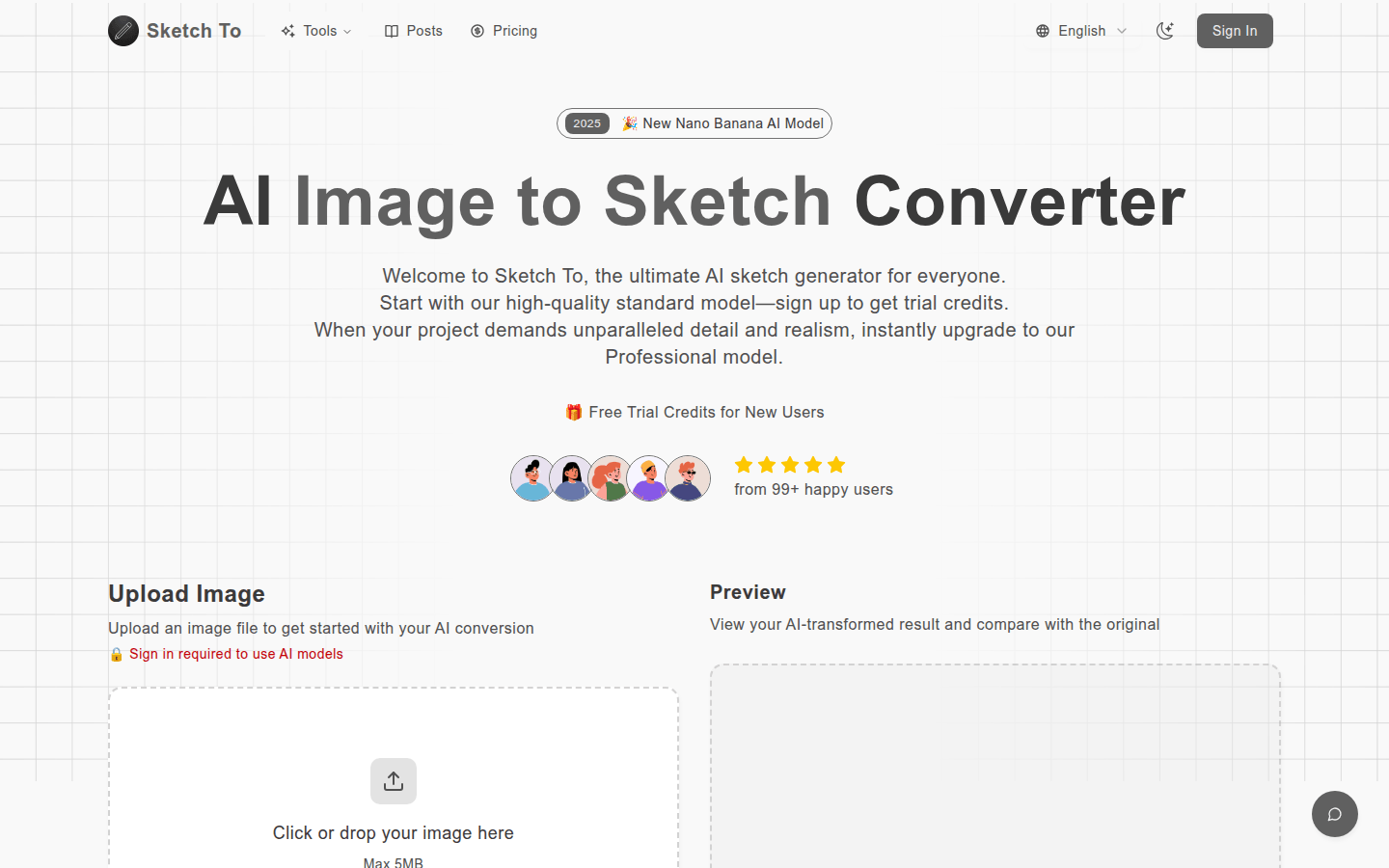
Screenshot archived from the listing page, for preview only.











