
Sketch It!
Browser drawing and design canvasSketch, layer, and collaborate online
Highlights
What you can do with it
- Product prototypes and interface sketches
- Design assignments for coursework
- Team projects edited live by several people
How to use it
- 1 Register or log in on the website
- 2 Create a new project or start from a template
- 3 Use the drawing tools to create graphics or add material
- 4 Organize elements with layers and invite collaborators
- 5 Export and share the finished work
Who it is for
Pros
- A free trial lets you test the tools
- Real time collaboration without installs
- Templates help beginners start quickly
- Multi device access from desktop and mobile
Limitations
- Continued use needs a paid plan
- Browser performance can lag on very large files
- It is a general canvas, not a specialized design suite
- Collaboration depends on everyone being online
What Sketch It! is
Sketch It! is an online drawing and design tool that runs in the browser. It is aimed at the quick end of design work: sketching an idea, blocking out an interface, or putting together a diagram, without the overhead of a full desktop suite. The listing describes a user friendly interface that lets users create and share design work quickly.
The feature set covers the basics properly. You get drawing tools including lines, shapes, and text editing, multi layer support for anything more complex, and a library of preset shapes and icons so you are not drawing every element by hand. Collaboration is real time, so several people can edit the same file at once, which is useful for remote teams. Work can be exported in multiple formats, the tool is accessible from desktop and mobile devices, and tutorials and templates are provided to help beginners get started. Access follows a free trial with paid plans for continued use.
What you can do with it
- Draw with lines, shapes, and text tools
- Organize complex work across multiple layers
- Pull preset shapes and icons from the material library
- Collaborate live with teammates in one file
- Export and share work in multiple formats
- Start from a template when you need a structure
Who it is for
- Designers sketching product prototypes and interfaces
- Students completing the visual part of coursework
- Remote teams that need a shared canvas
- Anyone who wants to draw without installing software
- Teachers diagramming a concept during a lesson
What to watch out for
A free trial is a trial, so continued use needs a paid plan and you should check current pricing before committing a team. Browser based canvases can slow down on very large files with many layers, so heavy illustration work may be better in a desktop tool. It is a general purpose canvas rather than a specialized design suite, which means it will not replace vector or raster editing for production artwork. Real time collaboration also assumes everyone is online at the same time, and offline edits can create conflicts you will need to resolve manually.
FAQ
What is Sketch It!?
An online tool focused on drawing and design, with a user friendly interface for creating and sharing work.
Can several people edit at once?
Yes. Real time collaboration allows multiple users to edit the same work simultaneously.
Is there a free option?
A free trial is offered, with paid plans available based on your needs.
What formats can I export?
The listing says work sharing supports export in multiple formats.
Why it is free
What the official page says: free trial
Free limits, trial length and features are decided by the official site and can change at any time.
Product preview
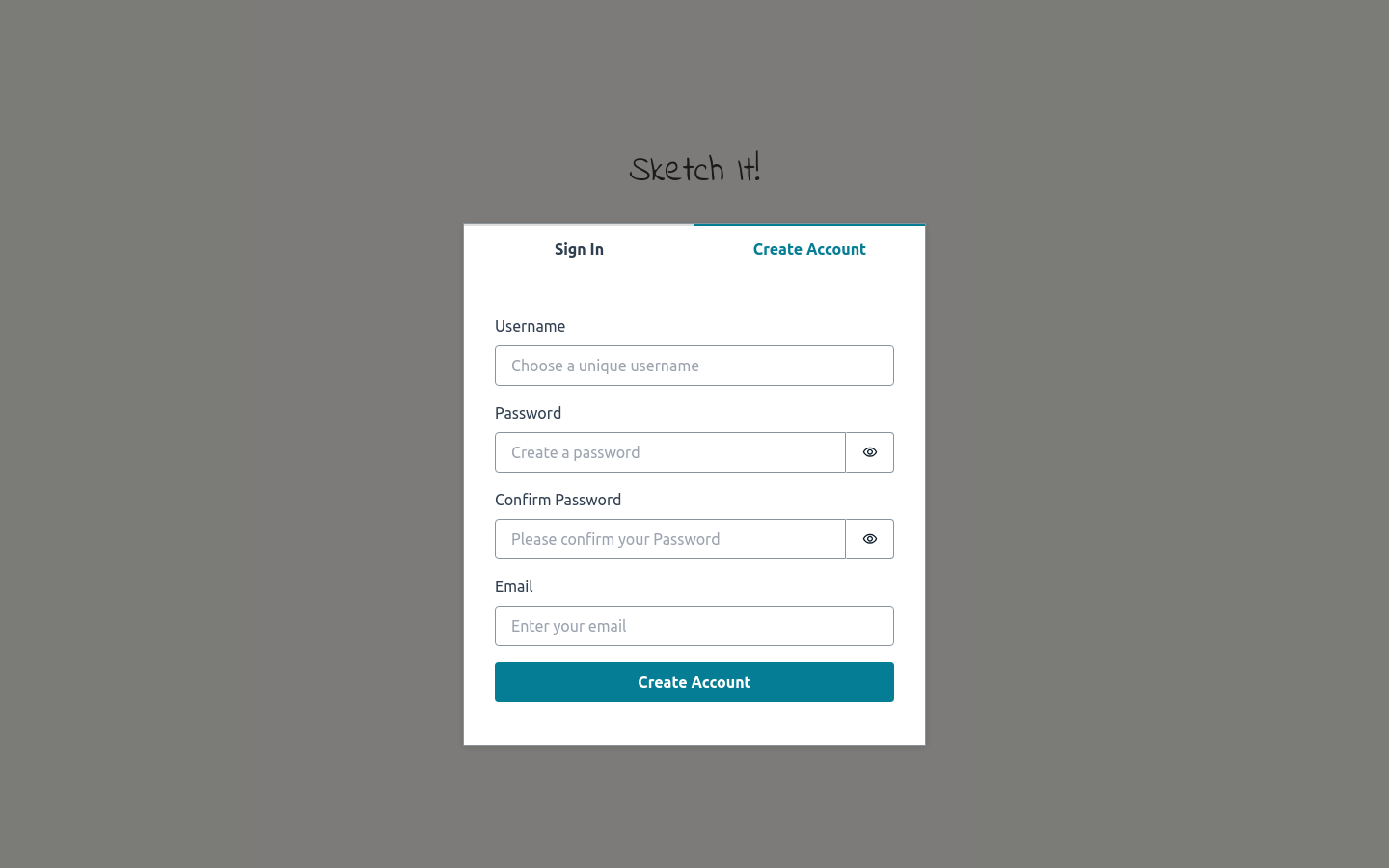
Screenshot archived from the listing page, for preview only.











