simpler
AI task managerOrganise tasks with AI help
Highlights
What you can do with it
- Keep personal tasks in one place
- Run a small team's shared task list
- Connect tasks to your calendar and inbox
How to use it
- 1 Create a free simpler account.
- 2 Add your tasks and set up categories.
- 3 Let the algorithm rank priorities for you.
- 4 Use Focus Mode to work through the list.
- 5 Connect Gmail and Google Calendar if you want them linked.
Who it is for
Pros
- A generous free account with unlimited tasks
- Priority sorting is automated rather than manual
- 256-bit AES encryption is used for stored data
Limitations
- Advanced features need the premium plan
- Free account limits may change without notice
- Integrations cover only Gmail and Google Calendar
What simpler is
simpler is an AI assistant that helps you complete tasks more efficiently. The free account is unusually open: unlimited tasks, unlimited categories, unlimited tags, and unlimited scheduling. On top of that the AI algorithms automatically categorise and tag tasks and set priorities, so the list orders itself rather than you dragging items around. Focus Mode gives you a single task view, with filters and reminders to keep things moving. Gmail and Google Calendar integration connect the task list to the inbox and calendar you already use, and the site states that 256-bit AES encryption protects stored data. A basic free account is available, and the premium plan can be tried for 7 days.
What you can do with it
- Add unlimited tasks, categories, and tags.
- Let the algorithm sort and prioritise your list.
- Work in Focus Mode with filters and reminders.
- Schedule tasks without a cap.
- Link tasks to Gmail and Google Calendar.
Who it is for
- Individuals who want one place for personal tasks and projects.
- Small teams that need a shared, prioritised list.
- People whose work already lives in Gmail and Google Calendar.
- Anyone whose task list has outgrown a paper notebook.
What to watch out for
The free account covers the core task features, but advanced capabilities sit behind the premium plan, so the free tier is not the whole product. Free account limits can change without notice. Integrations are limited to Gmail and Google Calendar, so if your team lives in Outlook or another suite you will not get automatic linking. Encryption protects stored data, but you still need to decide whether you are comfortable putting sensitive project details into a third party service.
FAQ
Is there a free account?
Yes, a basic free account is offered, with a 7-day trial of the premium plan.
How long is the premium trial?
7 days.
Does it connect to my calendar?
Yes, Google Calendar and Gmail integration are listed.
Why it is free
What the official page says: free account
Free limits, trial length and features are decided by the official site and can change at any time.
Product preview
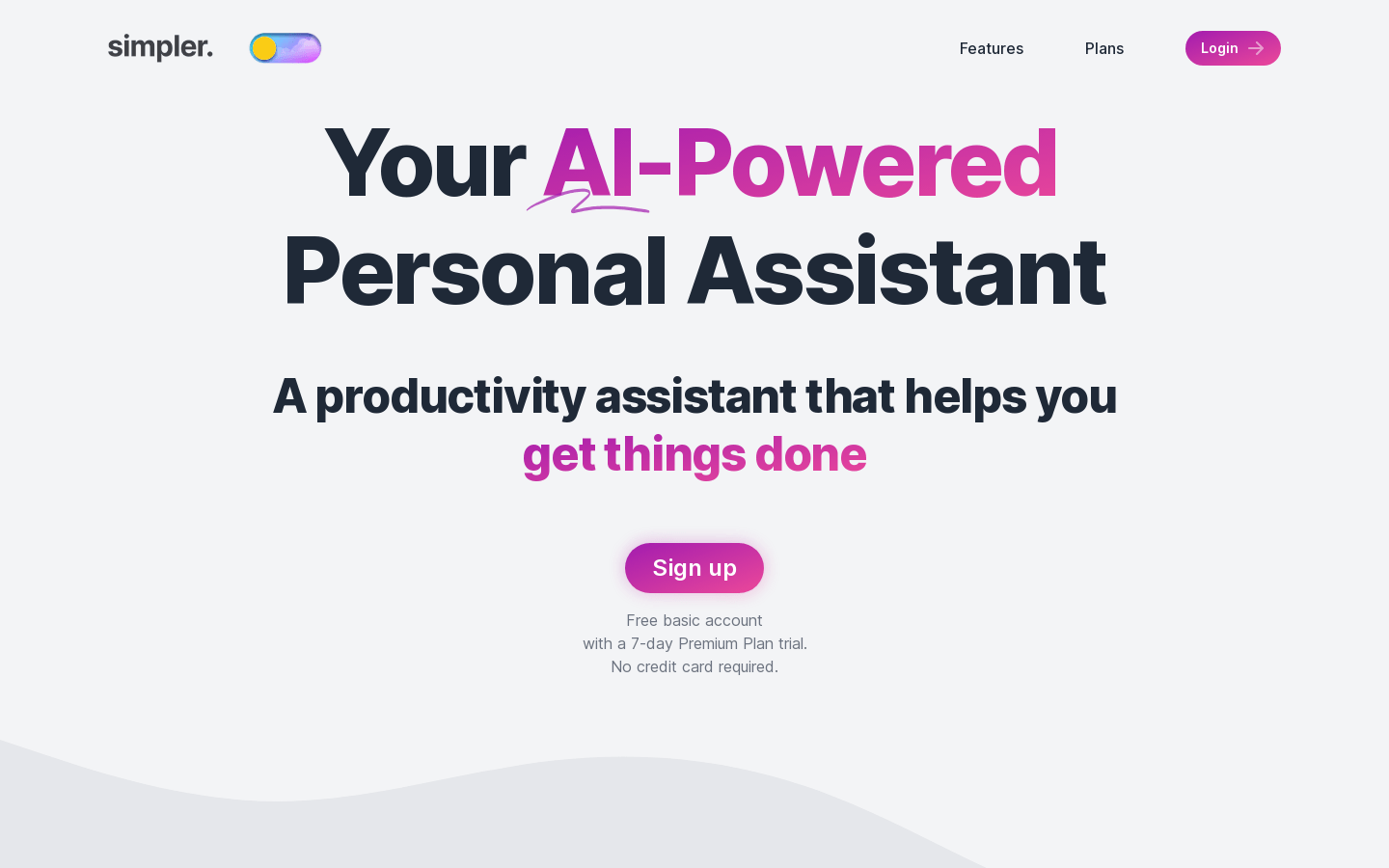
Screenshot archived from the listing page, for preview only.











