
SimpleClean
Online AI tool that removes background noise from audio and video.Clean up noisy audio and video right in your browser.
Highlights
What you can do with it
- Podcast creators can clean up noisy recordings
- Video teams can remove wind and background noise from footage
- Voice-over artists can fix audio recorded in imperfect spaces
How to use it
- 1 Open SimpleClean in your browser and upload the noisy file or files
- 2 Let the AI engine analyze the waveform and strip the background noise
- 3 Wait for processing; batch jobs notify you by email when done
- 4 Compare the original and cleaned audio, then download the clean version
Who it is for
Pros
- Removes background noise automatically with AI
- No install; works in any modern browser
- Handles batch uploads and notifies you by email
- Real-time comparison lets you hear the difference
- Transparent, pay-as-you-go pricing with no locked features
Limitations
- Pricing is pay-per-use even though free removal is advertised, so costs depend on volume
- Free terms and pricing can change over time
- Cleaning runs in the cloud, so you need a stable internet connection
- Very noisy source audio may still need manual touch-ups after cleaning
What SimpleClean is
SimpleClean is an online audio cleaning tool that uses AI to remove background noise from audio and video files. You do not need to install any software, because it runs right in your browser on a computer, tablet, or phone. It handles common formats such as MP3, WAV, MP4, and AVI, and it supports batch uploads so you can clean several files at once, with an email notification when the work is done. While you wait, you can switch between the original and cleaned audio in real time to hear exactly what changed. The tool advertises free noise removal and uses transparent, pay-as-you-go pricing based on usage, with no locked features or complex point systems. It is aimed at podcasters, video teams, and voice-over artists who want cleaner sound without editing software.
What you can do with it
- Remove background noise from any audio or video file
- Clean multiple files at once with batch upload and email alerts
- Compare the original and cleaned audio in real time
- Work across devices with nothing to install
Who it is for
- Podcast creators cleaning up noisy recordings
- Video teams removing wind and background noise from footage
- Voice-over artists polishing audio recorded in imperfect spaces
What to watch out for
SimpleClean advertises free noise removal but uses pay-as-you-go pricing based on usage, so your cost grows with how much you process, and those terms can change over time. Cleaning runs in the cloud, so you need a stable internet connection and some patience for larger files or big batches. It is built for noise reduction, not full audio editing, so heavily damaged recordings may still need manual touch-ups afterward. Confirm current pricing and any free limits on the official site before you rely on them, and keep your original files safe until you are happy with the cleaned result. Test one short clip first to see how well the AI handles your kind of background noise.
FAQ
Is SimpleClean free?
The site advertises free background-noise removal, and pricing is pay-as-you-go based on usage. Confirm current terms on the official site.
Do I need to install anything?
No, it runs in your browser on a computer, tablet, or phone.
What files does it support?
It supports common audio and video formats, including MP3, WAV, MP4, and AVI.
Why it is free
What the official page says: for free
Free limits, trial length and features are decided by the official site and can change at any time.
Product preview
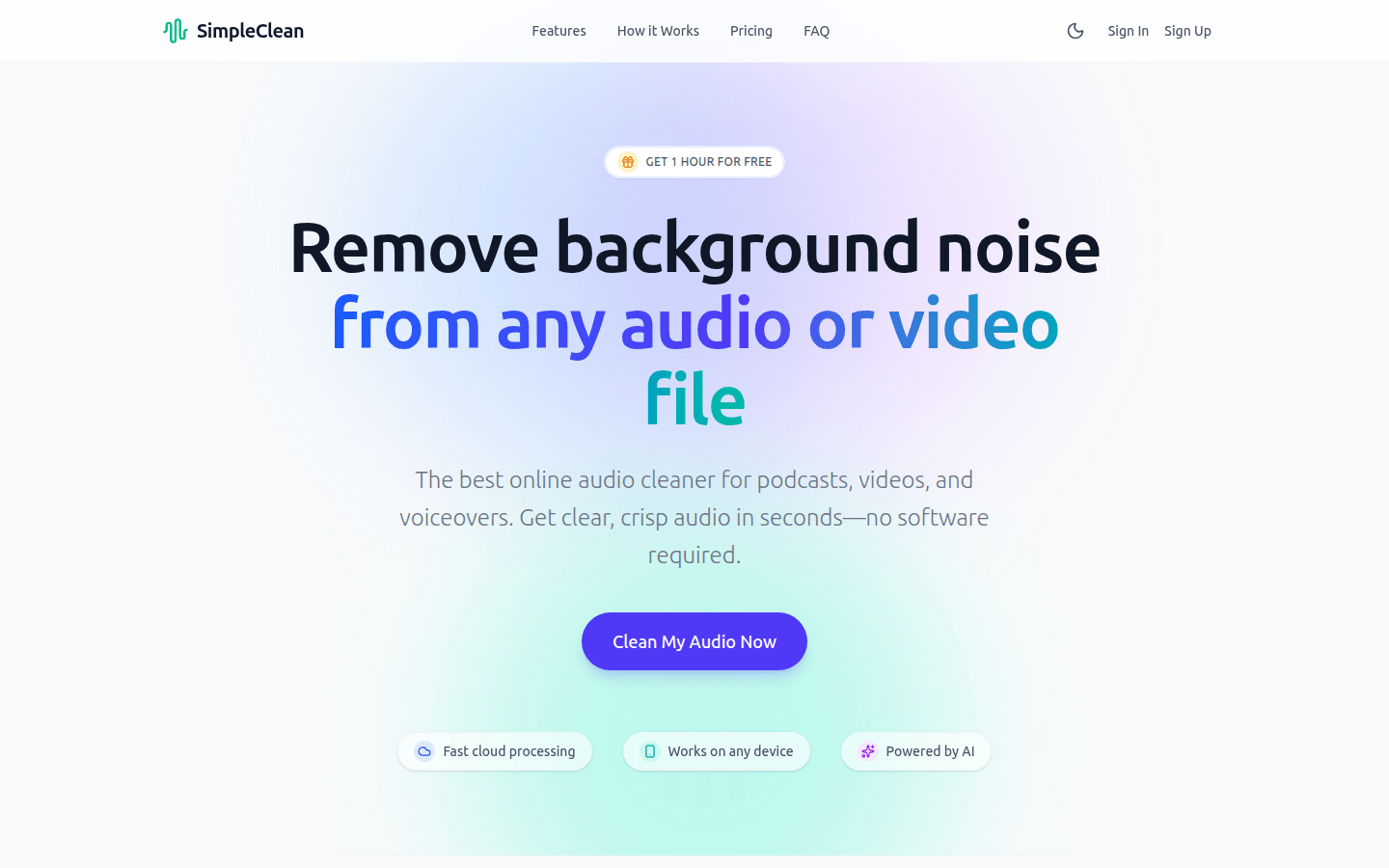
Screenshot archived from the listing page, for preview only.










