Simple Analytics
Simple, privacy-first web analyticsTraffic stats without collecting personal data.
Highlights
What you can do with it
- Track daily visits on a blog or portfolio
- Compare traffic from different channels
- Watch usage in an app you built
How to use it
- 1 Sign up for Simple Analytics.
- 2 Add the tracking snippet to your site.
- 3 Wait for visits to come in.
- 4 Read reports by day, week, or month.
Who it is for
Pros
- A free plan exists
- No personal data collected
- Simple reports and charts
Limitations
- Free plan limits mean upgrades for more sites
- Less granular user tracking by design
- Numbers depend on script loading and blockers
What Simple Analytics is
Simple Analytics is a web analytics tool built around privacy. It tracks the basics that matter to a site owner: visits, page views, traffic sources, and where readers are located, then turns those numbers into reports and visual charts you can read daily, weekly, or monthly. The distinguishing choice is that it does not collect any personal user data, which the site presents as the secure and compliant way to run analytics. Pricing ranges from a free option up to $11 per month, and it supports multi-site management so one account can watch several properties.
What you can do with it
- Track visits and page views over time.
- See traffic sources and geographic distribution.
- Build multi-dimensional reports and customizable charts.
- Manage more than one site from the same account.
Who it is for
- Bloggers and independent site owners.
- Teams that need privacy-safe analytics.
- Developers monitoring usage in apps they build.
What to watch out for
The free plan has limits, and adding more sites or history pushes you toward a paid tier. Because it deliberately avoids personal data, you get aggregate trends rather than granular user-level tracking, which is a trade-off rather than a flaw. Numbers also depend on the script loading and on visitors using blockers, so treat the figures as a reliable guide rather than a perfect count. Name and archive exported files consistently so you can find and reuse them, and keep a backup copy of key data. When quality matters, export a small draft first to confirm the result before producing the final file. Behavior may vary across browsers and devices, so test before production use and consult the help docs if errors appear.
FAQ
Does Simple Analytics collect personal data?
No, the listing says it does not collect any personal user data.
How much does it cost?
Pricing ranges from free to $11 per month.
What can I measure?
Visits, page views, traffic sources, geographic distribution, and more, by day, week, or month.
Why it is free
What the official page says: 免费
Free limits, trial length and features are decided by the official site and can change at any time.
Product preview
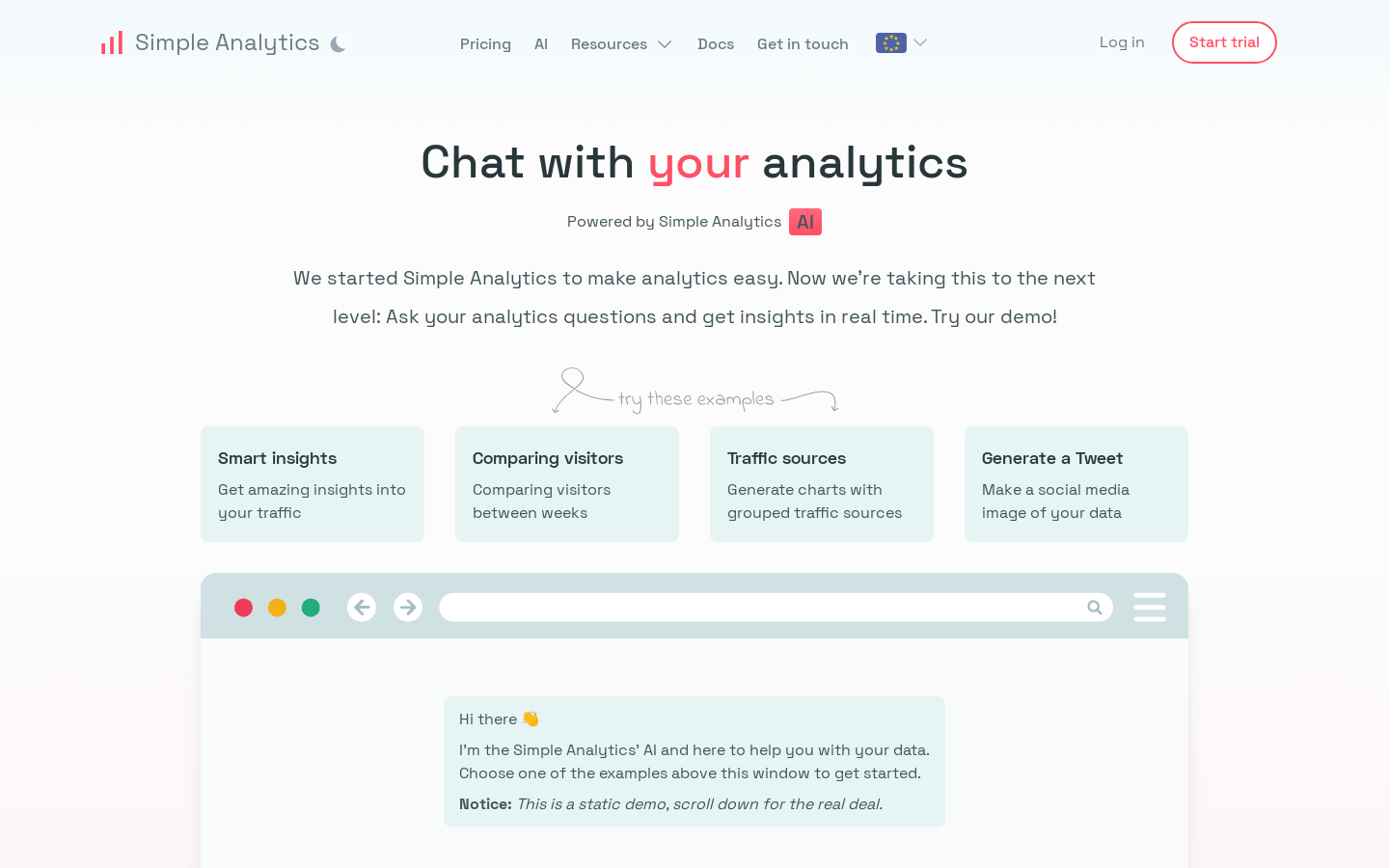
Screenshot archived from the listing page, for preview only.