
Signature
Online artistic signature generatorTurn any name into a styled artistic signature
Highlights
What you can do with it
- Business professionals generate signatures for business cards and formal documents
- Artists create a unique artistic signature for signing personal works
- Students and everyday users design personal signatures for social media and personal documents
How to use it
- 1 Open the Signature website
- 2 Enter your name or nickname in the input box
- 3 Choose your preferred signature style
- 4 Adjust the size and color if needed
- 5 Preview the generated signature to confirm you are satisfied
- 6 Click generate to create the artistic signature
- 7 Save the signature as an image for later use
Who it is for
Pros
- Free to use right now, with no design skills required
- Multiple styles plus size and color controls
- Preview before download so you can check the result
- Downloads as an image that is easy to reuse
Limitations
- The free service and its rules can change at any time
- It produces stylistic text signatures, not legally binding e-signatures
- Results depend on name length and the styles the site currently offers
- Access depends on the online page being available
What Signature is
Signature is an online artistic signature generator. You enter a name or nickname and the site turns it into a styled, artistic signature using algorithms and design principles. The whole process runs in the browser, and the interface is clean and simple, so no design experience is needed. The service is currently free: users can generate and download artistic signatures without stated limits. A signature works as both a personal identifier and part of a personal brand, and this tool is built to raise the artistic quality of that everyday mark for anyone who signs documents, cards, or messages.
What you can do with it
- Enter a name or nickname to generate an artistic signature
- Choose from several signature styles
- Adjust the size and color of the signature
- Preview the result before downloading, then clear it to redesign
- Save the finished signature as an image for reuse
Who it is for
- Business professionals who want a signature for business cards and formal documents
- Artists who want a unique way to sign their own works
- Students and everyday users designing personal signatures for social media and personal documents
- Anyone without design experience who still wants a more artistic mark
What to watch out for
The free service and its rules can change at any time, so check the current terms before you depend on it. What you get is a stylistic text signature rendered as an image, not a legally binding electronic signature. Output quality depends on the length of the name and the styles the site offers at the moment, and a very long name can be harder to stylize. Because the tool is online only, availability can vary, so confirm the page loads before you plan to use it. Keep expectations realistic: this is a quick way to get a decorative signature, not a replacement for professional identity design.
FAQ
Is Signature free?
Yes. The site states it currently provides free services and lets users generate and download artistic signatures.
Do I need design experience?
No. You only type a name, pick a style, adjust size and color, and preview the result.
What can I do with the result?
Save it as an image and use it on business cards, documents, social media, or personal files.
Can I redo a signature?
Yes. You can clear the current signature and redesign it.
Why it is free
What the official page says: 免费
Free limits, trial length and features are decided by the official site and can change at any time.
Product preview
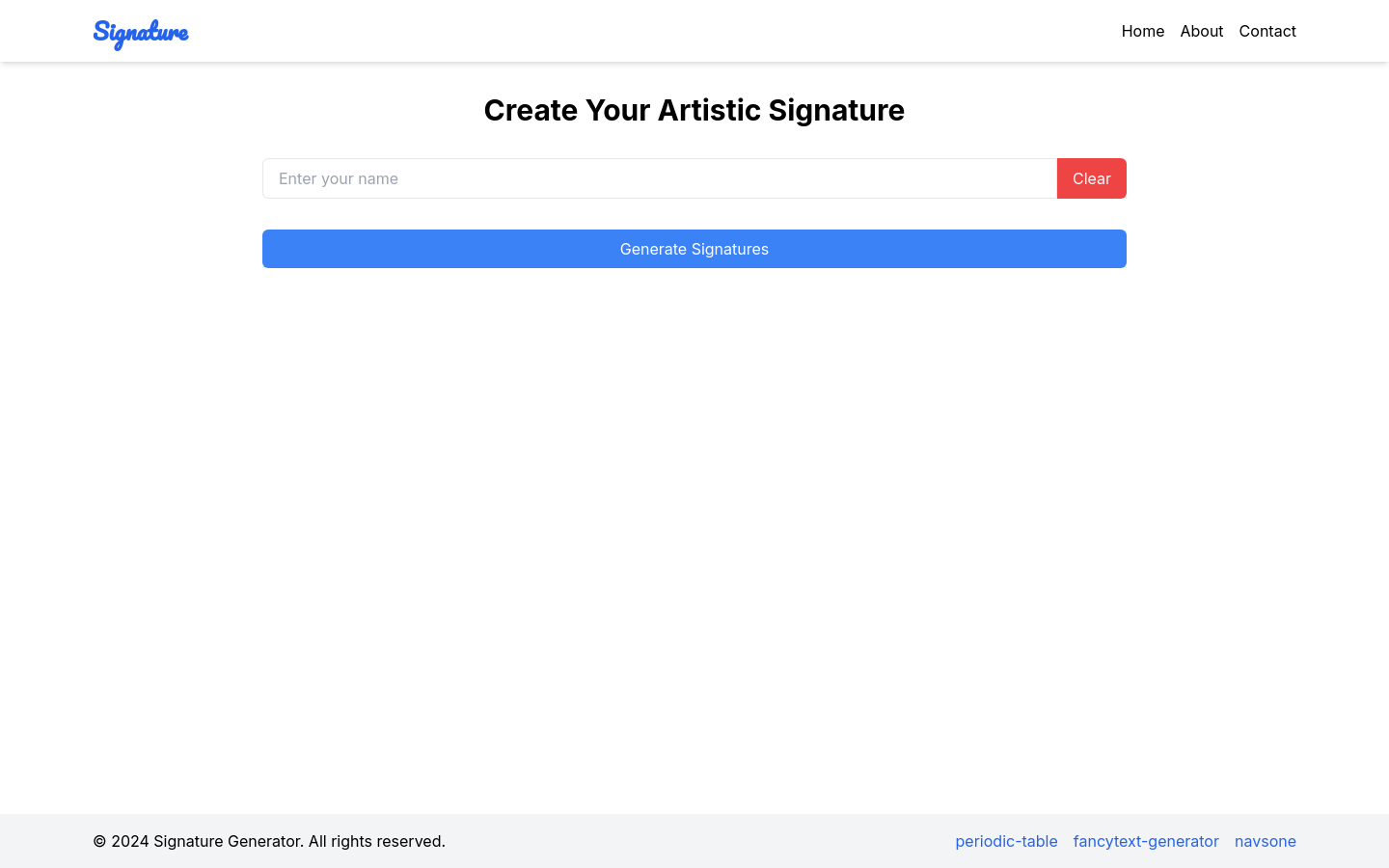
Screenshot archived from the listing page, for preview only.











