
Sidewalk Social
Instagram for local shops30 days of posts in three minutes
Highlights
What you can do with it
- A coffee shop running a month of local posts without a designer
- A gym turning member results and local events into engaging posts
- A beauty salon promoting seasonal offers to nearby customers
How to use it
- 1 Go to sidewalksocial.ai and click Start for free; no registration is needed to begin
- 2 Enter your business details, brand style, and past posts so the AI can learn your tone
- 3 Upload the phone photos you already have and let the tool improve them
- 4 Pick a template or let the AI generate content from local conditions
- 5 Adjust the copy, then publish to Instagram, Pinterest, TikTok, and Facebook
Who it is for
Pros
- Free entry point and no sign-up wall for the trial
- Local context such as weather and city events is built into the output
- Multi-platform formatting removes repeated manual resizing
Limitations
- A free tool can change its rules or add limits later, so do not build a workflow you cannot rebuild
- The local focus is US-based, so the fit outside the United States is unproven
- Automated posts still need a human pass for tone and accuracy before they go live
What Sidewalk Social is
Sidewalk Social is a free AI social media management tool aimed at local businesses in the United States. The idea is narrow on purpose: instead of a general content suite, it builds posts around the city you operate in, the weather that day, local events, and the way your business actually runs. You start by clicking Start for free on the site, and no registration is required to begin the trial. The promise is that a shop with no design help can still look consistent online. The tool learns your brand style and past posts, cleans up ordinary phone photos, and produces copy and images together. The headline claim is 30 days of professional content in about three minutes.
What you can do with it
- Generate posts shaped by your city, the weather, and local events
- Improve phone photos for platform display without an editor
- Publish one brief across Instagram, Pinterest, TikTok, and Facebook
- Start from hundreds of templates and adjust them per campaign
Who it is for
- Coffee shops, gyms, and salons with no in-house designer
- Owners who post themselves and need content to appear consistently
- Local US businesses competing for nearby customers
What to watch out for
Free tools tend to change their rules, add caps, or move features behind a paid tier later, so avoid making your only posting pipeline something you cannot rebuild. The local intelligence is US-focused, which means the fit outside the United States is untested here. Automated copy also needs a human read before publishing: a wrong opening hour, a misread event, or an off-tone line is still your business's name on the post. If a template does not match your voice, editing it is faster than writing from scratch, so keep the tone guide short. Use it to remove the blank page, not to replace judgement about what your customers actually care about.
FAQ
Is Sidewalk Social free?
Yes, it is described as free, and you can start the trial without registering an account.
Do I need design skills?
No. You upload ordinary phone photos and the tool improves lighting, composition, and clarity automatically.
Which platforms does it publish to?
Instagram, Pinterest, TikTok, and Facebook, from one brief that the AI adapts per platform.
How does it make the content feel local?
It uses your city, brand style, daily routine, weather, and local events when generating posts.
Who is it built for?
Local businesses in the United States such as coffee shops, gyms, and beauty salons.
Why it is free
What the official page says: for free
Free limits, trial length and features are decided by the official site and can change at any time.
Product preview
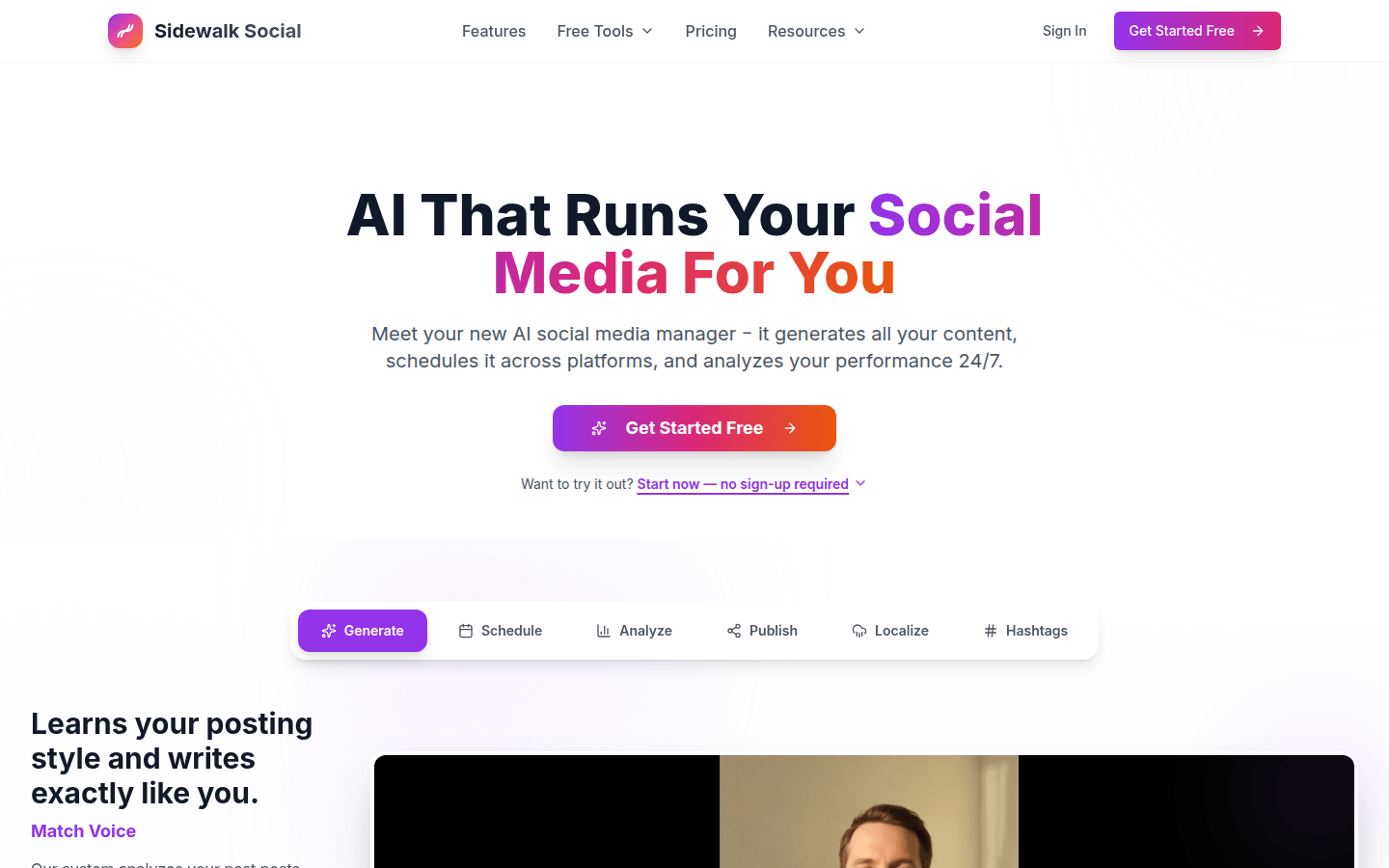
Screenshot archived from the listing page, for preview only.











