Shyne
Shared design canvas for teams and AIBrand consistent designs made with AI and your team
Highlights
What you can do with it
- Plan a product launch across channels with a content calendar
- Collaborate on a web design project while keeping one brand style
- Build teaching presentations and course materials
How to use it
- 1 Visit the Shyne site and choose web or desktop
- 2 Register and create or join a team space
- 3 Set up the brand kit with colors, fonts, and logos
- 4 Start a project such as a presentation, document, or video
- 5 Use AI to generate images, clips, and voice-overs as needed
- 6 Collaborate in real time, then export in the format you need
Who it is for
Pros
- Free to use with real-time team collaboration
- A brand kit keeps every output consistent
- Many export formats, including editable deck files
- AI generation and prototypes sit in the same canvas
Limitations
- Feature depth depends on the browser and device you use
- AI generated media still needs brand and quality review
- Free access terms and export options can change at any time
- Teams need time to set up brand kits and shared conventions
What Shyne is
Shyne is a design application from the NextDocs team built around a shared canvas. Team members and AI work on the same file in real time, with cursors, online status, and every change visible as it happens. It covers presentations, pages, and videos, and a brand kit centralizes colors, fonts, and logos so every output carries the same identity. AI can generate images, video clips, and voice-overs directly on the canvas, frames can be turned into clickable prototypes, and finished work exports as PDF, PNG, MP4, HTML, PowerPoint, or Google Slides. The product is described as free to use.
What you can do with it
- Co-edit presentations, pages, and videos with a team in real time
- Manage brand colors, fonts, and logos from one brand kit
- Generate images, video clips, and voice-overs on the canvas
- Turn frames into interactive, shareable prototypes
- Plan content releases on a calendar and keep an inspiration board
- Export in the format each channel needs
Who it is for
- Internal teams such as marketers, designers, founders, and product managers
- Agencies, freelancers, and consultants producing client deliverables
- Teachers and students building presentations and project work
What to watch out for
A shared canvas depends on everyone adopting the same workspace, so solo users may not feel the full benefit. AI generated media still needs brand and quality review before it goes out. Export formats and free access terms are set by the operator and can change, so confirm current capabilities if a specific format matters to you. Setting up brand kits and shared conventions takes time up front. Free tiers and usage limits can change, so check the current rules on the official page before relying on it long term.
FAQ
Is Shyne free?
The site describes it as free to use for brands, teams, and individual creators.
What can I design on it?
Presentations, pages, videos, and social content, all on a shared canvas.
How does it keep brand consistency?
A brand kit centralizes colors, fonts, and logos, and updating it in one place applies across outputs.
What can I export?
PDF, PNG, MP4, HTML, PowerPoint, and Google Slides, described as clean and unlocked files.
Why it is free
What the official page says: free to use
Free limits, trial length and features are decided by the official site and can change at any time.
Product preview
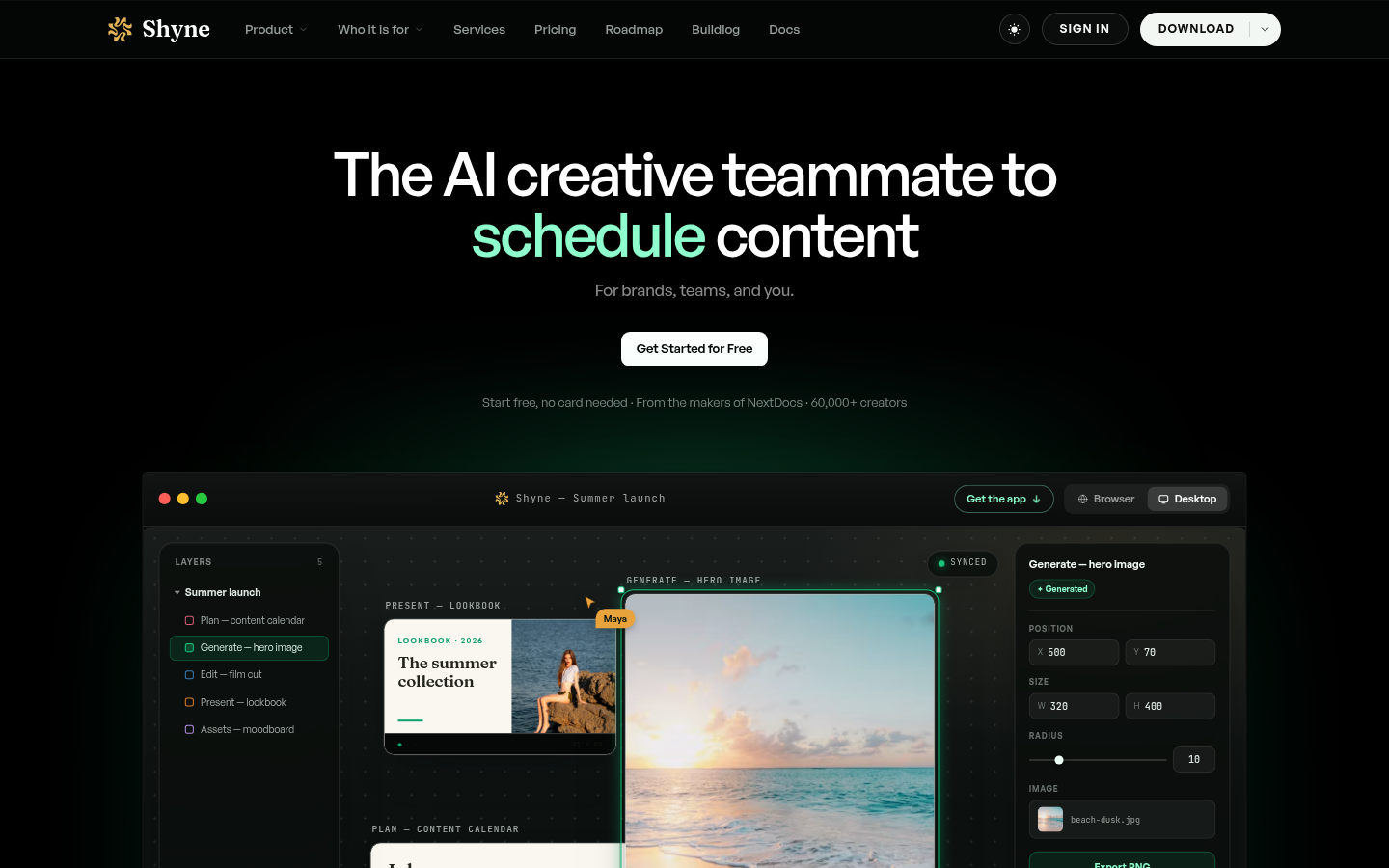
Screenshot archived from the listing page, for preview only.











