ShortMind
AI tool that turns long videos into shortsConvert one long video into 100 plus short clips, then publish everywhere
Highlights
What you can do with it
- A YouTube creator saves about 20 hours a week and publishes a full batch of content alone.
- A TikTok marketer prioritizes high-scoring clips and speeds up short-video reach.
- A podcast host gets a batch of clips in about 10 minutes instead of 4 hours of editing.
How to use it
- 1 Import a long video from YouTube, Bilibili or a local file.
- 2 Let the AI find high-energy clips, main subjects and strong opening hooks.
- 3 Pick the clips, schedule them and publish to your social platforms.
Who it is for
Pros
- Very fast: one long video can become 100 plus clips in minutes.
- Automatic reframing, subtitles, titles and AI B-roll cut manual editing.
- Free plan with 30 minutes a month and no credit card, plus multi-platform publishing.
Limitations
- The free plan caps processing at 30 minutes a month; more needs a paid plan.
- Automatic clip choice and scoring are aids, and you should review before publishing.
- Heavy reliance on AI means quality varies with the source video.
What ShortMind is
ShortMind is an AI video editing platform that turns long-form content into short videos built for social channels. Its core is analysis: it reads the video frame by frame to understand dialogue, visuals, audio and emotional cues, then spots the clips most worth publishing. On top of that it writes trendy titles and detailed subtitles, reframes the picture around the main subject for ratios like 9:16 and 1:1, and can add AI B-roll automatically. The big claim is speed: it can turn one long video into more than 100 short clips within minutes, far faster than manual editing. There is a free plan with up to 30 minutes of video processing per month and no credit card.
What you can do with it
- Import a long video from YouTube, Bilibili or a local file and let the AI find the best moments.
- Auto-generate titles, subtitles and reframed layouts for 9:16, 1:1 and other ratios.
- Schedule clips and publish them to TikTok, YouTube Shorts, Instagram Reels and LinkedIn.
- Refine each clip in-app: crop, edit subtitles, change fonts, overlay B-roll and adjust the ratio.
Who it is for
- E-commerce marketing teams pulling high-intent clips from live streams and product videos.
- Course creators who turn long lessons into focused short clips for learners.
- Podcast hosts and knowledge creators who need many captioned clips per episode.
- Sports and commentary creators who want key action kept in frame after reframing.
What to watch out for
The free plan caps processing at 30 minutes a month, and heavier use needs a paid plan, so check current limits and pricing. Automatic clip selection and scoring are aids, not final decisions, so review each clip before it goes live. Results depend heavily on the source video, and quality varies, so expect to refine some clips. Publishing to third-party platforms is subject to each platform's own rules and your account access.
FAQ
Is there a free plan?
Yes, a free plan includes up to 30 minutes of video processing per month with no credit card.
How many clips can it make?
It can turn one long video into more than 100 short clips within minutes.
Where can I publish?
To TikTok, YouTube Shorts, Instagram Reels and LinkedIn, among other channels.
Does it add subtitles?
Yes, it generates titles and subtitles and reframes video for 9:16, 1:1 and other ratios.
Why it is free
What the official page says: free plan
Free limits, trial length and features are decided by the official site and can change at any time.
Product preview
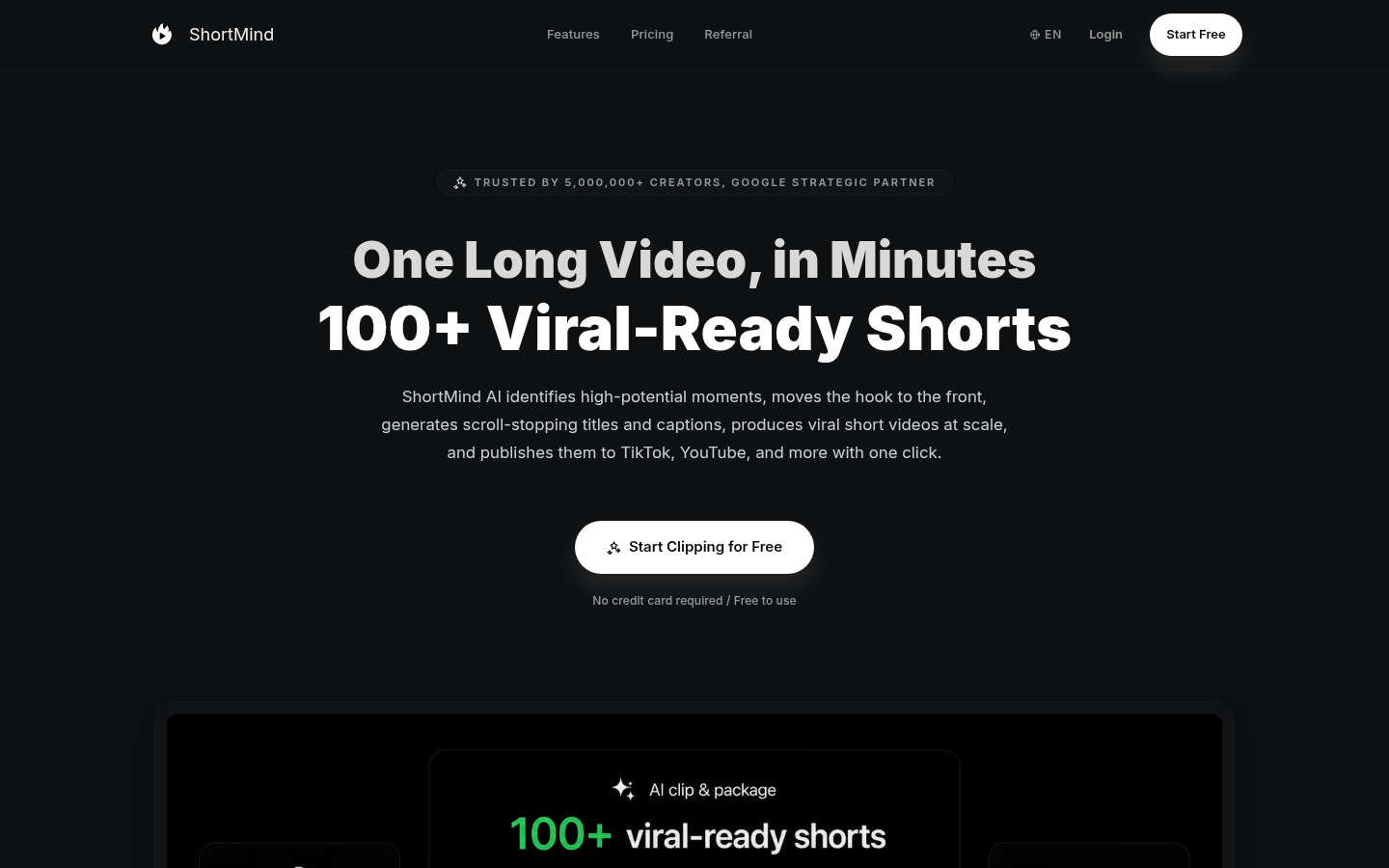
Screenshot archived from the listing page, for preview only.