
Serinax
AI video and image studio with creditsOne workspace for video and image creation
Highlights
What you can do with it
- Build storyboard frames then turn selected frames into video
- Explore clothing and lighting for a client proposal
- Create thumbnails and short trailer clips in one place
How to use it
- 1 Choose AI video or AI image from the top of the page.
- 2 Upload reference material and write your prompt.
- 3 Select a model and confirm the credit cost.
- 4 Preview the result and download it when it is right.
Who it is for
Pros
- Video and image tools sit in one interface
- Credit cost is visible before you generate
- Reference images and prompts give you control over output
Limitations
- Credit-based cost means heavy use needs top-ups
- Freedom from content restrictions does not remove your legal and ethical responsibility, and generating material involving real people without consent can break laws and platform rules
- A newer platform, so stability and the model lineup can shift
What Serinax is
Serinax is an online studio that puts AI video and AI image generation in one workspace. You choose which studio to open, upload reference images or clips, describe what you want in natural language, pick a model, and generate. The listing frames the main advantage as simplicity: natural language instead of manual controls.
Some details are practical rather than promotional. A dual-reference mode gives you two image slots when a creation needs two sources. Inline preview shows the rendering playback or static image on the generation page, so you are not opening extra tabs. Model selection is separate for video and stills. And the credit cost of a generation is displayed before you commit to it, with a single credit wallet covering usage. Some functions are free; heavier use requires topping up.
What you can do with it
- Generate video from prompts plus reference clips or images.
- Generate still images, including with two reference sources at once.
- Preview results inline and download when they are right.
- See the credit cost of a generation before running it.
Who it is for
- Creator teams producing both video and stills in one project.
- Independent creators such as photographers and developers.
- E-commerce sellers who need thumbnails and short clips.
What to watch out for
The credit model means cost scales with use, and a workspace that covers both video and image generation can burn through credits faster than expected. Check the pricing page before a big run, and use the free functions to judge quality first.
The listing describes the platform as having no censorship restrictions. That is a statement about what the service allows, not about what you are permitted to do. Generating imagery or video of real people without their consent, or producing illegal material, can breach law and platform rules, and the responsibility sits with you. Treat the absence of platform filtering as a reason to apply your own judgment, not as permission.
FAQ
What does Serinax do?
It combines AI video and AI image generation in one workspace, controlled with natural language prompts and reference images.
How does pricing work?
Some functions are free, and other work uses a credit wallet. The required credits are shown before each generation, and you can top up from the pricing page.
What is dual-reference mode?
It lets you send two reference images together with a prompt when a creation needs two sources.
Does no censorship mean anything goes?
No. It describes the platform's content policy, not your legal position. Generating material involving real people without consent, or illegal content, can still break laws and platform rules, and the consequences fall on you.
Why it is free
What the official page says: for free
Free limits, trial length and features are decided by the official site and can change at any time.
Product preview
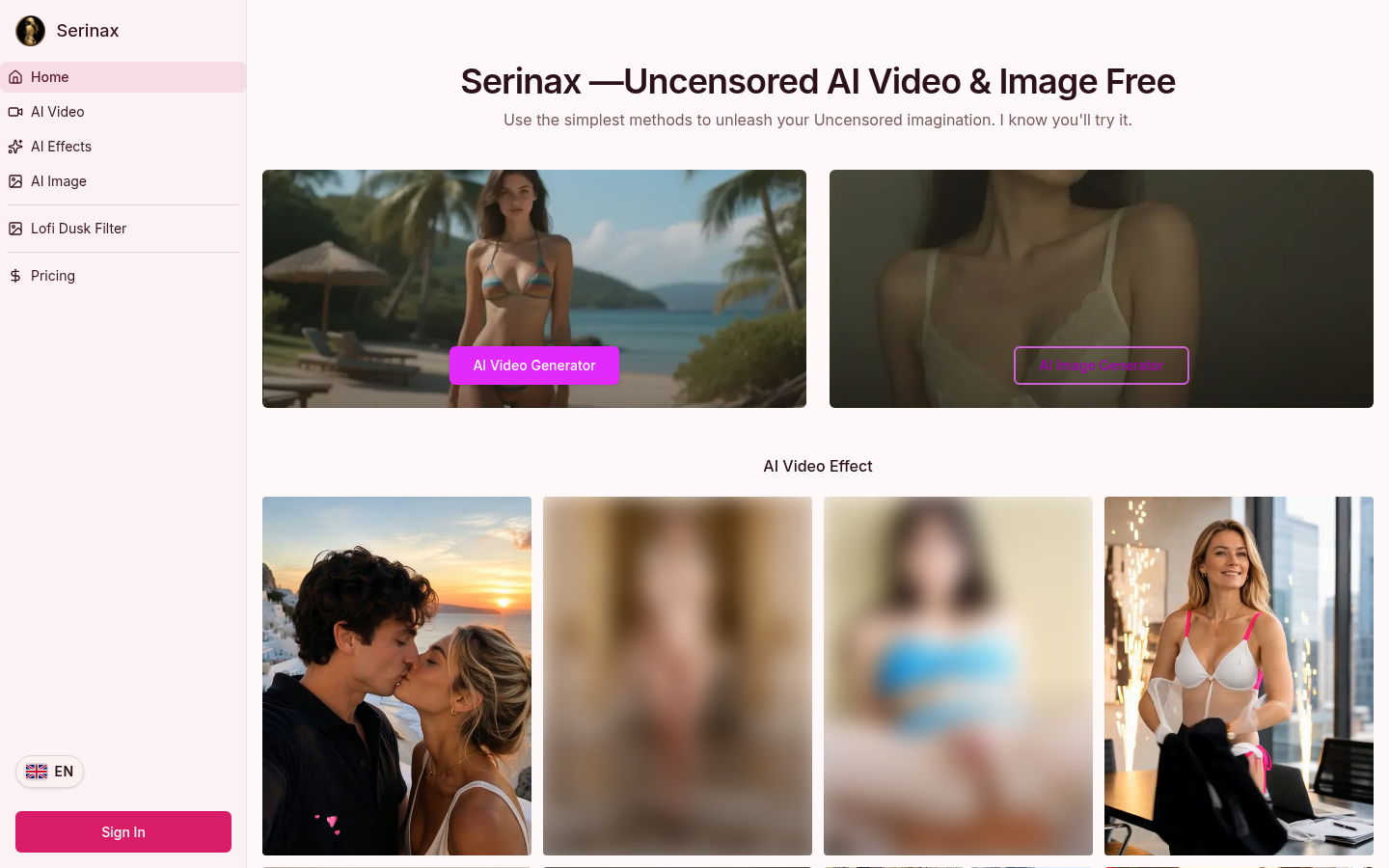
Screenshot archived from the listing page, for preview only.











