Senzia
One-stop AI platform for video, image, and audio creationGenerate video, image, and audio content in one workspace
Highlights
What you can do with it
- Turn product promotion copy into short marketing videos for social platforms
- Upload a product image and generate a display video with camera movement
- Create posters and social graphics from text, then add AI audio for a full clip
How to use it
- 1 Register and log in at senzia.cc
- 2 Open AI Studio and choose a function such as Text to Video or AI Image
- 3 Enter prompts or upload reference materials
- 4 Select a model and parameters, then submit the task
- 5 Preview, adjust, and download, or buy credits when the free quota runs out
Who it is for
Pros
- One platform covers video, image, and audio generation
- Several models available without switching tools
- Browser based, so no software installation
- Free trial quota for new users
Limitations
- Runs on credits, so heavy use means buying points
- Face swap and digital human features may violate platform or school rules, and consequences fall on the user
- Output quality varies between models
- Free quota is limited and rules may change
What Senzia is
Senzia is a one-stop AI creation platform that covers video, image, and audio generation plus digital human creation. It supports text to video, image to video, text to image, and AI audio, and it brings several mainstream models such as Seedance, Sora, Wan, Kling, Grok, Gemini, and Nano Banana into a single workspace. Everything runs in the browser, so you do not need to install professional software. New users can try it for free, and continued use runs on a credits system where you buy points to unlock more generations. It is aimed at content creators, marketers, designers, and enterprise users who need short videos, ads, and social content.
What you can do with it
- Turn a text prompt into a video with movie level visuals.
- Animate a still photo with camera movement, depth of field, and motion effects.
- Generate images and AI voice audio in the same workspace.
- Create digital humans and face swap videos from your own uploads.
Who it is for
- Content creators who publish short videos on social platforms.
- Marketers who need ad creative and product promo videos.
- Designers and enterprise teams that want visuals without switching between tools.
What to watch out for
The platform runs on credits, so heavy use means buying points, and the cost depends on the model and the length of the output. Face swap and digital human features are sensitive: they may violate platform rules or school policies, and any consequences fall on the user, so use them only with permission and on your own material. Output quality varies between models. The free quota for new users is limited and the rules may change. The site also returned an error status at the time of review, so check that it is reachable before you plan work around it.
FAQ
Is Senzia free?
New users can experience it for free. Continued use requires credits, which you purchase for more generation quota.
Which models are included?
It integrates models such as Seedance, Sora, Wan, Kling, Grok, Gemini, and Nano Banana, and you can choose per task.
Can it create face swap videos?
Yes, it offers AI avatar and face swap creation. Use such features only with permission and on your own material, since they may break platform rules.
Why it is free
What the official page says: for free
Free limits, trial length and features are decided by the official site and can change at any time.
Product preview
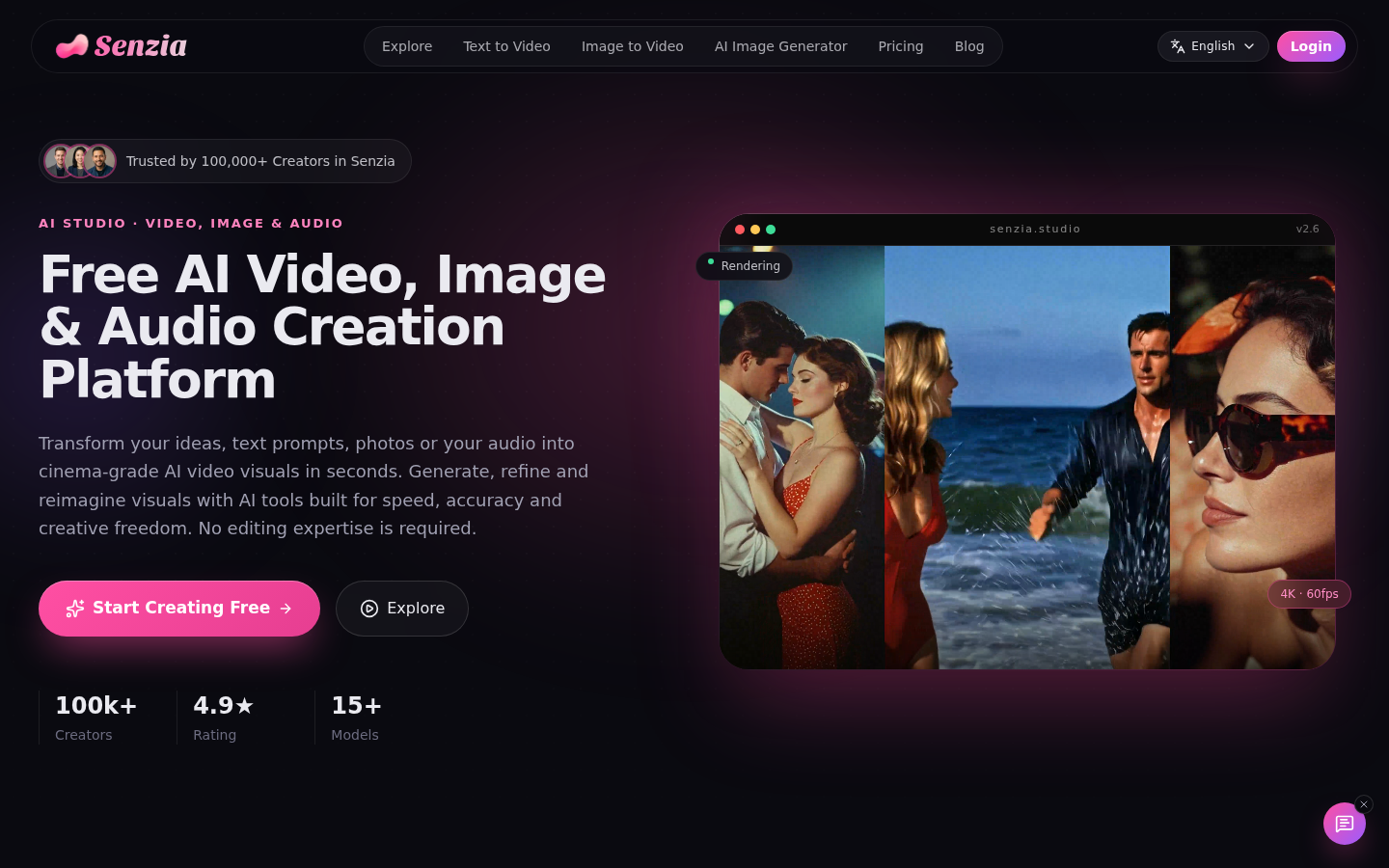
Screenshot archived from the listing page, for preview only.











