
Sensei
AI question answering assistantAsk a question, get a quick answer
Highlights
What you can do with it
- A student looks up details about a historical event
- A researcher checks recent developments in a field
- An everyday user asks a general health question
How to use it
- 1 Visit the Sensei website and register
- 2 Type your question into the input box
- 3 Read the returned answer and related questions
- 4 Rate the answer to help improve the service
Who it is for
Pros
- Simple ask and answer flow with no setup
- Related questions help exploration
- Multiple languages are supported
Limitations
- Free trial limits apply before paid use
- Answers can be wrong, so verify important facts
- The domain is very young, so stability is unproven
- The page was unreachable during the last check
What Sensei is
Sensei is an intelligent question answering assistant at heysensei.app. You register, type a question, and it returns an answer built on natural language understanding and search, along with suggestions for related questions. The page lists multilingual support including Chinese and English, a content library that keeps updating, and a free trial. It is positioned as a fast way to get information for study, research, and everyday curiosity without opening several tabs.
What you can do with it
- Ask questions in natural language and get direct answers
- Follow related question suggestions to explore a topic
- Use it in more than one language
- Rate answers to flag quality problems
Who it is for
- Students who need quick factual lookups
- Researchers scanning unfamiliar topics
- Everyday users with general questions
What to watch out for
Free trial limits apply, and continued use moves to paid plans whose pricing the page leaves open, so get numbers in writing before you rely on it. Answers can be wrong or outdated, so verify anything important against a reliable source rather than trusting output blindly, especially for health, legal, or financial questions. The domain is very young, which means stability and longevity are unproven, and the page was unreachable during the last check. Treat it as a convenience tool for orientation, not an authority you cite. Processing speed depends on file size and network conditions, so retry later if a task stalls during peak hours. Run one full task end to end first, then expand once you are comfortable with the workflow and the result quality. Start with a small sample to confirm the output meets your expectations before processing the full batch.
FAQ
What does Sensei do?
It answers questions you type, using natural language understanding and search, and suggests related questions.
Is there a free trial?
Yes, the page says a free trial is offered, with pricing adjusted based on feedback.
Which languages work?
Several languages including Chinese and English are listed.
Why it is free
What the official page says: free trial
Free limits, trial length and features are decided by the official site and can change at any time.
Product preview
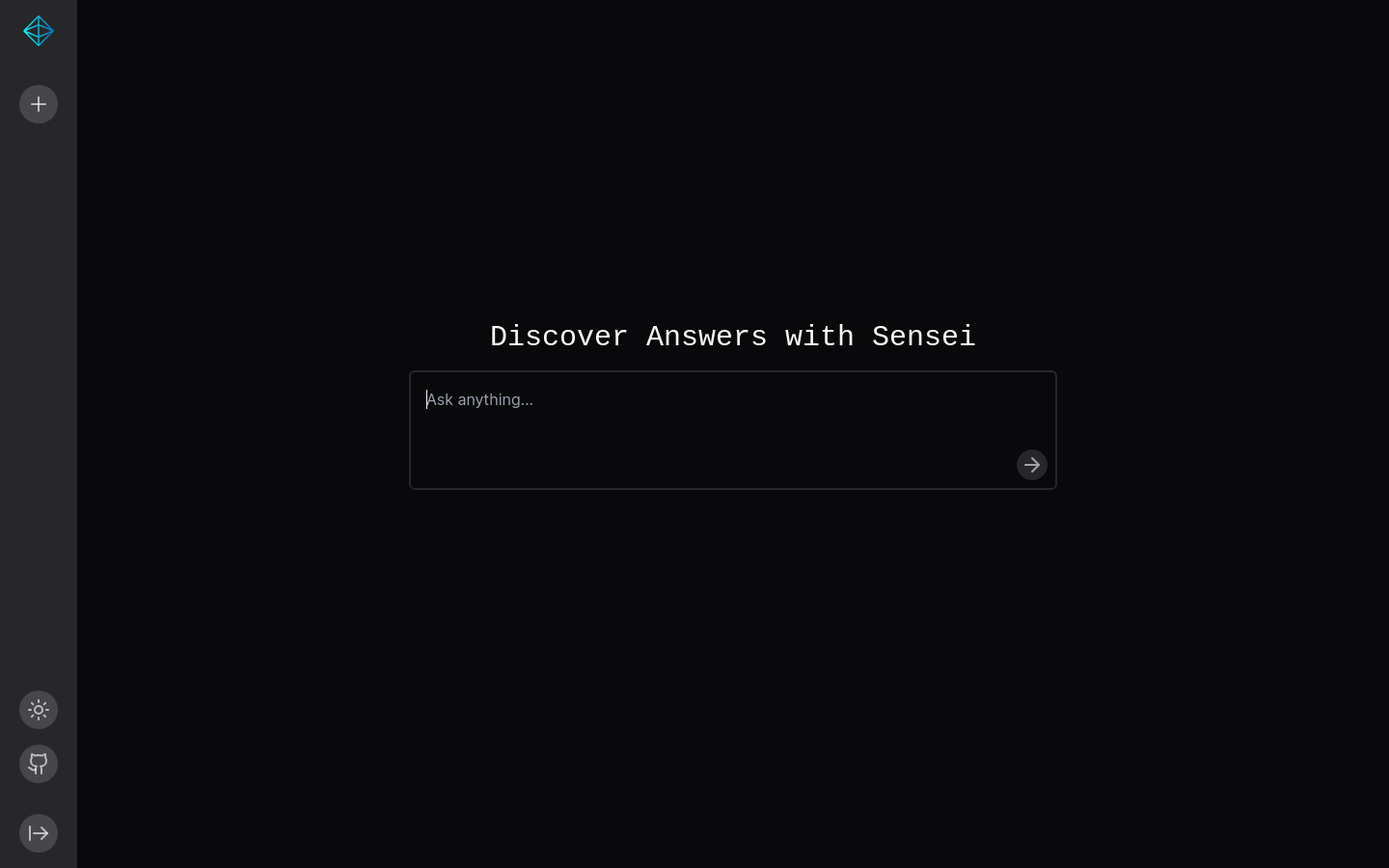
Screenshot archived from the listing page, for preview only.











