
SEELE TV
Controllable studio for cinematic AI videoShot-level control over AI film sequences
Highlights
What you can do with it
- An advertising agency builds a product promo with reference frames and shot-level direction
- Film school students keep narrative and rhythm consistent in a graduation project
- A travel blogger generates cinematic footage quickly for multi-platform posting
How to use it
- 1 Enter the workspace and clarify the production questions you need to answer
- 2 Pick AI video tools and models and run real-shot tests on the model page
- 3 Set reference material and text to lock in characters, composition, and style
- 4 Define each shot with subject, action, framing, and camera language, and record continuity
- 5 Generate the video following the continuity description
- 6 Review the result as a film and make minimum, targeted changes
Who it is for
Pros
- Strong continuity control instead of disconnected clips
- A review step before you commit to final output
- Several models available in one workspace
- Free trial to evaluate the workflow
Limitations
- More steps than a one-click generator, so it takes longer per video
- Final quality depends on the model you select
- Advanced features sit behind the trial or a paid plan
- It is a young site with a shorter track record
What SEELE TV is
SEELE TV is a web platform for cinematic AI video creation. Its starting point is that most AI video tools produce isolated segments, which is a poor fit for anyone who needs a coherent sequence. Instead, SEELE TV builds control into every stage: reference frames establish the worldview, characters, composition, and format, director's master shots define the subject, action, framing, and camera movement for key moments, and continuity descriptions keep characters, scenes, lighting, and action consistent from shot to shot. When the selected model allows it, you can drive creation with text plus reference images. Several AI video models are available, with real-shot test material on the model page. The workflow runs from creative brief and shot design through continuity, review, and delivery, and a free trial is currently offered.
What you can do with it
- Lock a visual direction with reference frames before generating anything
- Direct each shot at the level of subject, action, framing, and camera movement
- Keep characters, lighting, and action consistent across a sequence
- Review the whole thing as a film and change only what fails
Who it is for
- Video creators who need to control a story from idea to finished cut
- Advertising and marketing teams producing promotional films
- Film and television crews testing looks and sequences before shooting
- Bloggers and content creators who want a cinematic feel fast
What to watch out for
This is not a one-click generator. Setting references, defining shots, and reviewing sequences takes real time, so it suits people who care about control more than speed. Output quality depends on the model you choose, and the platform is young, so its track record is shorter than established video tools. Advanced features may sit behind the trial or a paid plan, and free trial terms can change. Plan to iterate, because the first generation rarely matches the sequence you had in your head.
FAQ
How is this different from a normal AI video tool?
Most generators produce isolated segments. SEELE TV emphasizes reference frames, shot-level direction, continuity, and sequence review so the output behaves like a film rather than a pile of clips.
Can I use reference images?
Yes. When the selected model allows it, you can combine text and reference images, fixing characters, composition, and style with reference material first.
Is there a free trial?
Yes, the site currently offers a free trial.
Does it support multiple models?
Yes, several AI video models are provided, and the model page includes real-shot test material so you can adapt them to different creative needs.
Why it is free
What the official page says: free trial
Free limits, trial length and features are decided by the official site and can change at any time.
Product preview
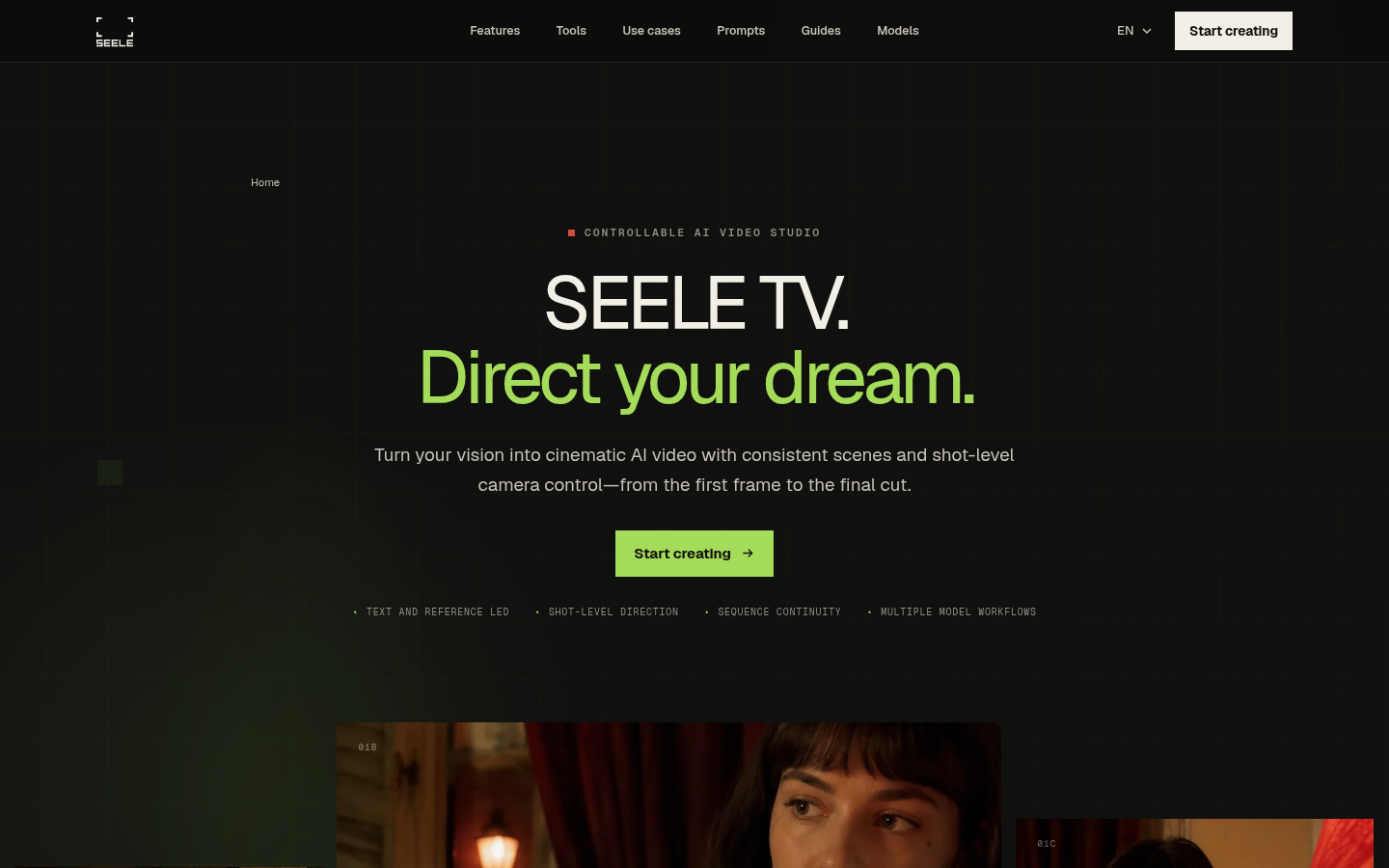
Screenshot archived from the listing page, for preview only.











