
Seedream 6.0 AI
ByteDance AI image generatorText to image with 4K export
Highlights
What you can do with it
- Creating lifestyle product photos for ecommerce
- Generating character avatars and scenes for a game
- Applying an art style to your own photographs
How to use it
- 1 Open the Seedream 6.0 site in a browser
- 2 Upload an image or type your prompt
- 3 Click generate and wait a few seconds
- 4 Preview, adjust if needed, then download the 4K image
Who it is for
Pros
- Fast generation with 4K output
- Accepts both prompts and reference images
- Free usage tier available
Limitations
- Paid annual plan is needed for the full feature set
- Free tier limits are not described on the page
- Generated images still need review before commercial use
What Seedream 6.0 AI is
Seedream 6.0 is an AI image generator from ByteDance that turns a prompt or a reference image into a finished picture. You describe what you want, or upload material to work from, and the model handles lighting and colour to produce something that looks professionally shot. It works in the browser with no download. Beyond plain text to image, it can merge three images that represent subject, scene, and art style into one coherent result, copy the style of a reference onto a new photo, and run edits such as lifestyle product scenes, old photo restoration, and clothing changes. Images typically come back in about 30 seconds and can be exported in 4K. The site offers free usage alongside a paid annual plan.
What you can do with it
- Generate images from text prompts or reference uploads
- Merge subject, scene, and style from separate images
- Transfer an art style onto a new photograph
- Build product scenes, restore old photos, and change clothing
- Export results in 4K for print or web
Who it is for
- Designers who need visuals from a written concept
- Photographers handling restoration and retouching
- Marketers producing product and social media images
What to watch out for
The free tier is real, but the page does not state its limits, and the paid annual plan is where the fuller feature set lives, so check both before you commit. Generation is fast, but not always right: hands, text inside images, and exact product details often need a cleanup pass. For commercial work, read the licence terms for generated output, and do not assume the free tier covers client deliverables. Model versions also change, so a result you liked last month may not repeat exactly.
FAQ
Who makes Seedream 6.0?
It is an AI image generator from ByteDance.
What can it generate?
Images from text prompts or reference images, with style transfer and editing features.
Is it free?
The site offers free usage plus a paid annual plan.
Why it is free
What the official page says: for free
Free limits, trial length and features are decided by the official site and can change at any time.
Product preview
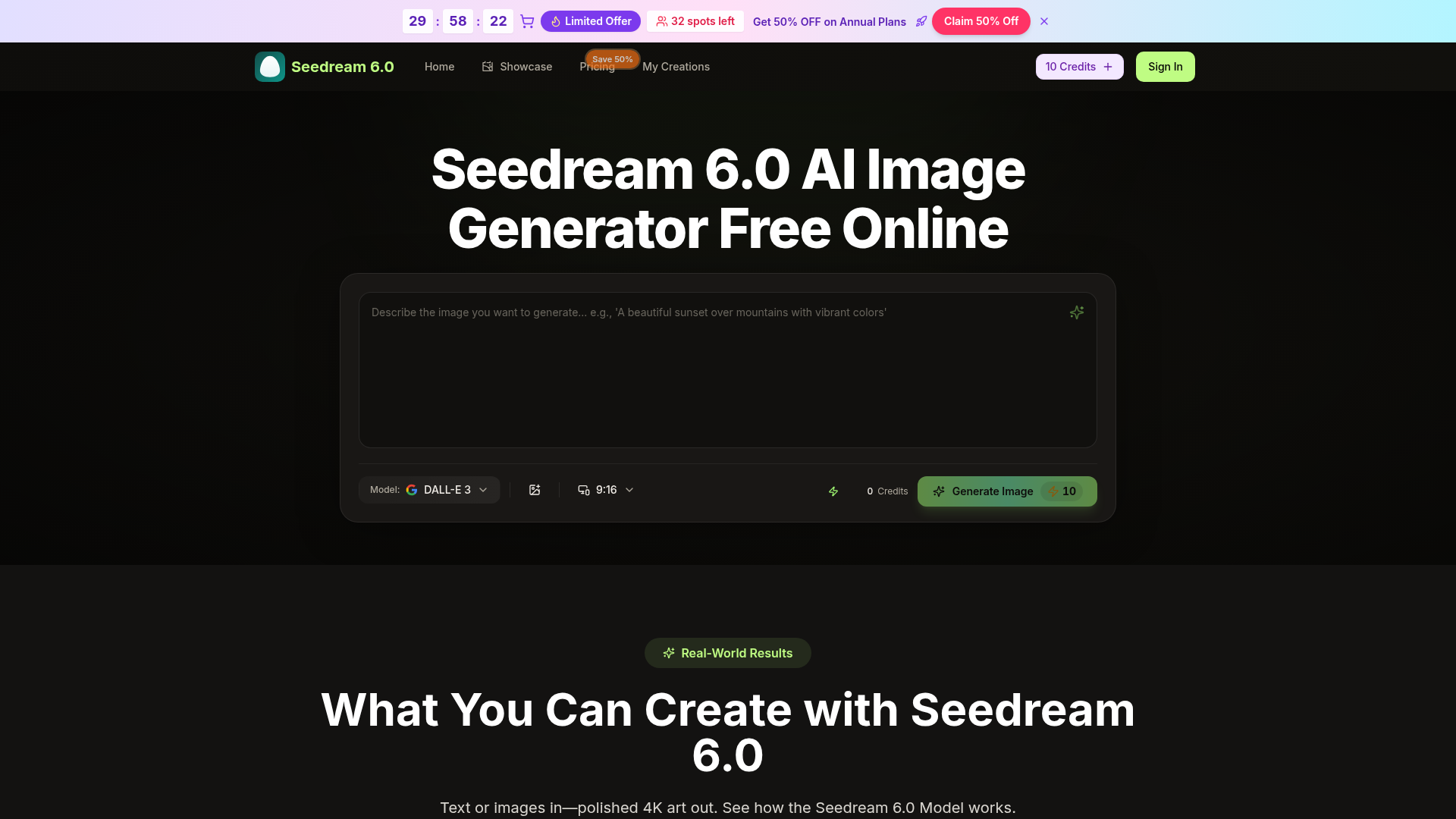
Screenshot archived from the listing page, for preview only.











