
Seedream 5.0
Free AI image generator and editor from ByteDanceText in, 4K image out, in 100 languages
Highlights
What you can do with it
- A designer generates a product promotional poster from text
- A user creates a landscape image for a desktop wallpaper
- A marketer turns product features into an advertising image
How to use it
- 1 Open the platform and select the image generator
- 2 Upload a photo to edit or type a text description
- 3 Let the AI process it and generate the image
- 4 Preview the result and download it
Who it is for
Pros
- Free to use according to the listing
- 4K output and layout preservation
- 100 language support for a wide user base
Limitations
- Free use is the current state, and paid plans exist above it
- Complex prompts may not match the exact composition you want
- 4K output means large files, so check storage and export limits
What Seedream 5.0 is
Seedream 5.0 is an AI image generation and editing platform launched by ByteDance. You can type a description and get an image back, or upload a photo and describe the edit you want, and the AI handles either path. Output is described as 4K high resolution, which matters when an image has to hold up in print or on a large display. During editing it preserves the original layout, so the structure and style of an image survive the change rather than being rebuilt from scratch. The platform supports 100 languages, which lowers the barrier for users who do not write prompts in English. The listing describes it as free to use, with a current promotion offering 50 percent off the annual plan.
What you can do with it
- Turn a text description into an image
- Upload a photo and describe the edit you want
- Preserve the original layout while enhancing an image
- Generate 4K resolution output
- Work in any of 100 supported languages
Who it is for
- Professional designers who need fast, high resolution output
- Ordinary users making images without design skills
- Enterprise marketers producing promotional imagery
- Anyone who wants a wallpaper, poster or illustration quickly
What to watch out for
Free use is the current state, and a paid annual plan exists above it, with a 50 percent promotion running at the time of the listing, so terms can change. A prompt describes intent rather than exact composition, so complex scenes may need several attempts and edits before they match what you had in mind. 4K output produces large files, so check download limits and your own storage before a big batch. As with any generated image, verify that nothing in the output infringes an existing work before you publish it.
FAQ
Who makes Seedream 5.0?
It is an AI image editing platform launched by ByteDance.
Is it free?
The listing describes it as free to use, with a current promotion offering 50 percent off the annual plan.
What resolution does it output?
Generated images are described as 4K high resolution.
Why it is free
What the official page says: for free
Free limits, trial length and features are decided by the official site and can change at any time.
Product preview
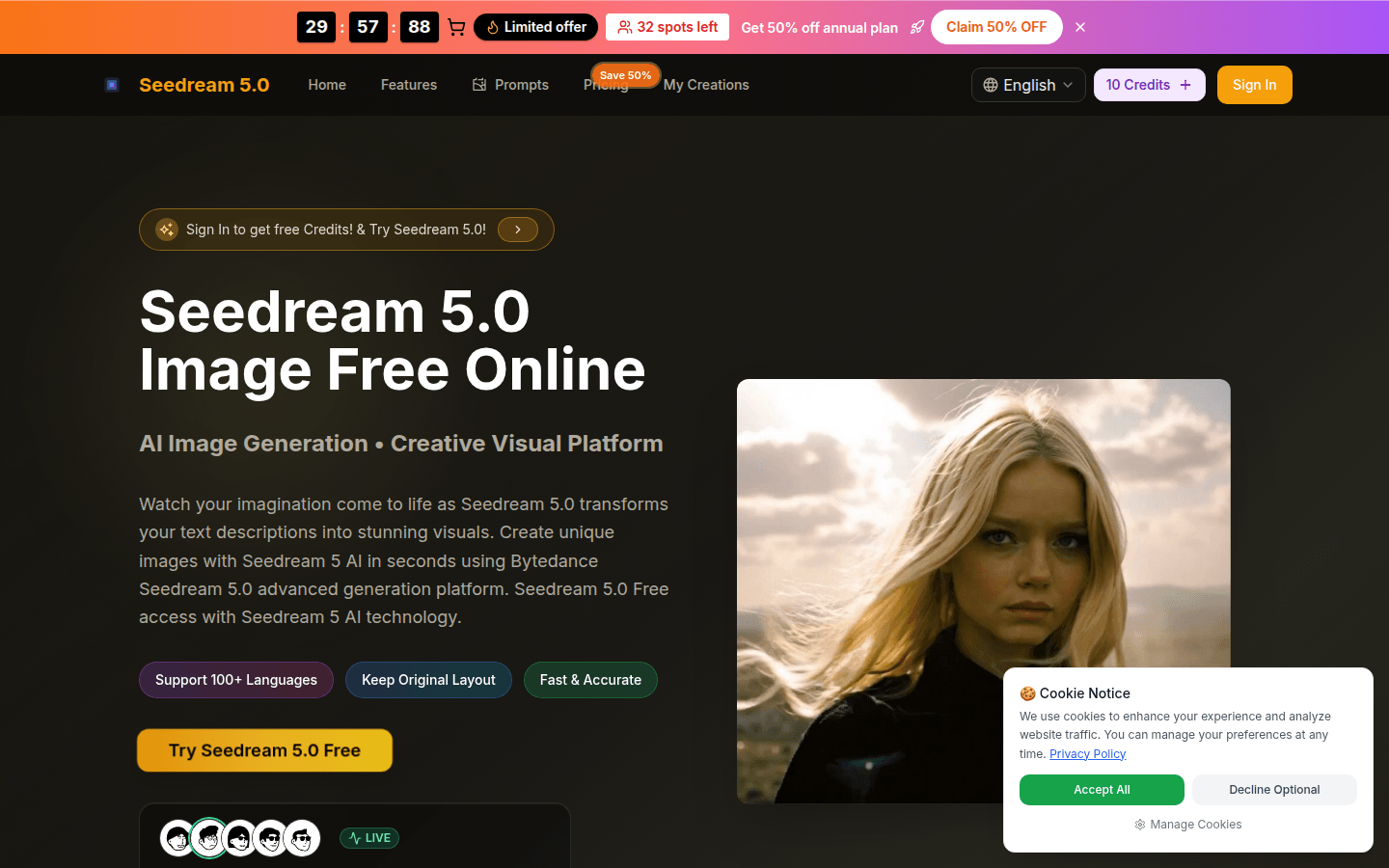
Screenshot archived from the listing page, for preview only.











