
Highlights
What you can do with it
- Generate images from a written brief
- Rework or restyle an existing image
- Export assets in the format your project needs
- Test image ideas before commissioning design work
How to use it
- 1 Open the site and start the free trial.
- 2 Type your prompt or upload an existing image to transform.
- 3 Generate and review the HD output.
- 4 Export using the option that fits your workflow.
- 5 Upgrade to Plus, Pro or Enterprise if you need more.
Who it is for
Pros
- Does not depend on third-party AI providers
- HD output and fast processing
- Simple interface lowers the learning curve
- Flexible export options
- Free trial before choosing a plan
Limitations
- Free trial limits are not detailed
- Plan tiers and prices can change
- Image quality still varies with prompt detail
- Not positioned as a replacement for professional design tools
What Seedream is
Seedream is presented as an independent online AI image generation product, and the site is explicit that it does not rely on third-party AI providers. It uses AI to turn text prompts into high-quality images, and it can also creatively transform images you already have. The advantages listed on the page are HD quality output, fast processing, a simple interface and flexible export options, which together are meant to give creators, designers and marketers a convenient way to produce visuals. Pricing is structured as a free trial plus paid tiers: a Plus plan for enthusiasts, a Pro plan for professionals and an Enterprise plan for teams, upgradeable as needs change.
What you can do with it
- Turn a written prompt into a finished image.
- Restyle or creatively transform an image you already own.
- Export assets in the format your project requires.
- Produce visuals quickly without waiting on a designer.
- Move between tiers as your volume grows.
Who it is for
- Creators and designers who need assets fast.
- Marketers building visual campaigns and social content.
- Teams that want one self-contained image tool rather than several.
- Hobbyists who want to test AI image generation before paying.
What to watch out for
The free trial is the entry point, but its limits are not spelled out, and the Plus, Pro and Enterprise tiers can be repriced or restructured without notice. HD output is a relative measure: it will cover web and social use, but check the actual pixel dimensions and usage rights before you put an image into print or a paid campaign. Prompt quality still drives everything here, and vague prompts produce generic results, so expect to iterate several times per finished asset. Independence from third-party providers is a plus for consistency, but it also means you are tied to this one service rather than a choice of models, and an outage or a model change affects you directly.
FAQ
Is Seedream free?
It offers a free trial, with Plus, Pro and Enterprise paid plans.
Can it edit existing images?
Yes, it can creatively transform existing images as well as generate from text.
Does it use outside AI providers?
It is described as an independent product that does not rely on third-party AI providers.
Who is it for?
Creators, designers, marketers and teams, depending on the plan.
Why it is free
What the official page says: 免费试用免费
Free limits, trial length and features are decided by the official site and can change at any time.
Product preview
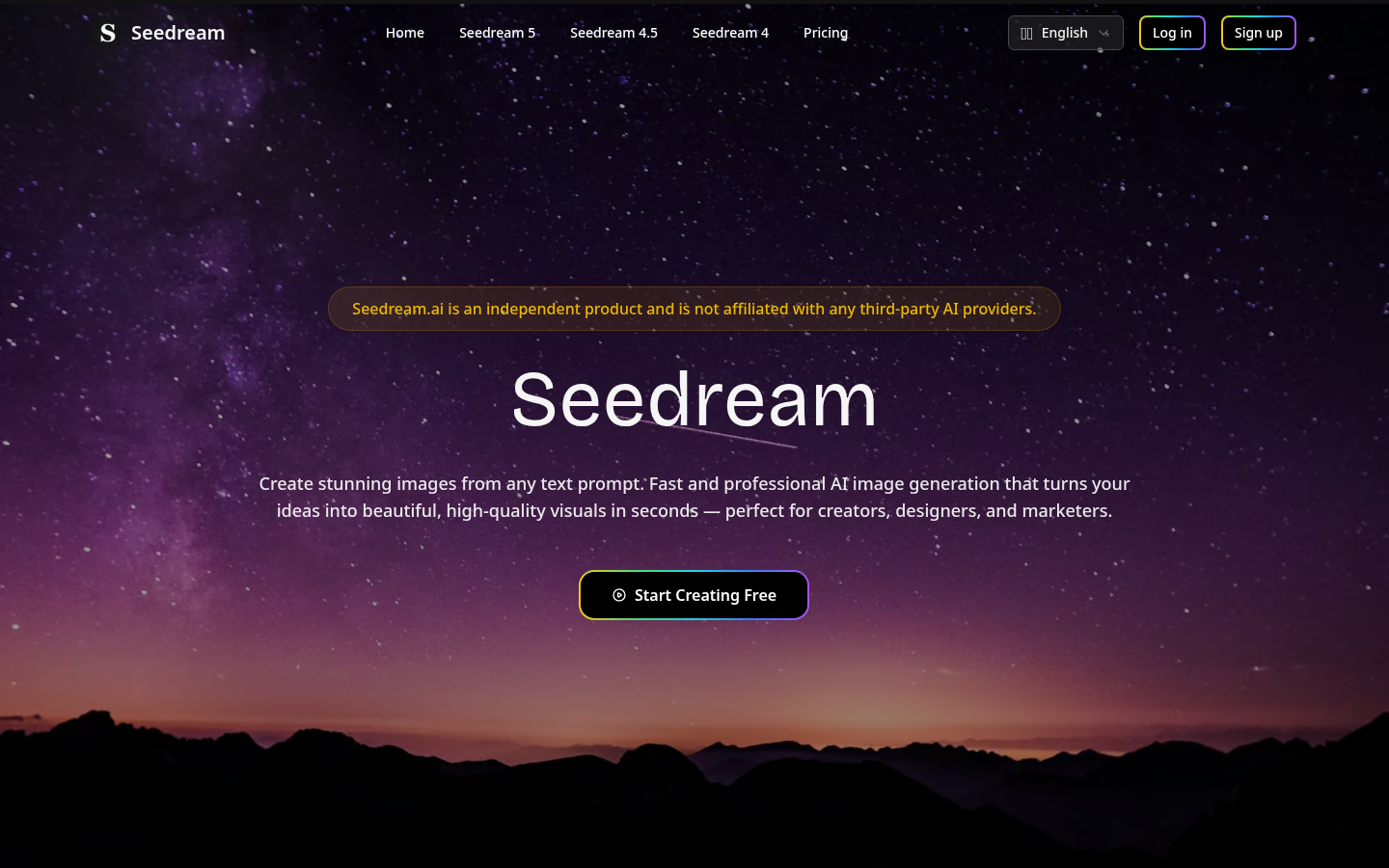
Screenshot archived from the listing page, for preview only.