
Seedream 4.0
ByteDance multimodal image generation and editingUnified image generation and editing with 4K output
Highlights
What you can do with it
- Generating consistent character or product images from references
- Applying an artistic style to existing images
- Building image sequences for commercial projects
How to use it
- 1 Create an account and start with the new user free quota
- 2 Upload reference images or write a prompt
- 3 Generate and review the first result
- 4 Edit the image within the same model
- 5 Move to a paid plan for higher limits and commercial use
Who it is for
Pros
- Generation and editing live in one model
- Reference-based generation helps consistency
- Fast rendering keeps the loop tight
Limitations
- The free quota for new users may change
- Commercial use points to paid plans, so budget accordingly
- Complex scenes still need careful prompt and reference work
What Seedream 4.0 is
Seedream 4.0 is the next-generation unified model for image generation and editing launched by ByteDance. The site describes it as breaking the limitations of traditional image generation by handling complex scenes and requirements in one place, which means generation and editing sit inside the same model instead of separate tools. Its listed strengths are understanding complex scenes, reference-based consistent generation, artistic style transfer, fast rendering, and support for sequential generation. New users get a free quota to try the product, while paid plans unlock higher limits and professional features. The positioning is clear: this is aimed at professional creators and commercial projects rather than casual one-off images.
What you can do with it
- Generate images from prompts and edit them in the same model
- Use reference images to keep a subject consistent across outputs
- Apply an artistic style to new or existing images
- Render quickly and build image sequences for a project
Who it is for
- Professional creators who need consistent, repeatable output
- Teams producing image sets for commercial projects
- Designers who want style transfer without switching tools
What to watch out for
The new user free quota is a trial, and quota rules may change as the product evolves, so treat it as evaluation rather than a production allowance. Commercial projects point toward paid plans, so budget for a subscription if the work is client facing. Complex scenes still depend on how well you write prompts and choose references, and sequential generation works most reliably when the subject stays simple. Review outputs before delivery, since consistency across a large set is never fully guaranteed.
FAQ
What is Seedream 4.0?
It is ByteDance's next-generation unified model for image generation and editing.
Is there a free trial?
New users get a free quota for trial use.
Who is it aimed at?
It targets professional creators and commercial projects, with paid plans for higher limits.
Why it is free
What the official page says: 免费额度免费
Free limits, trial length and features are decided by the official site and can change at any time.
Product preview
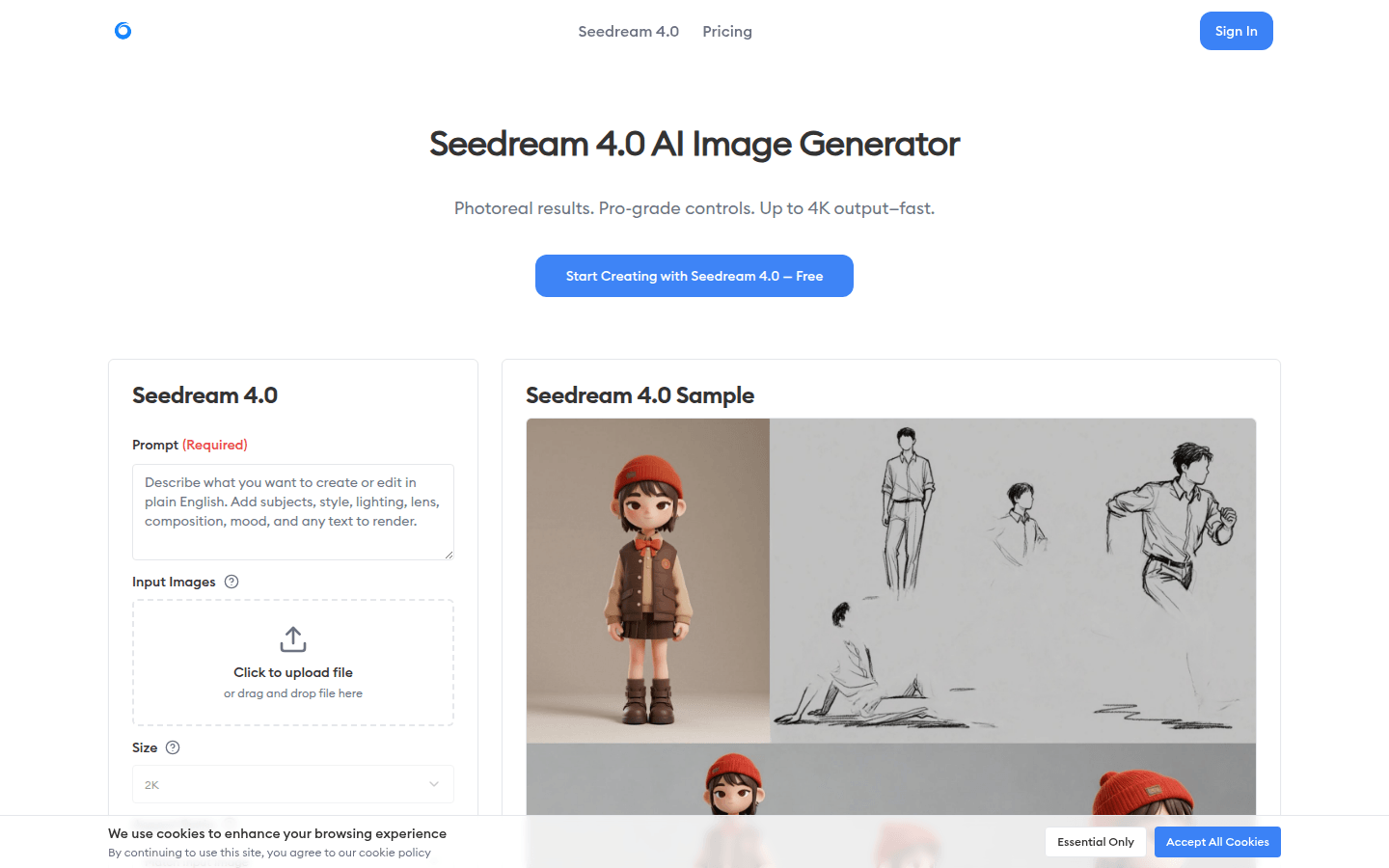
Screenshot archived from the listing page, for preview only.