
Seedream
Fast 2K AI image generator and editorText to image, then edit, in seconds
Highlights
What you can do with it
- Quick 2K concepts for a design project
- Batch image generation for content
- Fast advertising creative variations
How to use it
- 1 Visit seedream-4.io
- 2 Enter a text prompt and adjust settings
- 3 Click generate
- 4 Download the images you want
Who it is for
Pros
- Free of charge per the listing
- Fast 2K generation
- Multi-reference and batch support
- Editing built in
Limitations
- Free terms may change
- Depends on the upstream model service
- 2K output needs checking for print quality
- No pricing details in the listing
What Seedream is
Seedream is described in the listing as Seedream 4.0, a multi-modal AI image generator and editor. It uses a Mixture of Experts architecture and claims 2K image generation in seconds, which the listing frames as fast iteration for designers and marketers. Rather than splitting generation and editing across tools, it puts text-to-image creation and advanced editing in one platform. It handles multiple reference images with precision and can generate up to nine images at once, which helps when you want variations to choose from. Large-scale batch generation is listed for volume work, and the tool offers bilingual support so global users are not blocked by language. The listing says it is free of charge and positions it as a professional creative tool.
What you can do with it
- Generate 2K images from text prompts
- Edit generated images in the same platform
- Use multiple reference images for precise control
- Produce up to nine images in one run
- Run batch generation for high-volume needs
- Work in either supported language
Who it is for
- Designers who need quick high-resolution output
- Content creators producing images in batches
- Marketing teams making advertising materials
- Anyone who wants generation and editing in one place
What to watch out for
Free of charge is the current term, and the listing gives no pricing details, so treat that as subject to change and do not build a paid workflow around it. Generation depends on an upstream service, so throughput and availability can vary, and a batch job may queue during busy periods. Two thousand pixels of width is good for screens but should be checked against your needs if the image is headed for print, since print usually wants more resolution. Reference image handling is a strength, but that also means output quality depends heavily on the inputs you provide, so prepare references carefully.
FAQ
What is Seedream?
The listing describes it as Seedream 4.0, a multi-modal AI image generator and editor that produces 2K images in seconds.
Is it free?
The listing says it is free of charge.
How many images at once?
The listing says it can generate up to nine images simultaneously from multiple reference images.
Why it is free
What the official page says: free of charge
Free limits, trial length and features are decided by the official site and can change at any time.
Product preview
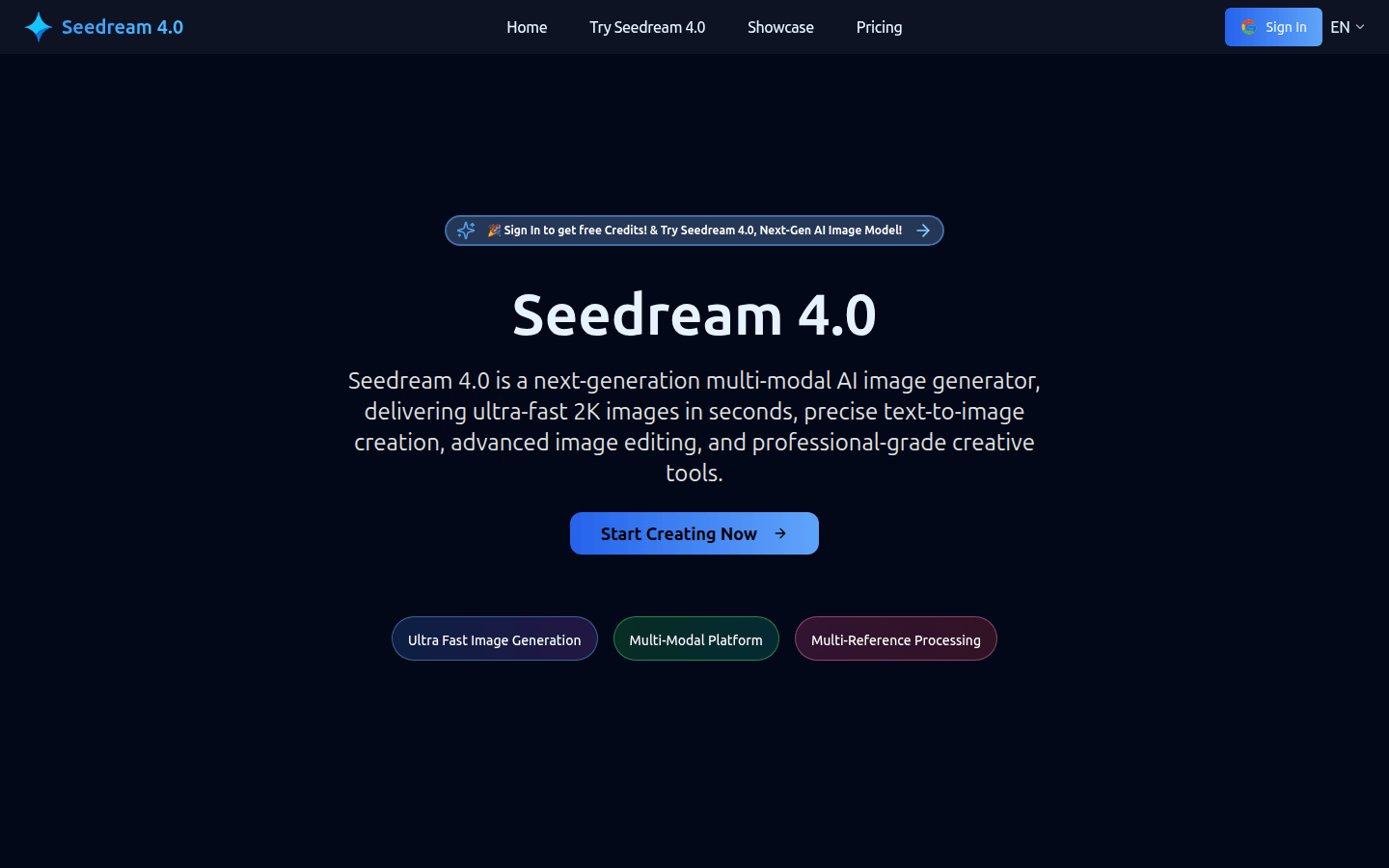
Screenshot archived from the listing page, for preview only.











