
SeedanceGen AI
Multimodal AI video generationTurn text, images, and audio into video
Highlights
What you can do with it
- Combine text and images into a stylized animated clip for an art exhibition.
- Extend a product promo video and add more detail about the product.
- Let a team build one continuous story across scenes and characters from shared references.
How to use it
- 1 Upload reference images, video, or audio; you can mix up to 12 files across formats.
- 2 Describe the result in plain language, naming which asset should act as the first frame or supply the camera movement.
- 3 Set duration, resolution, and aspect ratio.
- 4 Click generate, then fine-tune the settings until the clip looks right.
Who it is for
Pros
- Handles mixed inputs, so you can drive video from images, clips, and audio at once.
- Character consistency tools reduce the jumpy look between shots.
- A free version with 50 credits lets you test the models before paying.
Limitations
- Free output carries a small watermark; removing it needs a paid plan or a credit package.
- Credits cap how much you can generate, and paid plans are listed as high as $99.90.
- Writing asset-aware prompts and picking the right model takes trial and error.
What SeedanceGen AI is
SeedanceGen is an independent AI video generation platform built on models such as Seedance 2.0 and Seedance 1.5 Pro. You give it text, images, video, and audio, and it produces finished clips. The service is positioned for creators, marketers, and teams that need video output without a traditional production pipeline. There is a free version that comes with 50 free credits, and paid plans are listed from $0 up to $99.90. One thing to know up front: videos generated on the free plan carry a small watermark, and removing it requires a paid plan or a credit package. Output is available at 480p, 720p, and 1080p, in 5, 10, or 15 second lengths, with multiple aspect ratios.
What you can do with it
- Combine text prompts with up to 9 images, up to 3 videos totaling 15 seconds, and up to 3 audio files.
- Reference motion patterns, camera movement, character look, style, and composition from uploaded clips.
- Extend an existing video while keeping visual consistency and motion continuity.
- Edit parts of a finished video, such as replacing a character, changing the background, or removing an object.
- Add generated sound effects and background music, or supply your own audio.
Who it is for
- Creators who want multimodal input for stylized or animated work.
- Marketers who need product and brand video quickly.
- Teams building a story across several scenes and characters from shared references.
What to watch out for
The free plan limits you to 50 credits and leaves a small watermark on output, so anything you plan to publish will usually need a paid plan. Credit use adds up fast when you iterate on prompts, and the higher plans are priced close to $99.90. Writing prompts that reference specific assets, such as telling the model to use one image as the first frame and copy the camera movement from a video, takes practice, so budget time for trial and error. The platform is also independent of the underlying model providers, so model availability and behaviour can shift without notice.
FAQ
What can I upload as reference material?
Text prompts plus up to 9 images, up to 3 videos with a combined length of 15 seconds, and up to 3 audio files.
Is there a free option?
Yes. The free version includes 50 credits, but videos made on it carry a small watermark.
What resolutions and lengths can I generate?
480p, 720p, or 1080p, at 5, 10, or 15 seconds, with several aspect ratios.
Why it is free
What the official page says: free versionfree credits
Free limits, trial length and features are decided by the official site and can change at any time.
Product preview
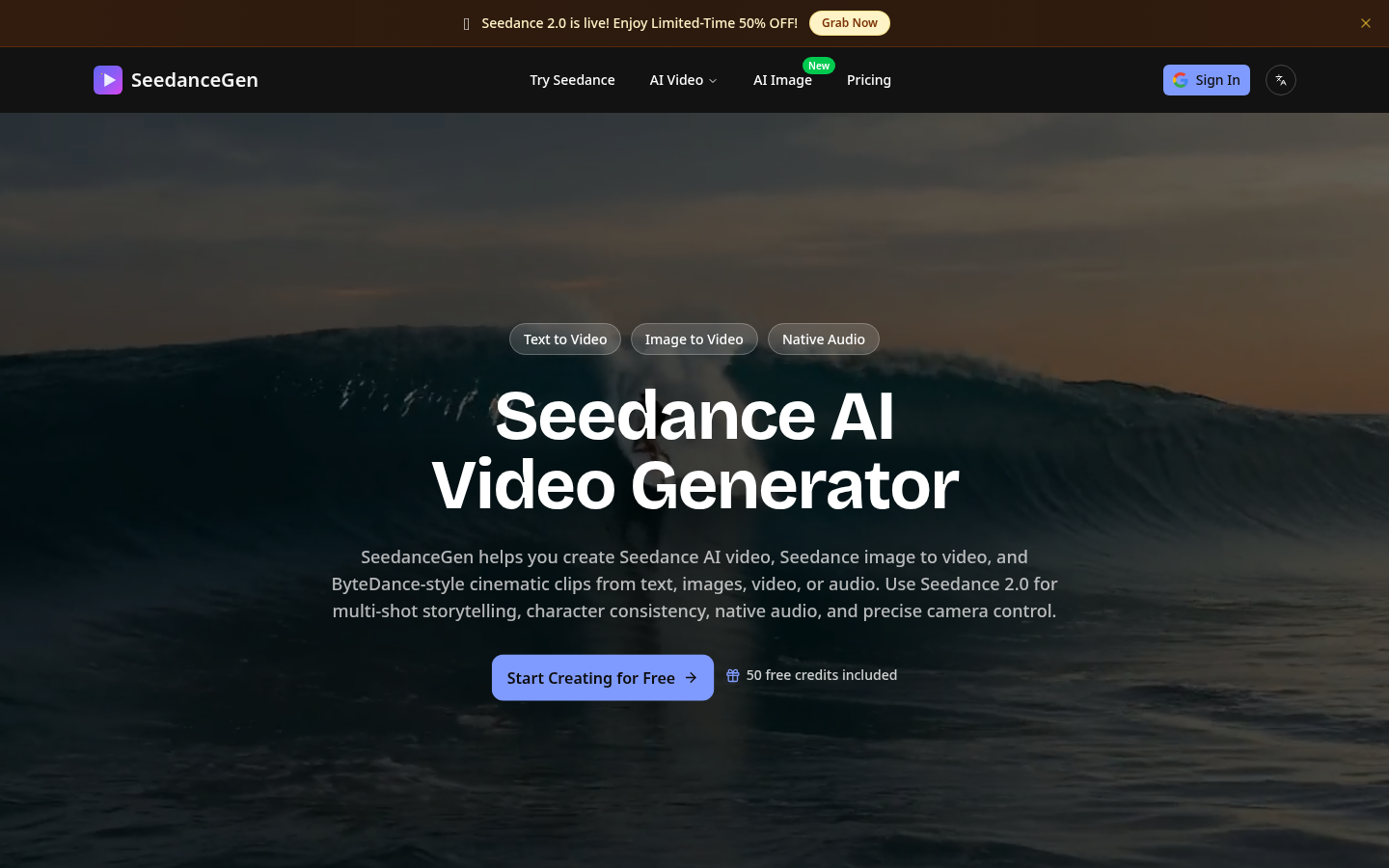
Screenshot archived from the listing page, for preview only.











