
Seedance2
ByteDance model for 2K AI videoText and images into movie-grade video
Highlights
What you can do with it
- Turn a story idea into a short film-style clip for social media
- Animate product photos into an advertising video with sound
- Extend and clean up existing animation clips in a studio pipeline
How to use it
- 1 Visit seedance-2.org and register with a free or paid package
- 2 Choose text to video or image to video
- 3 Upload your prompts, images, video, or audio
- 4 Use natural language to reference the motion or camera work you want
- 5 Edit, extend, or trim the result, then download it
Who it is for
Pros
- A free package to start with, plus monthly and annual paid tiers
- 2K output and strong consistency across a whole video
- Reference and extension features give more control than one-shot generators
Limitations
- Free package limits and paid prices can change, so check current tiers before committing
- High-resolution multi-modal output is demanding, so generation time and compute needs are real factors
- Generated video can be misused for misleading content; using someone's likeness without permission may break platform rules, and consequences fall on the user
What Seedance2 is
Seedance 2 is a multi-modal AI video generation model released by ByteDance. It takes images, video, audio, and text as input, and you can point at anything you uploaded using ordinary language, asking the model to reuse a camera movement, a motion, a character, or a scene from it. Text prompts become video at up to 2K resolution with natural motion, and still images can be animated with sound effects and background music generated to fit the picture. The site puts weight on consistency: faces, clothing, on-screen text, scenes, and visual style hold steady throughout a clip, and motion replication is precise enough to support multi-shot storytelling. Existing video can be extended, merged, or edited in segments while continuity is kept. A free package is offered, with monthly and annual paid tiers described as transparent and free of hidden fees.
What you can do with it
- Turn a written prompt into a 2K video with natural motion.
- Animate a static image and generate audio to fit it.
- Upload up to 9 images, 3 videos, and 3 audio files and reference any of them in plain language.
- Extend, merge, or trim existing video while keeping continuity, and generate audio that suits the scene.
Who it is for
- Individual creators who want a free entry point into video generation.
- Professional creators who need higher resolution and finer control over motion and style.
- Marketers who have to turn product photos and copy into campaign video quickly.
What to watch out for
Free package limits and paid prices can change, so check the current tiers before you commit to a project schedule. High-resolution multi-modal generation is demanding work, so expect generation to take time and treat compute as a real cost rather than a rounding error. Most importantly, video models can be misused. Producing misleading footage, or generating a scene with a real person's face or voice without permission, may break platform rules or the law, and the consequences fall on you; get consent and label synthetic content clearly. Treat anything the model outputs as unverified until you have watched it frame by frame.
FAQ
Is there a free option?
Yes. The site lists a free package alongside paid monthly and annual plans.
What resolution does it output?
Text to video reaches up to 2K resolution with natural motion.
How much material can I upload?
Up to 9 images, 3 videos, and 3 audio files, which you can combine freely.
Why it is free
What the official page says: 免费免费套餐
Free limits, trial length and features are decided by the official site and can change at any time.
Product preview
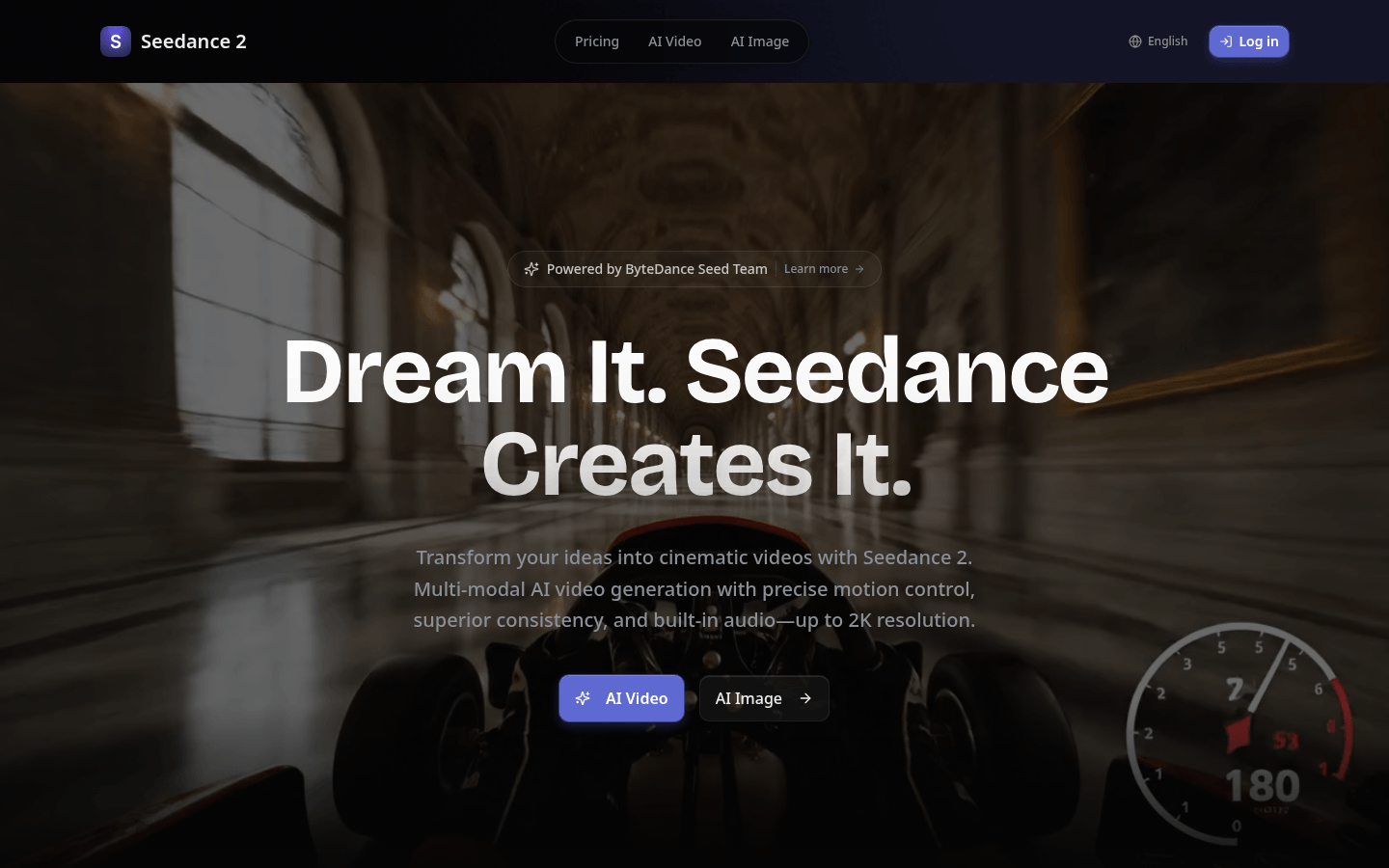
Screenshot archived from the listing page, for preview only.











