
Seedance 3
ByteDance AI video generator, 1080pText or image to 1080p video, free to try
Highlights
What you can do with it
- A content creator turns an article into video for social distribution
- An advertising team produces a product promo from copy and product shots
- An educator turns course material into video for online review
How to use it
- 1 Open the Seedance 3.0 generator on the website or in the app
- 2 Upload an image or enter text prompts
- 3 Generate the video and preview the result
- 4 Download the 1080p file if you are satisfied
Who it is for
Pros
- Native 1080p output without extra upscaling
- Character and style consistency across shots
- Free to start online
- Reference-based control over look and motion
Limitations
- Free access limits and discounts change frequently
- Prompt skill strongly affects the result
- Long or complex scenes often need several attempts
- Heavier use requires a paid plan
What Seedance 3 is
Seedance 3.0 is ByteDance's AI video generator. It converts text prompts or uploaded images into native 1080p video, with stable and natural motion even in complex dynamic scenes, and prompts that drive scene layout and action closely enough that the output matches what you asked for. Characters and style stay consistent across shots, which matters when a sequence needs the same subject throughout. Audio and visual effects are synchronized, so the clip feels more complete without extra work. You can guide the result with reference images or edited clips to match a style, an action, or an emotion, and you can modify only part of a video while leaving the rest unchanged. It is available on the website and as an app, presented as free to use online, with a 50 percent discount currently shown on the annual plan.
What you can do with it
- Turn a written description into a 1080p video
- Animate a still image with consistent motion
- Keep the same character and style across several shots
- Use reference material to control look, action, and emotion
- Edit part of a clip without regenerating everything
Who it is for
- Content creators who need frequent video output
- Advertising producers building promos from copy and assets
- Self-media operators adding video to their content mix
- Educators and corporate teams making explainer clips
What to watch out for
Free access limits and promotional discounts change often, so what is available today may not be available next month, and the current offer should be checked on the site. Prompt quality has a large effect on the result; vague descriptions produce vague footage, and long or complex scenes usually need several attempts before they work. Native 1080p output still needs review for artifacts, especially in fast motion. Finally, heavier or commercial use requires a paid plan, and generated video should be checked against the rights of any material you feed in.
FAQ
What resolution does it output?
The site states native 1080p high-definition video with smooth motion.
Can I start from a photo?
Yes. Both text prompts and uploaded images are supported, covering text-to-video and image-to-video.
Does the audio match the video?
The site states that audio and visual effects are consistent, which makes the result more immersive.
Is it free?
The site presents online use as free, and mentions a 50 percent discount on the annual plan for those who need more.
Why it is free
What the official page says: for free
Free limits, trial length and features are decided by the official site and can change at any time.
Product preview
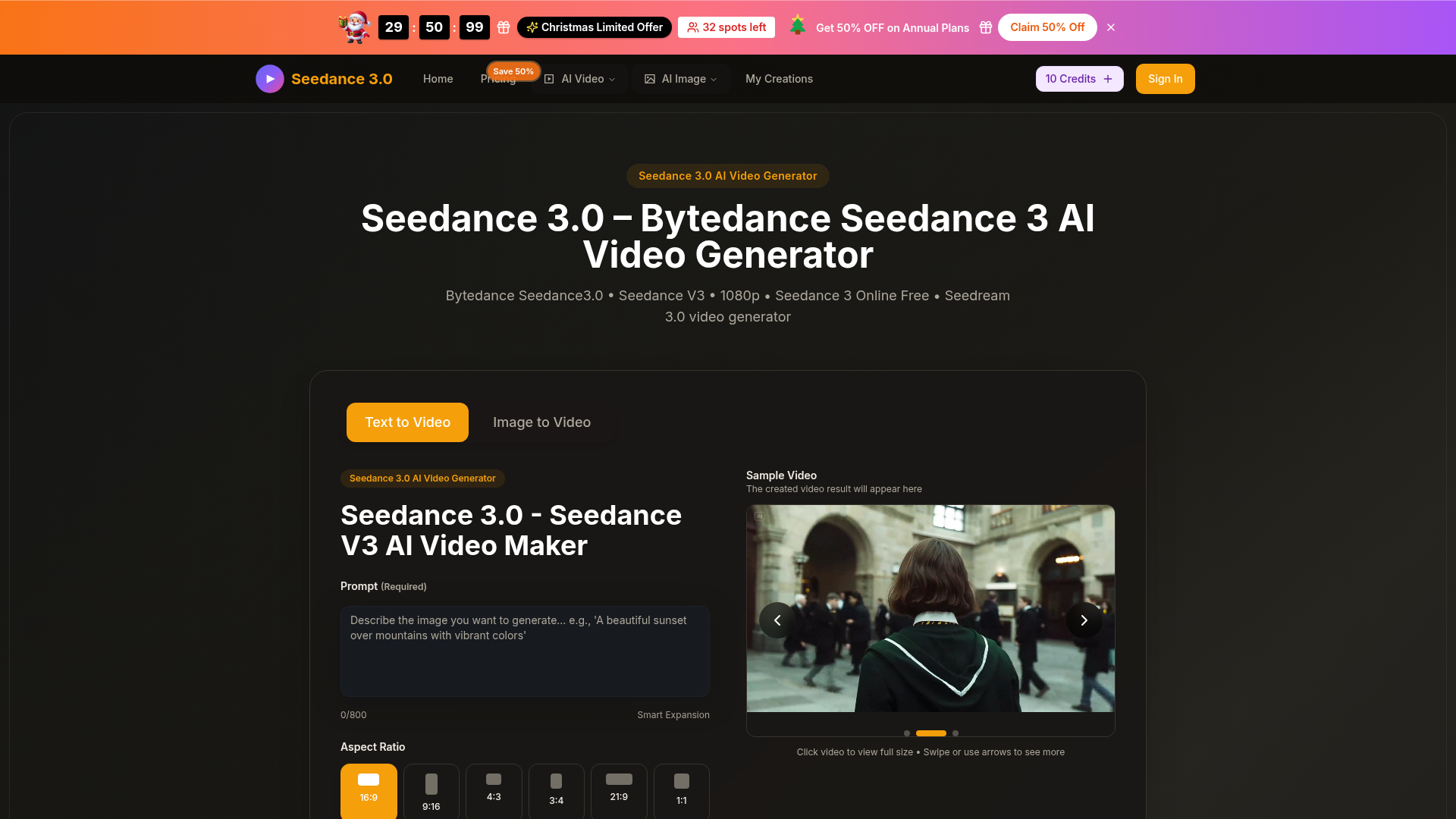
Screenshot archived from the listing page, for preview only.











