
Seedance 3.0
ByteDance video model that generates video with synchronized audioDirect up to thirty seconds of video and sound from a prompt
Highlights
What you can do with it
- An advertising team generated opening scenes and camera variations from product references
- An educator built visual explanation videos for history or science topics
- A social creator produced hook-driven short stories for Reels, TikTok, and Shorts
How to use it
- 1 Open the site and start your first video
- 2 Write a brief or upload image, video, or audio references
- 3 Describe actions and camera movement in natural language
- 4 Set duration, aspect ratio, and resolution, then generate
- 5 Continue the story or adjust prompts and regenerate until satisfied
Who it is for
Pros
- Audio and video are generated together
- Rich reference control for characters, scenes, and camera work
- Batch generation speeds up version testing
Limitations
- The site points to cloud APIs and platforms, and pricing or free rules can change
- Generation length and resolution are capped by the model settings
- Outputs still need review for accuracy and rights before publication
What Seedance 3.0 is
Seedance 3.0 is an AI video generation model from ByteDance, shown on the seedance3ai.ai website. The page positions it as a model for video generation with synchronized audio, meaning speech, ambient sound, and effects are produced together with the picture. You direct it by combining text, images, video, and audio references, and it supports up to fifty multimodal references in one job. A single generation can run up to thirty seconds at 480p, 720p, or 1080p, with several aspect ratios and batch output of up to ten videos. It also covers cross-shot consistency, camera movement intent, and continuation editing.
What you can do with it
- Generate a short video and matching audio from a written brief.
- Use image, video, and audio references to guide characters, scenes, and sound.
- Keep characters, props, lighting, and style consistent across connected shots.
- Continue an existing video or edit it by description to extend a story.
Who it is for
- Advertising and marketing teams that need many creative variants fast.
- Educators and trainers building visual explanations of scenes or steps.
- Social creators and short film makers working on hook-driven stories.
What to watch out for
The page does not publish pricing and points to cloud APIs and platforms, so access terms and free allowances can change at any time. Output length and resolution are capped by the model settings, so plan shots to fit. Generated footage still needs human review for factual accuracy, likeness rights, and platform rules before you publish, especially where real people or brands appear. For team use, agree on naming and editing conventions in advance to avoid version conflicts or duplicated work.
FAQ
Who makes Seedance 3.0?
It is a ByteDance model, presented on the seedance3ai.ai website.
How long can a video be?
A single generation supports up to thirty seconds, with durations starting from five seconds.
Does it include sound?
Yes. The page positions it around video generation with synchronized audio, including speech, ambient sound, and effects.
Is it free to try?
The page guides users to start a first video, which suggests a free trial or pay-as-you-go access.
Why it is free
What the official page says: free trial
Free limits, trial length and features are decided by the official site and can change at any time.
Product preview
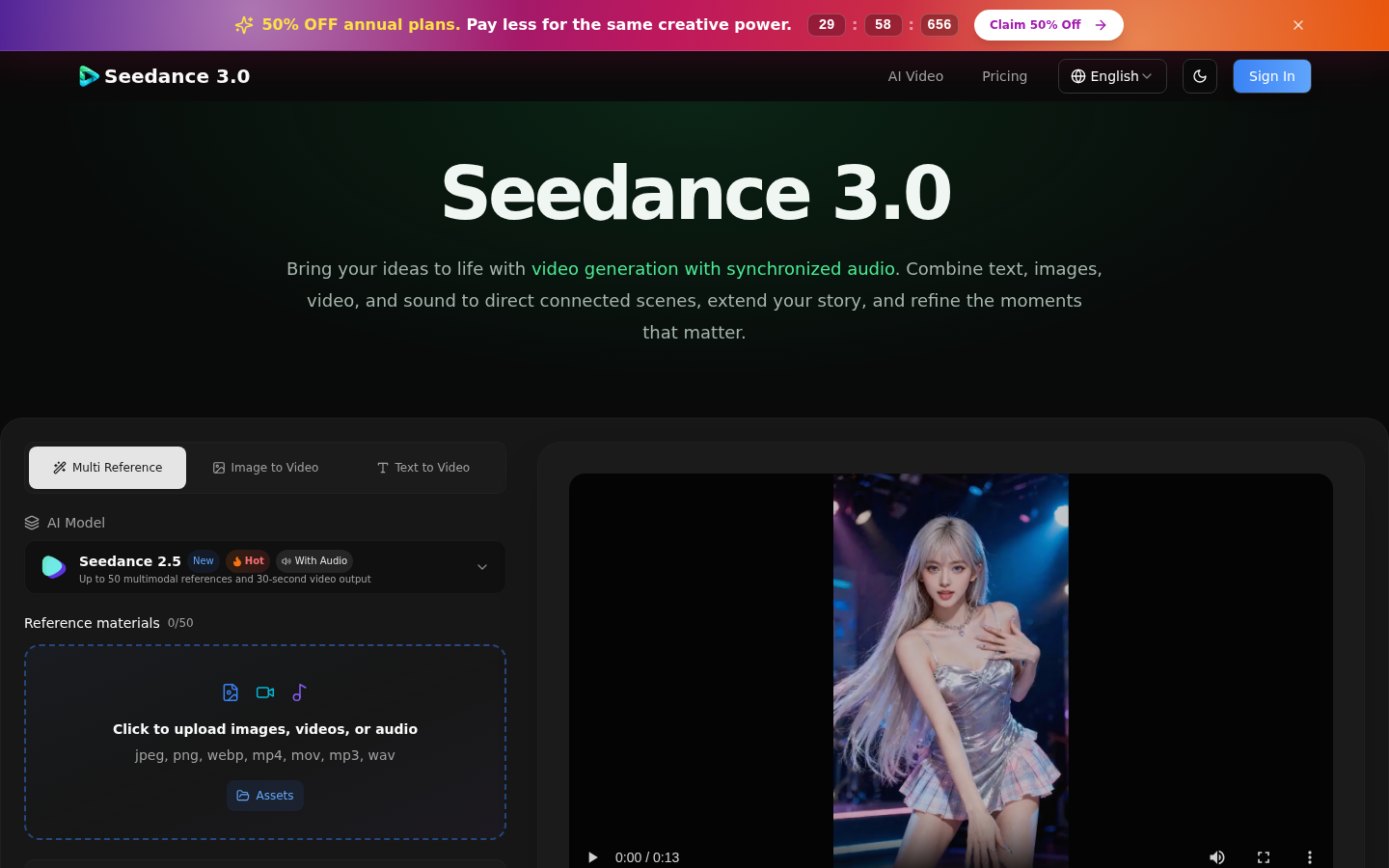
Screenshot archived from the listing page, for preview only.











