
Seedance 3.0
Free online 1080p AI video generator1080p video from text or images, free online
Highlights
What you can do with it
- Turning written scenes into 1080p video
- Animating still images into short clips
- Building multi-scene stories with consistent characters
How to use it
- 1 Open the site or the companion app
- 2 Choose text-to-video or image-to-video
- 3 Write the prompt or upload the source image
- 4 Generate the 1080p clip and check consistency
- 5 Pick a plan if you need higher usage, noting the annual discount
Who it is for
Pros
- 1080p output suits most social and web use
- Character and style consistency helps multi-scene work
- Free online access and an app lower the barrier to start
Limitations
- Free access and current discounts may change
- Motion quality still depends on the prompt and source
- 1080p may be limiting if you need higher resolution
What Seedance 3.0 is
Seedance 3.0 is an AI video generator from ByteDance that you can use online for free, with a companion app also available. It is based on the Seedance 3.0 model and converts text or images into 1080p HD video. The site highlights stable and natural motion effects and accurate matching with prompts, which matters when a shot has to follow a written description closely. It supports multimodal creation, including text-to-video and image-to-video, and it can handle multi-scene storytelling while keeping characters and style consistent. The pricing is described as simple and transparent, with plans to choose from and a current 50% discount on the annual plan. The goal is professional-level output without extra editing.
What you can do with it
- Turn a text prompt into a 1080p HD video
- Animate a still image into a moving clip
- Build multi-scene stories with consistent characters and style
- Work from a browser or from the companion app
Who it is for
- Creators who want usable 1080p output without extra editing
- Storytellers who need consistency across several scenes
- Mobile users who prefer an app over a desktop workflow
What to watch out for
Free online access is the entry point, but free limits and the current annual discount can change, so treat them as a snapshot rather than a guarantee. Motion quality still depends on how clearly you write the prompt and on the quality of the source image you upload. The output is 1080p, which suits most social and web work but may fall short if your project needs higher resolution. Review generated clips before publishing, especially for client or commercial use, and keep a backup of the prompts that produced a result you liked.
FAQ
Is Seedance 3.0 free to use?
The site says it can be used online for free, and it also has an app. Paid plans offer higher usage.
What resolution does it produce?
It converts text or images into 1080p HD video.
Can it keep characters consistent across scenes?
Yes, it supports multi-scene storytelling while maintaining consistency in characters and style.
Why it is free
What the official page says: 免费使用免费
Free limits, trial length and features are decided by the official site and can change at any time.
Product preview
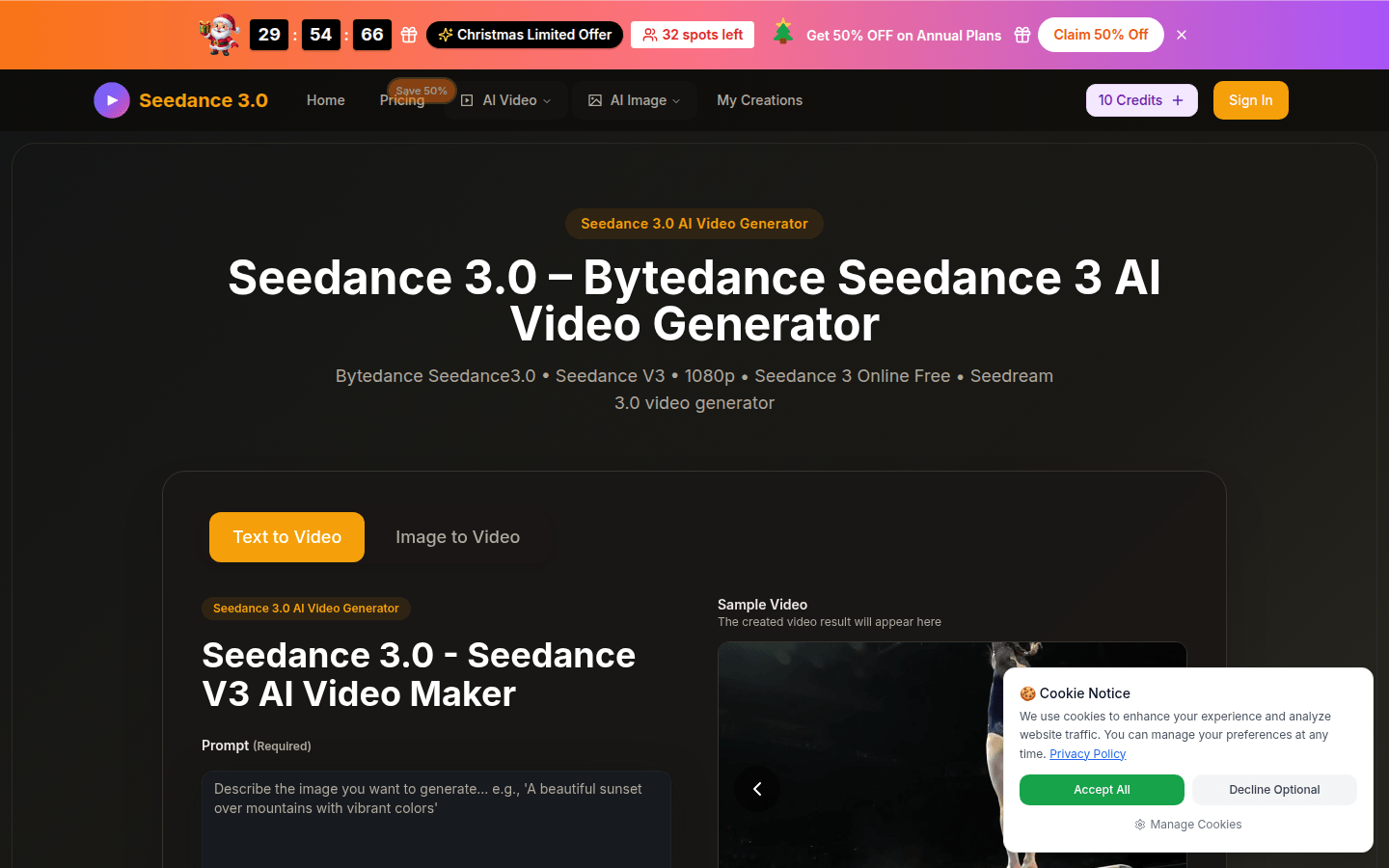
Screenshot archived from the listing page, for preview only.