
Seedance 2 JP
AI video maker for JapanJapanese prompts to cinematic video
Highlights
What you can do with it
- An ad operator turning Japanese copy into a video
- A social manager animating product photos
- A director checking composition early in a project
How to use it
- 1 Access the site and choose the free trial or premium plan
- 2 Pick text-to-video or image-to-video
- 3 Enter your Japanese prompt or upload a start image
- 4 Set length, resolution, and audio options
- 5 Generate, preview, and regenerate if needed
Who it is for
Pros
- Japanese input removes the prompt translation step
- Image-to-video is quick for social content
- Audio generation saves a separate production step
Limitations
- Clips are capped at 15 seconds
- Costs scale with length, resolution, and audio
- The free trial is limited to a specific model and settings
What Seedance 2 JP is
Seedance 2 JP is an AI video generation tool developed by ByteDance and optimized for the Japanese market. The defining feature is that you can describe advertising copy, composition, and atmosphere directly in Japanese, which removes the usual step of translating ideas into English prompts. The tool accepts text or images and produces cinematic video of up to 15 seconds. It can also generate sound and dialogue alongside the picture when native audio is switched on, which helps when you need a complete short clip rather than silent footage.
What you can do with it
- Generate video from a Japanese text prompt
- Add motion to a still image, with an optional end image
- Create video with synchronized audio and dialogue
- Choose between 480p, 720p, and 1080p output
Who it is for
- Advertising operators producing Japanese ad creative
- Social media managers turning product images into clips
- Video directors checking composition at the planning stage
- Individual creators who think in Japanese
What to watch out for
Clips stop at 15 seconds, so longer storytelling needs editing after export. Cost depends on length, mode, resolution, and whether audio is on, with the lowest setting around 50 credits per video, so estimate before a big batch. The free trial is limited to Seedance 1.5 Pro at 480p for 5 seconds with audio, which is enough to judge style but not full quality. Preview results before you build a campaign around them. Processing speed depends on file size and network conditions, so retry later if a task stalls during peak hours. Run one full task end to end first, then expand once you are comfortable with the workflow and the result quality.
FAQ
Can I use Japanese prompts?
Yes, the tool accepts Japanese input for describing copy, composition, and atmosphere, so no conversion to English is needed.
How long can videos be?
Videos can be up to 15 seconds long, with settings from 3 to 15 seconds.
What resolutions are available?
The standard setting is 480p, and you can choose 720p or 1080p as needed.
Why it is free
What the official page says: free trial
Free limits, trial length and features are decided by the official site and can change at any time.
Product preview
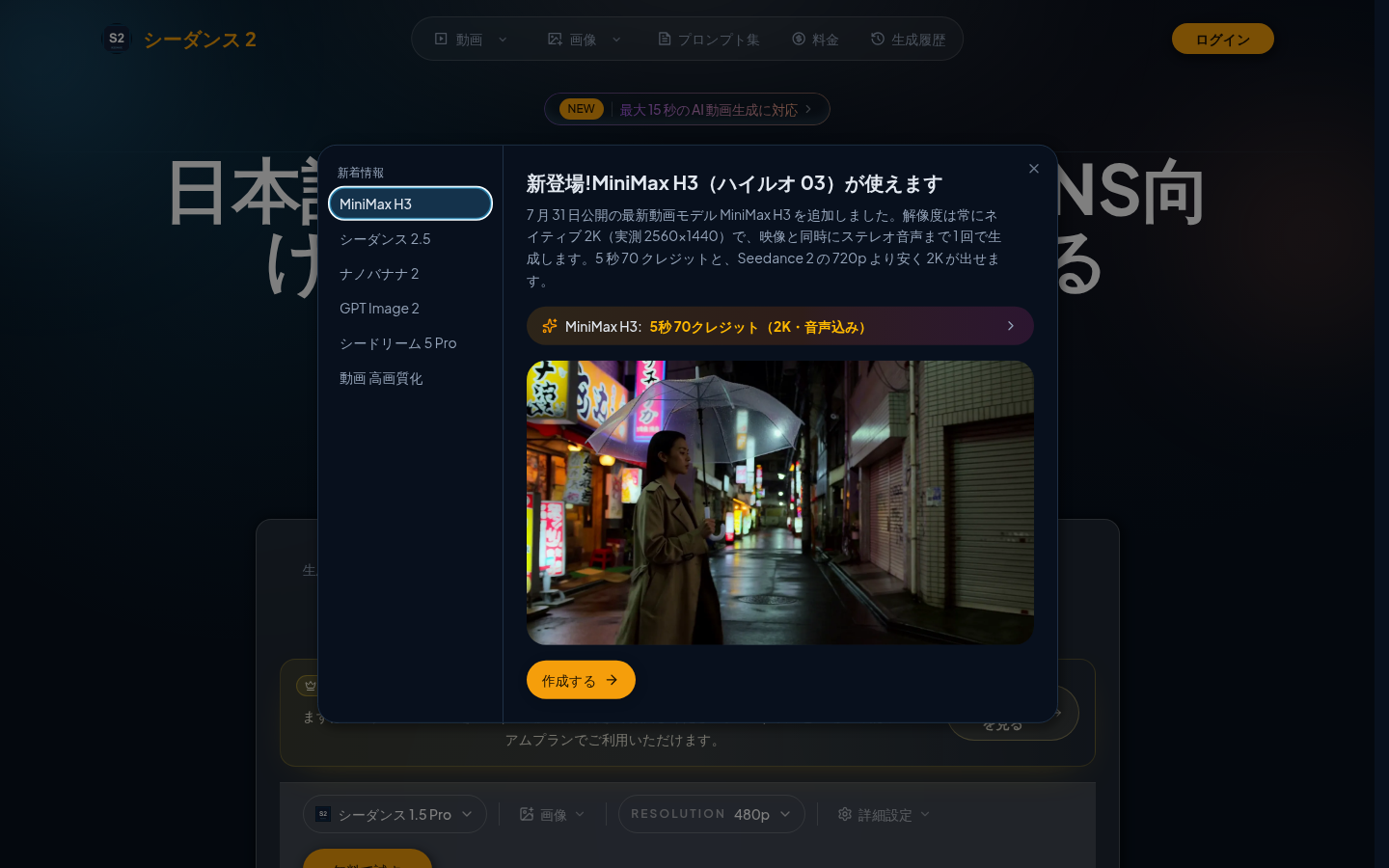
Screenshot archived from the listing page, for preview only.











