
Seedance 2 AI
ByteDance AI video generator with 1080p outputText or image in, 1080p video out
Highlights
What you can do with it
- Marketers turn product photos into short promotional videos
- Video creators build artistic shorts from written descriptions
- Studios produce style-specific concept reels for clients
How to use it
- 1 Open the Seedance 2 AI site and pick the video generator.
- 2 Upload a reference image or type a detailed text prompt.
- 3 Choose aspect ratio and settings, then press generate.
- 4 Preview the 1080p result and download the clip.
Who it is for
Pros
- 1080p native output with smooth, natural movement
- Multi-shot storytelling reduces scene-to-scene drift
- Free daily credit trial and no registration to start
Limitations
- Free access is a daily credit trial, so heavy use needs a paid plan
- Pricing tiers and credit rules can change without notice
- Result quality still depends on how precisely you write the prompt
What Seedance 2 AI is
Seedance 2 AI is ByteDance's next-generation AI video generator, built on the Seedance V2 model. It is aimed at professional creators and emphasises realistic movement, seamless transitions, and strong prompt following, so a written description or a reference image can become a finished clip without an editing suite. The engine handles native 1080p rendering, advanced motion synthesis, and multi-shot storytelling, which means characters, lighting, and atmosphere stay stable while the scene changes. The site describes a free daily credit trial, and it states that you can try the generator without registering. Above the trial there are Basic, Professional, and Max subscriptions plus a pay-as-you-go option, and the company says pay-as-you-go credits never expire.
What you can do with it
- Turn a text prompt into a 1080p video with natural motion
- Convert a static reference image into moving footage
- Keep characters and style consistent across multiple shots
- Export in ratios from 16:9 and 9:16 to 21:9 and 1:1
Who it is for
- Professional video creators who need controllable motion
- Marketers who want product clips for social and ads
- Studios producing concept reels in a specific visual style
- Anyone who wants to test an AI video tool before paying
What to watch out for
The free side is a daily credit trial, not an unlimited plan. Once the daily credits are used up you either wait or move to a subscription, and the exact allowance can change as ByteDance adjusts pricing. Output quality depends heavily on how precisely you describe the shot, so expect to rewrite prompts several times before a clip looks right. Generation speed is advertised as fast, but long or complex multi-shot sequences still take time and may need several attempts. Because the service runs on remote models, availability and feature sets can shift, so keep local copies of anything you plan to publish.
FAQ
Is Seedance 2 AI free?
It offers a free daily credit trial and the page says no registration is required. Paid plans and pay-as-you-go credits sit above that.
Can I start from a photo instead of a prompt?
Yes. It supports image-to-video creation as well as text-to-video, so you can upload a reference picture and describe what should happen.
What resolution and shapes can I export?
Clips are rendered at native 1080p, and the tool lists ratios including 16:9, 9:16, 4:3, 3:4, 21:9, and 1:1.
Why it is free
What the official page says: no registration
Free limits, trial length and features are decided by the official site and can change at any time.
Product preview
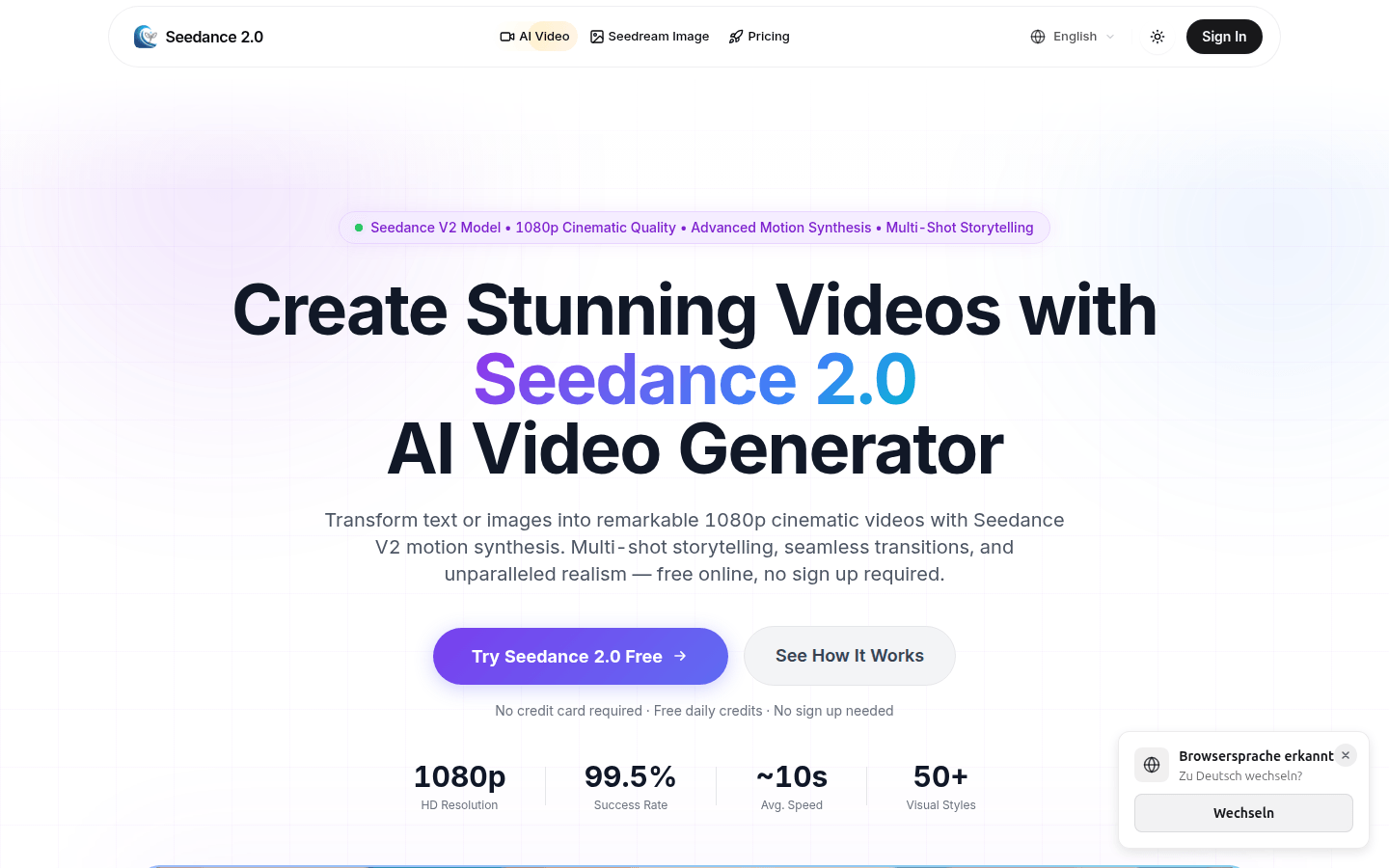
Screenshot archived from the listing page, for preview only.











