
Seedance 2.5 tech
Multi-modal 4K video platformNative 4K clips up to 30 seconds
Highlights
What you can do with it
- Create cinematic scenic shorts from a single descriptive prompt.
- Build multi-channel e-commerce marketing video from a product image.
- Restyle and repair old photos with a retro film look.
How to use it
- 1 Sign in or start free to register and get initial credits.
- 2 Type a prompt describing scene, camera movement, and mood.
- 3 Optionally upload references: images, video clips, character or audio files.
- 4 Set duration, resolution, and aspect ratio in the control panel.
- 5 Generate, preview, remix locally if needed, then export.
Who it is for
Pros
- One-pass 4K output avoids the stitching work of shorter models.
- Multi-modal references give fine control over motion and framing.
- Free credits for new users without card binding.
Limitations
- Free quota is limited, and paid plans start around $17.91 a month.
- Long 4K renders are demanding, so queue times can vary.
- Free credit amounts, pricing, and model behaviour can change without notice.
What Seedance 2.5 tech is
Seedance 2.5 is a productivity-level AI video and image generation platform released by ByteDance. Its central claim is native 4K video up to 30 seconds long produced in one pass, which removes the segment-and-stitch work that shorter models force on you. Beyond length, it is built around multi-modal input: the page says it can take up to 50 different references at once, including text, images, existing video clips, audio, and even 3D white models, which gives control over motion, camera path, and physical behaviour. Other listed features include smart local editing and remix that replaces a subject or background while preserving the original camera move and lighting, director-level 3D pre-visualisation for checking angles and motion before rendering, and native audio-visual synchronisation that generates effects, ambience, and lip-synced voice in the same latent space. Pricing is a subscription plus single-purchase add-ons, with the basic version starting around $17.91 per month, and new users get free quotas without binding a card.
What you can do with it
- Generate native 4K clips up to 30 seconds from a single prompt.
- Combine many reference types to control motion, framing, and physics.
- Remix a scene locally, swapping subject or background while keeping the shot.
- Preview with 3D white models before committing to a full render.
Who it is for
- Filmmakers and creative teams producing short film-style pieces.
- E-commerce sellers who need product marketing video quickly.
- Creators restoring, restyling, or re-editing existing photo and video material.
What to watch out for
4K rendering is expensive in compute and time, so queue waits and failed generations are a realistic possibility, and the free quota will not last long at that resolution. Pricing and free credit amounts can change without notice, especially on a recently launched platform, so check current terms before committing to a monthly plan. Multi-modal input is powerful but demanding: you need good reference material and clear prompts, otherwise the extra control does not pay off. Save and export anything you like, and do not upload footage you do not have the rights to use.
FAQ
How long can a video be?
Up to 30 seconds at native 4K in a single generation, according to the product page.
What inputs does it accept?
Up to 50 multi-modal references, including text, images, video clips, audio, and 3D white models.
Is there a free option?
Yes, new users get free creation credits without binding a card. After that there are subscription plans and single-purchase add-ons, with the basic version starting around $17.91 per month.
Why it is free
What the official page says: 免费额度免费
Free limits, trial length and features are decided by the official site and can change at any time.
Product preview
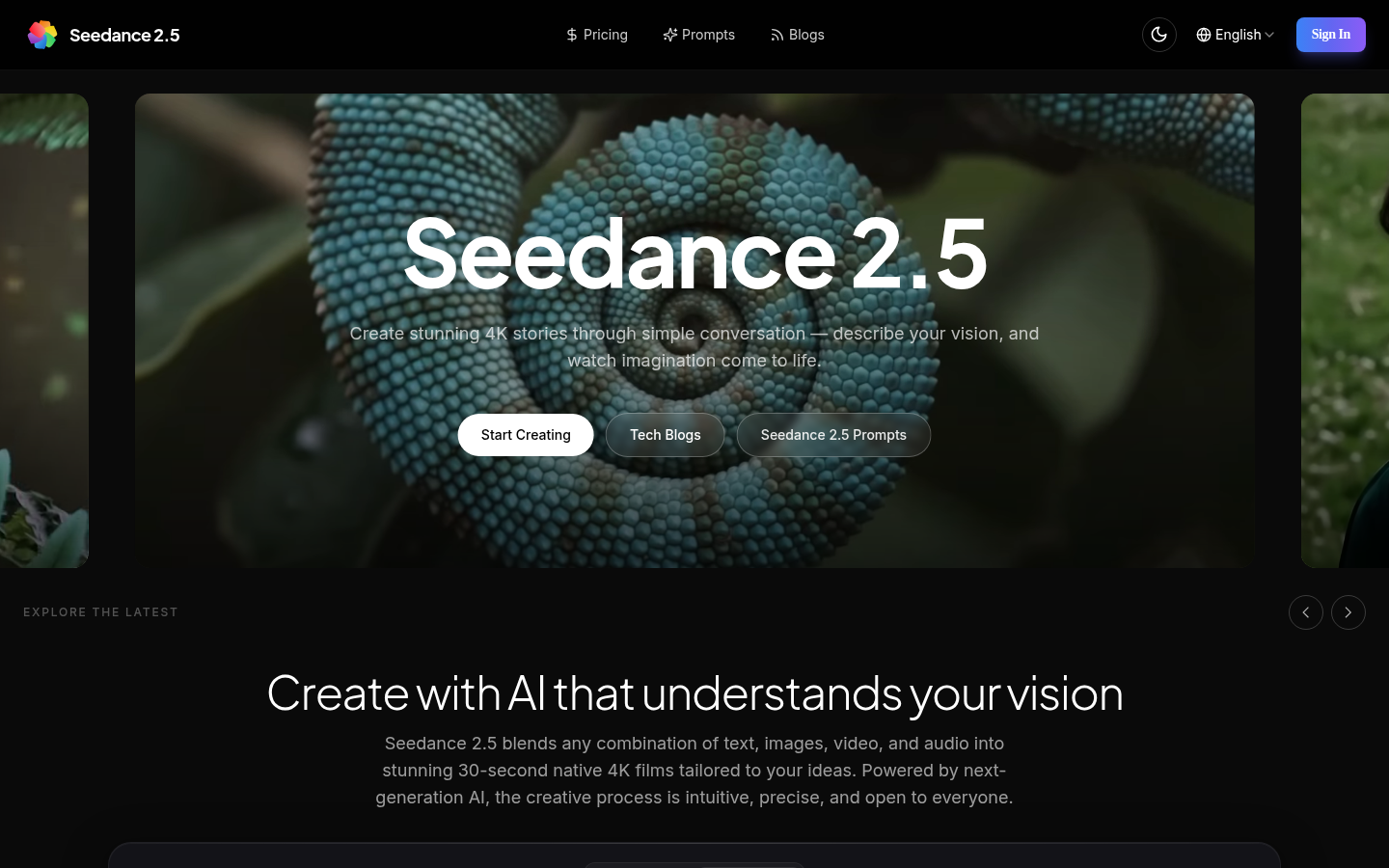
Screenshot archived from the listing page, for preview only.











