
Highlights
What you can do with it
- Generate a clip from a written prompt on any laptop
- Animate a reference image into a short video
- Test the workflow with free beginner points
- Top up with points only when output volume grows
How to use it
- 1 Open the site in a browser, no install needed.
- 2 Let the workstation load with the Seedance 2 model selected.
- 3 Enter a prompt or upload a reference image.
- 4 Generate the clip and review the result.
- 5 Use daily check-in rewards, or buy points if you need more.
Who it is for
Pros
- No GPU or software install required
- Free beginner points and check-in rewards
- Simple path from prompt to clip
- Paid points only matter at higher volume
Limitations
- Free rewards are small and daily, so volume is limited
- Browser performance depends on your connection
- Points-based paid plans replace the free route
- Free reward rules can change at any time
What Seedance 2.5 AI is
Seedance 2.5 AI is an AI video generator built around the online creation experience rather than a desktop app. It supports text-to-video and image-to-video workflows, and when you open it, an AI video workstation loads with the Seedance 2 model already selected, so there is no model hunting before you start. Because everything runs in the browser, it does not require a local GPU, which makes it usable on ordinary laptops. The stated purpose is to let creators turn prompts, reference images and similar inputs into refined AI video clips. New users get a small amount of beginner points and lower daily check-in rewards, which covers free trials, while heavier users can move to a paid points plan.
What you can do with it
- Write a prompt and generate a video clip in the browser.
- Upload a reference image and animate it.
- Start generating immediately with the model preselected.
- Collect free beginner points and daily check-in rewards.
- Scale up by buying points only when you need more output.
Who it is for
- Creators who do not own a capable GPU.
- Writers and marketers who think in prompts rather than timelines.
- Beginners who want a free way to test AI video.
- Anyone who prefers a browser tool over installed software.
What to watch out for
The free route is deliberately small: beginner points plus reduced daily check-in rewards will get you a handful of clips, not a working pipeline, and the value of those rewards can be changed at any time. Running a video model in a browser also means your experience depends on your connection and on server load, so generation can be slower than the marketing suggests on a bad day. The paid points plan is the real answer for regular use, which means the total cost depends entirely on how much you iterate. Finally, output still needs review: prompt following and image fidelity will vary between attempts, and you should not assume the first generation is the one you publish.
FAQ
Do I need a GPU?
No, it is described as usable without a local GPU.
What can I generate?
Text-to-video and image-to-video clips.
How do I try it for free?
New users receive a small amount of beginner points plus lower daily check-in rewards.
What if I need more?
Heavier users can choose a paid points plan.
Why it is free
What the official page says: 免费试用免费
Free limits, trial length and features are decided by the official site and can change at any time.
Product preview
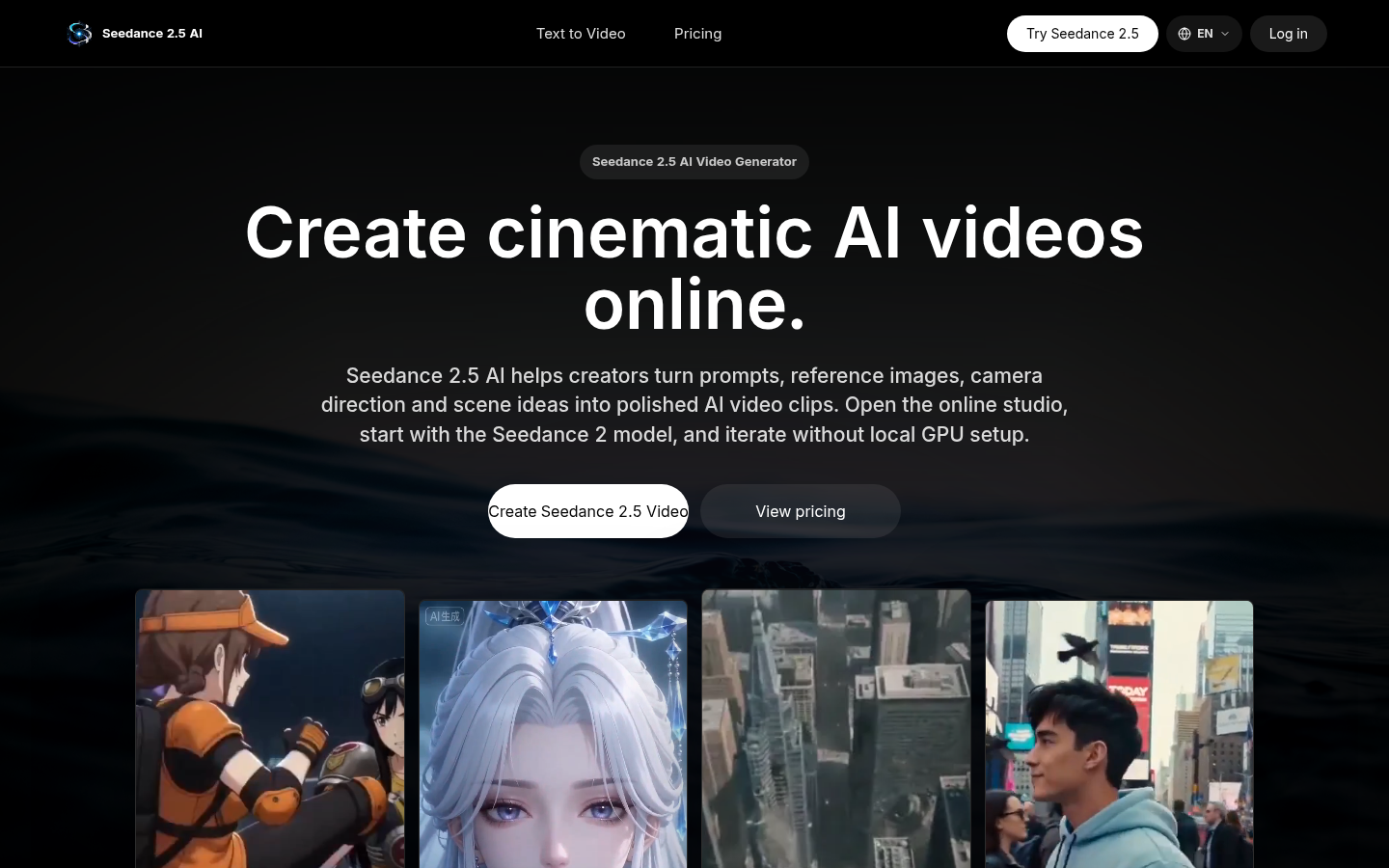
Screenshot archived from the listing page, for preview only.