
Highlights
What you can do with it
- Making short 4K video for social media
- Producing e-commerce product clips
- Building advertising campaign assets in the browser
How to use it
- 1 Open the workspace in your browser
- 2 Add your multimodal references, up to 50
- 3 Generate the 4K video up to 30 seconds
- 4 Review shot consistency and adjust references if needed
Who it is for
Pros
- Native 4K output up to 30 seconds
- Large reference capacity for consistent shots
- No local software to install
- Convenient for social, e-commerce, and ad work
Limitations
- The 50% annual credit discount is a limited-time promotion
- Videos are capped at 30 seconds, so longer projects need joining
- Consistency depends on the quality of your references
- Browser rendering depends on your connection and server load
What Seedance 2.5 is
Seedance 2.5 is a browser-based video generation workspace built on the Seedance 2.5 model. It is designed to give creators a convenient and efficient way to make video without local software. The page lists native 4K videos up to 30 seconds long, support for up to 50 multimodal reference inputs, and consistency across shots. It is aimed at video production for social media, e-commerce, and advertising campaigns, where a short, sharp clip matters more than a long edit. A limited-time offer gives 50% off an annual AI video credit, which is the main pricing hook on the page.
What you can do with it
- Generate native 4K video up to 30 seconds
- Feed up to 50 multimodal references into one project
- Keep shots consistent across a sequence
- Work entirely in the browser
Who it is for
- Social media creators posting short video
- E-commerce sellers making product clips
- Advertisers producing campaign assets
- Editors who work entirely online
What to watch out for
The 50% annual credit discount is a limited-time promotion and can end, and free access details are not spelled out on the page, so check the pricing before you rely on it. Videos are capped at 30 seconds, so longer projects need editing and joining afterward. Consistency across shots depends on the quality of your references, and 50 inputs still need clear organization or the model will mix them up. Browser-based rendering depends on your connection and server load, so busy times can be slower than expected. Features and interface details may change between versions, so review the latest notes on the page before you start.
FAQ
What is Seedance 2.5?
It is a browser-based video generation workspace built on the Seedance 2.5 model.
How long can the videos be?
It generates native 4K videos up to 30 seconds long.
How many references can I use?
The page lists support for up to 50 multimodal reference inputs.
Is there a discount?
There is a limited-time offer of 50% off an annual AI video credit.
Why it is free
What the official page says: 免费
Free limits, trial length and features are decided by the official site and can change at any time.
Product preview
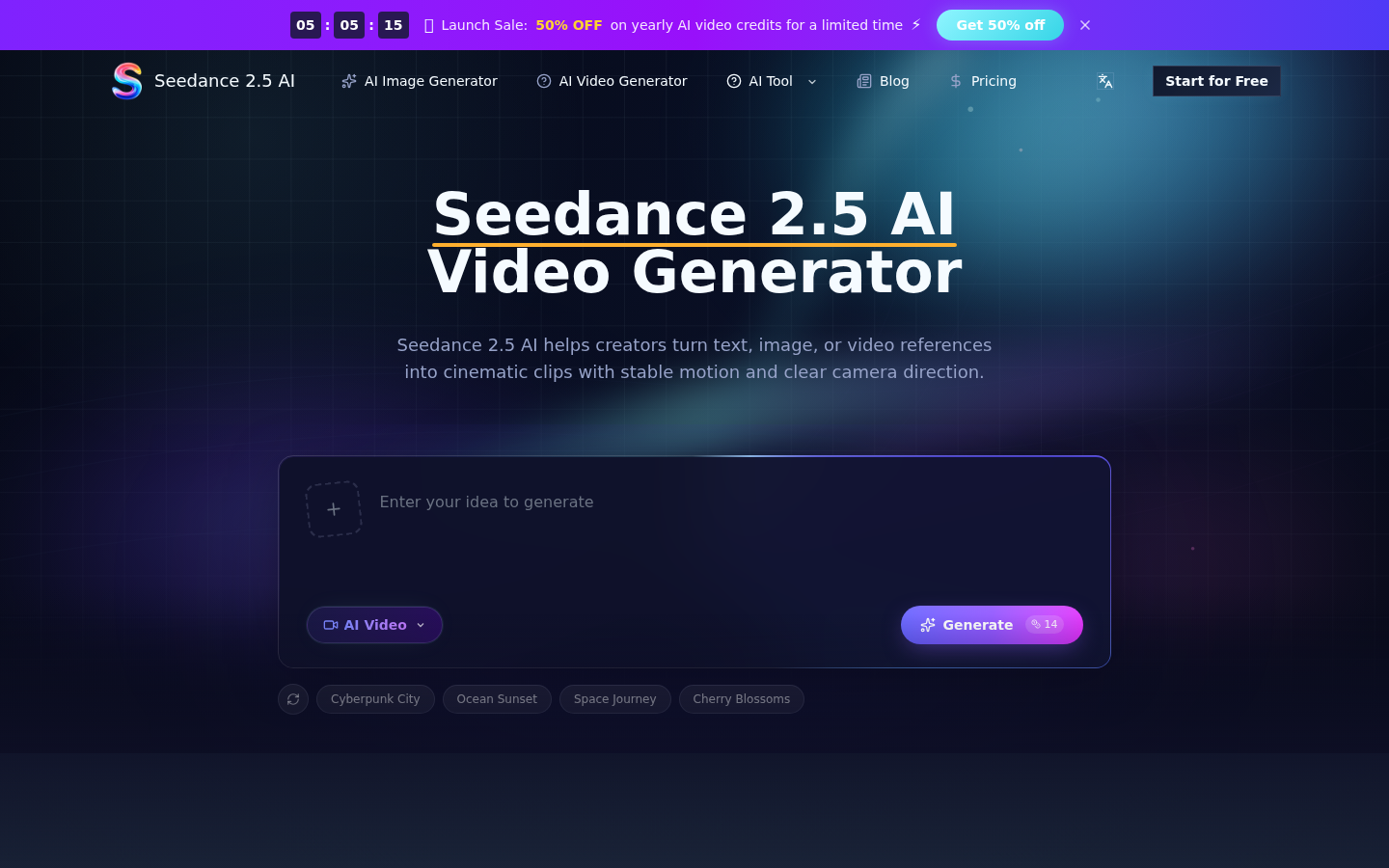
Screenshot archived from the listing page, for preview only.