
Seedance 2
Multimodal AI video and image platformVideo, image, and music from one brief
Highlights
What you can do with it
- Building a video from reference clips, images, and audio
- Replicating a shot style from an existing clip
- Generating related images and music for a video project
How to use it
- 1 Start the free trial on seedance-2.ai
- 2 Upload the images, video, or audio you want as references
- 3 Write the prompt using the supported syntax for control
- 4 Generate the video, then apply shot replication or editing features
- 5 Export the result and reuse it with the image and music tools
Who it is for
Pros
- Multiple reference types accepted in one workflow
- Syntax-based control gives finer direction than plain prompts
- Image and music tools sit next to the video tools
Limitations
- Free trial terms can change and paid details are not stated here
- Learning the syntax for precise control takes time
- Output quality depends heavily on your reference material
- Platform behavior can change as the underlying model updates
What Seedance 2 AI is
Seedance 2 AI is a multimodal AI video and image creation platform from Seedance 2.0, bringing ByteDance's multimodal AI video technology to creators. The input model is wider than a plain text prompt: you can upload images, videos, and audio as creative references, then steer the result using syntax for precise control. On the output side, the platform generates cinematic-quality video with built-in sound effects, and lists shot replication, video editing, and single-shot continuity among its features. Alongside video, it offers AI image generation and music creation tools, which matters when a project needs related visuals and a soundtrack in the same session. A free trial is currently available, which is the practical way to see how reference input and syntax control behave on your own material.
What you can do with it
- Generate video from prompts plus image, video, and audio references
- Replicate a shot style from an existing clip
- Use built-in sound effects and single-shot continuity for smoother sequences
- Create related images and music next to your video project
Who it is for
- Creators working across video, image, and music in one project
- Editors who want shot replication and editing in a single tool
- Teams testing multimodal reference input before committing
What to watch out for
The free trial is the current access path and its terms can change; paid details are not stated in the available material, so confirm them before you plan production around the tool. Precise control runs through syntax, which means a learning curve before results become consistent. Reference quality drives output quality: weak or unsuitable references weaken the final video. Because the platform sits on top of an upstream model, behavior, feature availability, and pricing can shift as the provider updates the technology.
FAQ
What can I upload as references?
Images, videos, and audio.
How is output controlled?
Through syntax, in addition to the prompt itself.
Does it include audio?
Yes, built-in sound effects are listed among the video features.
Are there other tools?
Yes, AI image generation and music creation tools are included.
Why it is free
What the official page says: 免费试用免费
Free limits, trial length and features are decided by the official site and can change at any time.
Product preview
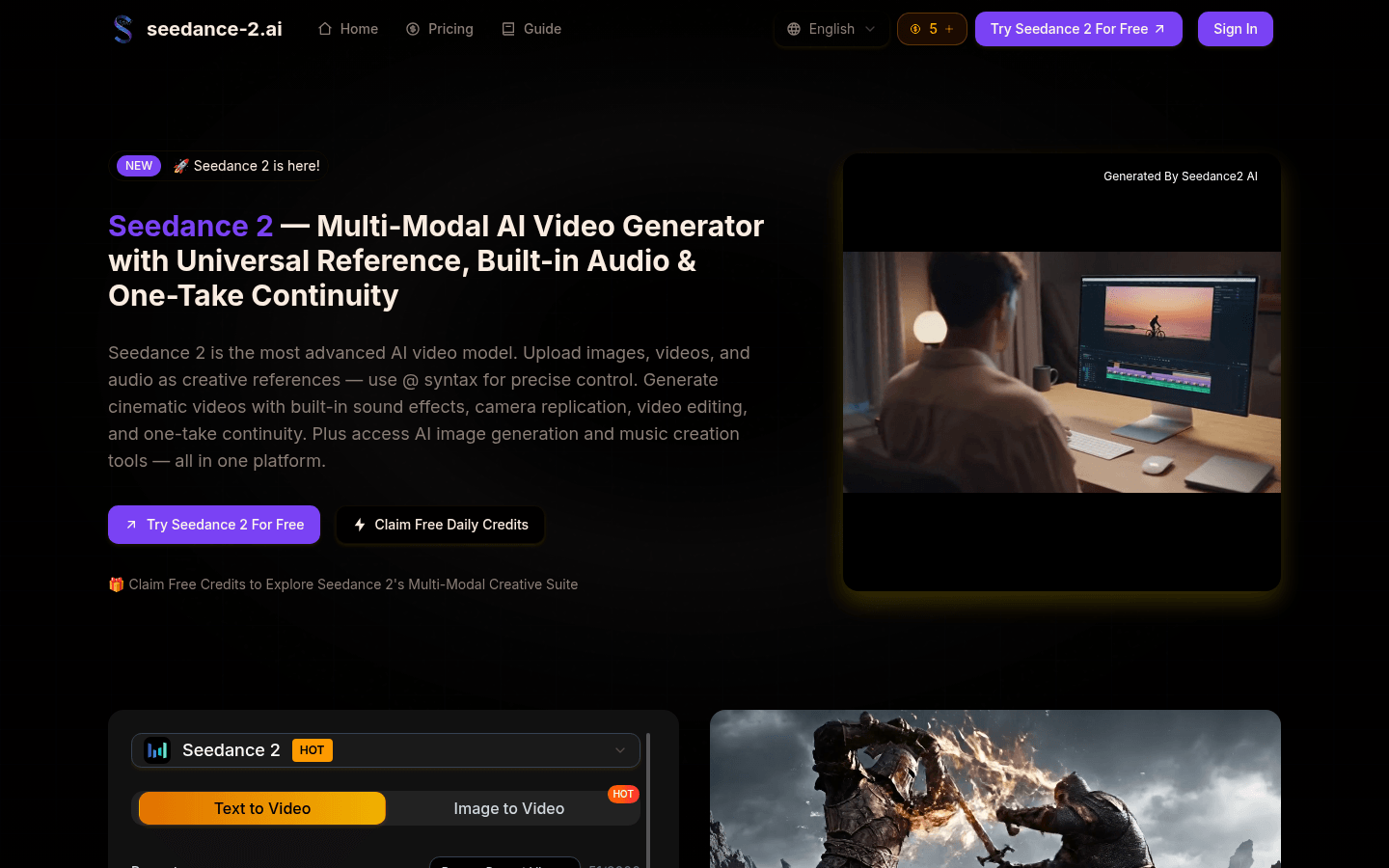
Screenshot archived from the listing page, for preview only.