
Seedance 2.1 Video Generator
AI video and image generation workspace with mode selectionFilm-grade Seedance 2.1 video creation
Highlights
What you can do with it
- Create a cinematic action video using a detailed desert battle prompt with camera movement and style settings
- Iterate on 480p and 720p drafts in Seedance 2 Fast mode before committing to a final render
- Build a high-impact desert sequence for advertising or promotional campaigns
How to use it
- 1 Pick a mode: Seedance 2.1 for final film-grade work or Seedance 2 Fast for low-cost drafts
- 2 Write a prompt covering theme, action, environment, camera movement, lighting, and style
- 3 Set duration, aspect ratio, and resolution (480p, 720p, or 1080p depending on the model)
- 4 Check the estimated credit cost, then run the task and download the video
Who it is for
Pros
- Draft mode keeps early iteration cheap before the expensive final render
- Credit estimates appear before generation, avoiding surprise charges
- Built-in prompt library lowers the barrier for new users
Limitations
- Pricing is credit-based, so heavy use adds up beyond the free tier
- Resolution options depend on which model you pick, so 1080p is not always available
- Generation quality still depends on how well you write prompts
What Seedance 2.1 Video Generator is
Seedance 2.1 Video Generator is an AI video and image generation workspace. It runs Seedance videos and also supports GPT Image 2 for stills. The price range starts at free and tops out at $1.10, so you can try the workspace before committing credits. The core idea is to keep drafting cheap and reserve the better model for final output.
What you can do with it
- Text-to-video: type a prompt describing the scene, action, lighting, and camera movement, and get a video back.
- Image-to-video: upload a still and describe how it should move.
- Credit preview: see the estimated cost before you run a generation.
- Mode switching: jump between Seedance 2.1 for finals and Seedance 2 Fast for drafts.
- Prompt library and gallery: browse prompt ideas when you are stuck.
- Output control: set duration, aspect ratio, and resolution where the model allows it.
Who it is for
- Video creators who want a cheap draft pass before a final render.
- Advertising and marketing teams that need video assets quickly.
- Self-media publishers producing content on a regular schedule.
What to watch out for
Credits are the currency here, so long projects and high resolutions add up. Resolution is model-dependent: Seedance 2 Fast caps out at 480p and 720p, so anything higher needs the paid tier. Output quality tracks closely with prompt quality, and the free tier may not cover every workflow you have in mind. Features and interface details may change between versions, so review the latest notes on the page before you start. For team use, agree on naming and editing conventions in advance to avoid version conflicts or duplicated work.
FAQ
Is there a free option?
Yes. The price range starts at free and goes up to $1.10 depending on the settings you select.
What is the difference between the two modes?
Seedance 2.1 is meant for final film-grade editing, while Seedance 2 Fast handles low-cost 480p and 720p draft testing.
Can I upload my own images?
Yes. Image-to-video conversion lets you upload a reference image and describe the motion, camera movement, and style you want.
Why it is free
What the official page says: 免费
Free limits, trial length and features are decided by the official site and can change at any time.
Product preview
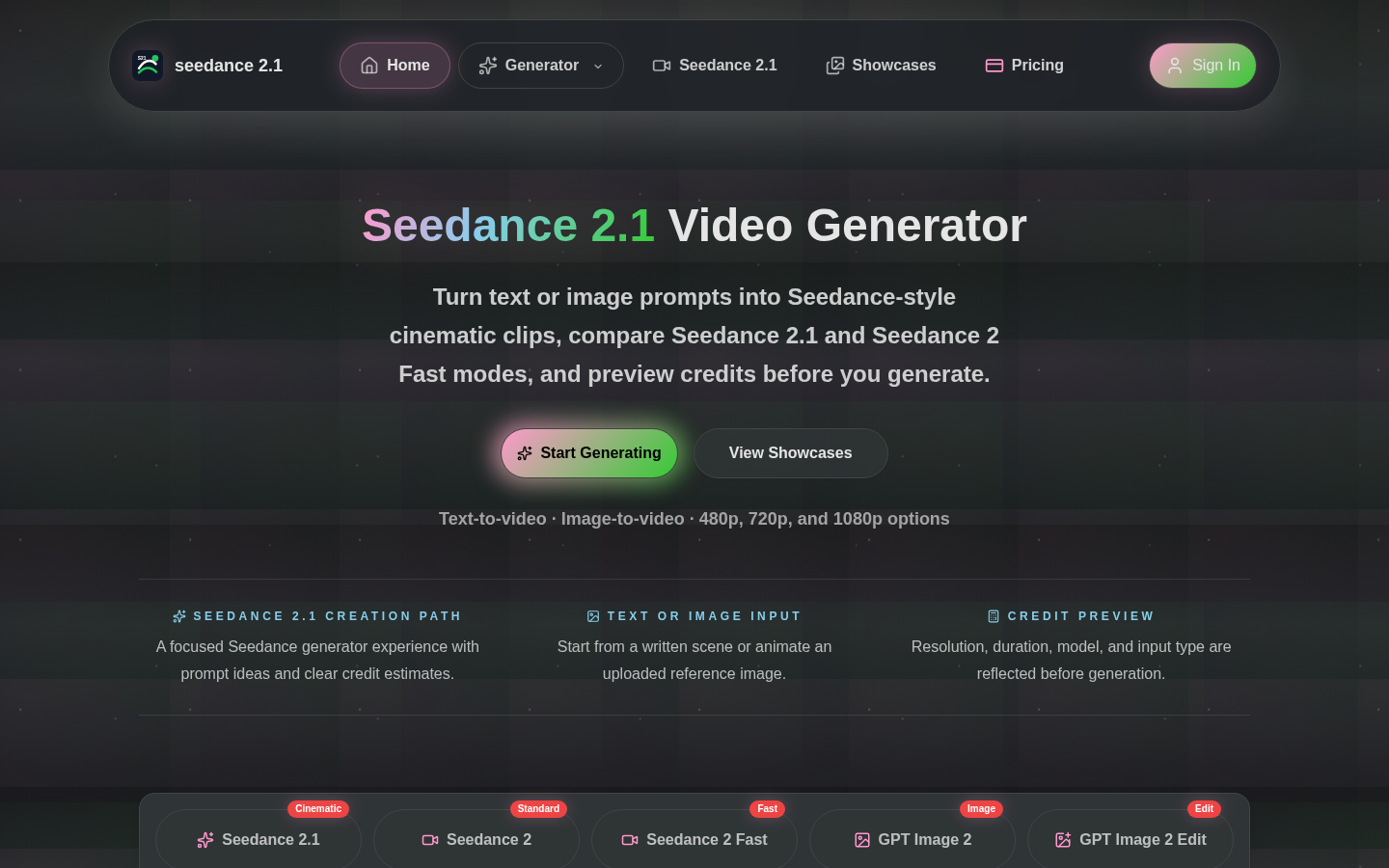
Screenshot archived from the listing page, for preview only.











