
Seedance 2.0 AI Video Generator
Free AI video generatorTurn text, image, and audio into 2K video
Highlights
What you can do with it
- Marketers turn product text and images into promo videos
- Educators build teaching videos with audio and images
- Creators make multi-shot story videos from a script
How to use it
- 1 Open the site and pick an input mode
- 2 Prepare your text, image, video, or audio files
- 3 Set resolution, duration, and camera options
- 4 Generate, edit with natural language, then download
Who it is for
Pros
- One tool handles text, image, video, and audio input
- Native audio and lip-sync reduce post-production
- Free level available, with 2K output in under a minute
Limitations
- Free usage limits and paid plan pricing may change
- AI video can still show errors in complex scenes
- Character and physics accuracy may vary by prompt
What Seedance 2.0 AI Video Generator is
Seedance 2.0 is a multi-modal AI video model from ByteDance. It takes text, image, video, and audio as input and generates 2K videos with native audio in a single pass, so sound does not need a separate post-production step. The model supports lip-sync for 8 languages, multi-shot storytelling, and keeps characters consistent across shots and scenes. You can also edit existing clips using natural language and control camera moves such as zoom, pan, and orbit through prompts. According to the maker, a 2K video renders in under 60 seconds, which is about 30% faster than Seedance 1.5 Pro. A free level is available alongside paid plans for heavier use.
What you can do with it
- Turn text, image, video, and audio into a 2K video
- Generate native audio and 8-language lip-sync automatically
- Build multi-shot stories with consistent characters
- Edit clips and steer the camera using natural language
Who it is for
- Individual creators who make videos from scripts or ideas
- Marketers and educators who need video content quickly
- Professional producers who want 2K output and camera control
What to watch out for
The free level comes with limits, and paid pricing may change over time, so check current terms before you build a workflow around it. AI video can still produce errors in fast motion or complex scenes, and character or physics accuracy may vary depending on the prompt. Because it relies on generated content, review any clip meant for public or commercial release. Generation time and quality depend on your settings, so test with a short clip before committing to a long render.
FAQ
What inputs does Seedance 2.0 accept?
It supports text, image, video, and audio, and can combine them in one generation.
How fast is it?
The maker states a 2K video can be generated in under 60 seconds, about 30% faster than Seedance 1.5 Pro.
Can I edit the video after?
Yes, you can upload clips and describe changes in natural language, and control the camera through prompts.
Why it is free
What the official page says: for free
Free limits, trial length and features are decided by the official site and can change at any time.
Product preview
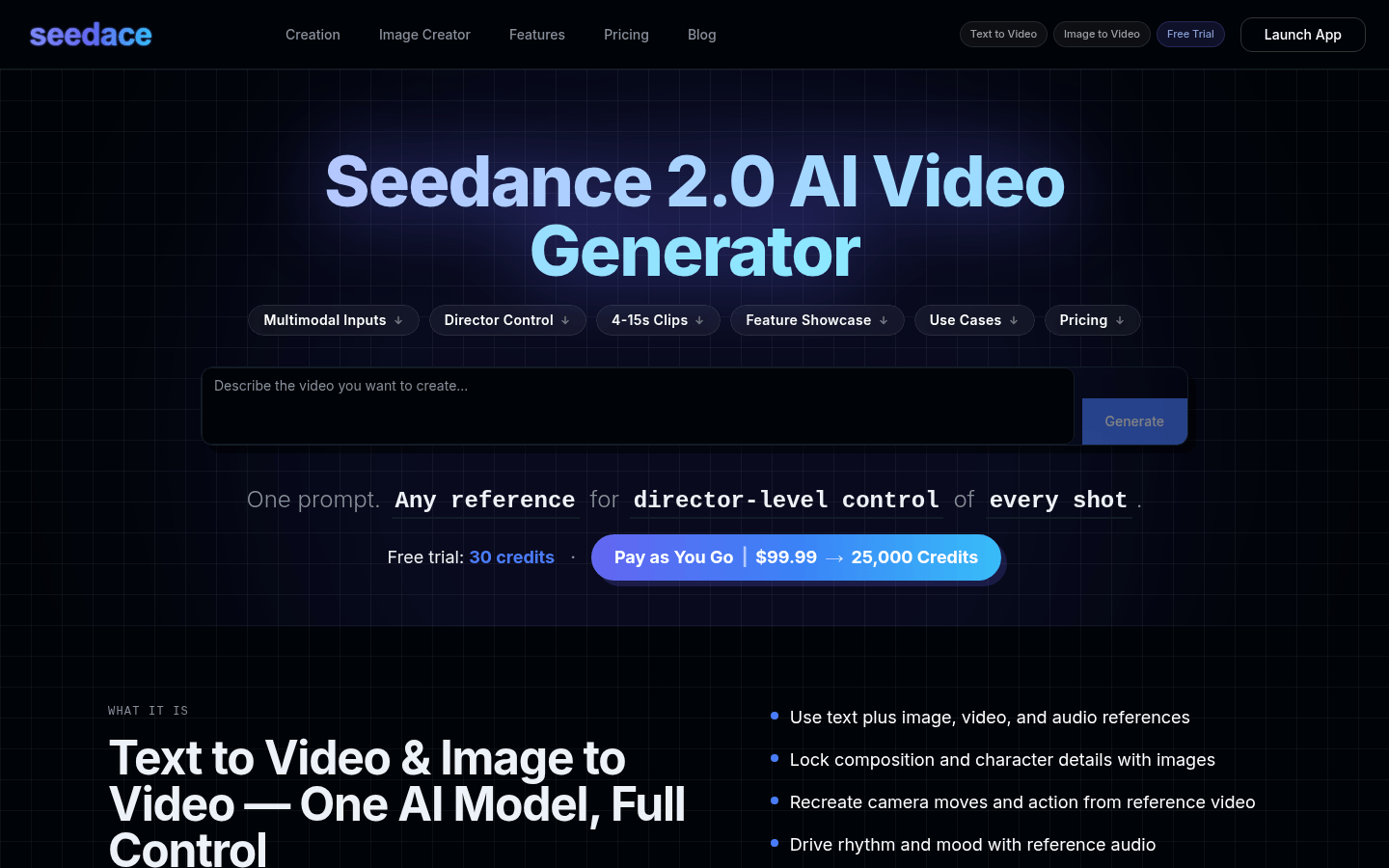
Screenshot archived from the listing page, for preview only.











